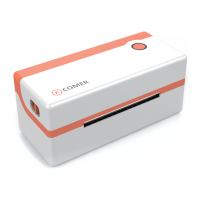
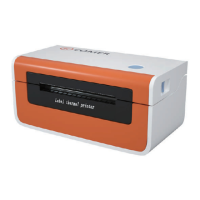
To ensure optimal print quality, use the original factory power adapter;
Avoid the poor quality paper which wear the printer greatly, Causing damage the heat
of the printer;
Regularly or at the print unclear, please clean the print head, to ensure high-quality
print results;
When replacing the paper specification(including the thickness of the paper, quality),
suggest do “Automatic identification label”;
If the poor quality of the paper, and ensure the heating has been cleaning, If print effe-
ct could still not meet the requirement, can adjust the appropriate high concentration
of printing, the range of 0 to 15 levels.
The product have paper absorption function, please load the paper in the rear suction
mode, Open cover will cause the waste of paper;
The Comer thermal printer is covered by a one-year
warranty.
In the unlikely event that you experience any
issues with your printer, please contact Comer
customer service to promptly receive
troubleshooting tips or a replacement.
For any questions and/or suggestions, please email
the service01@raycloud.com.cn
Any further information please visit http://www.kcomer.com


 To Next Page
 Loading...