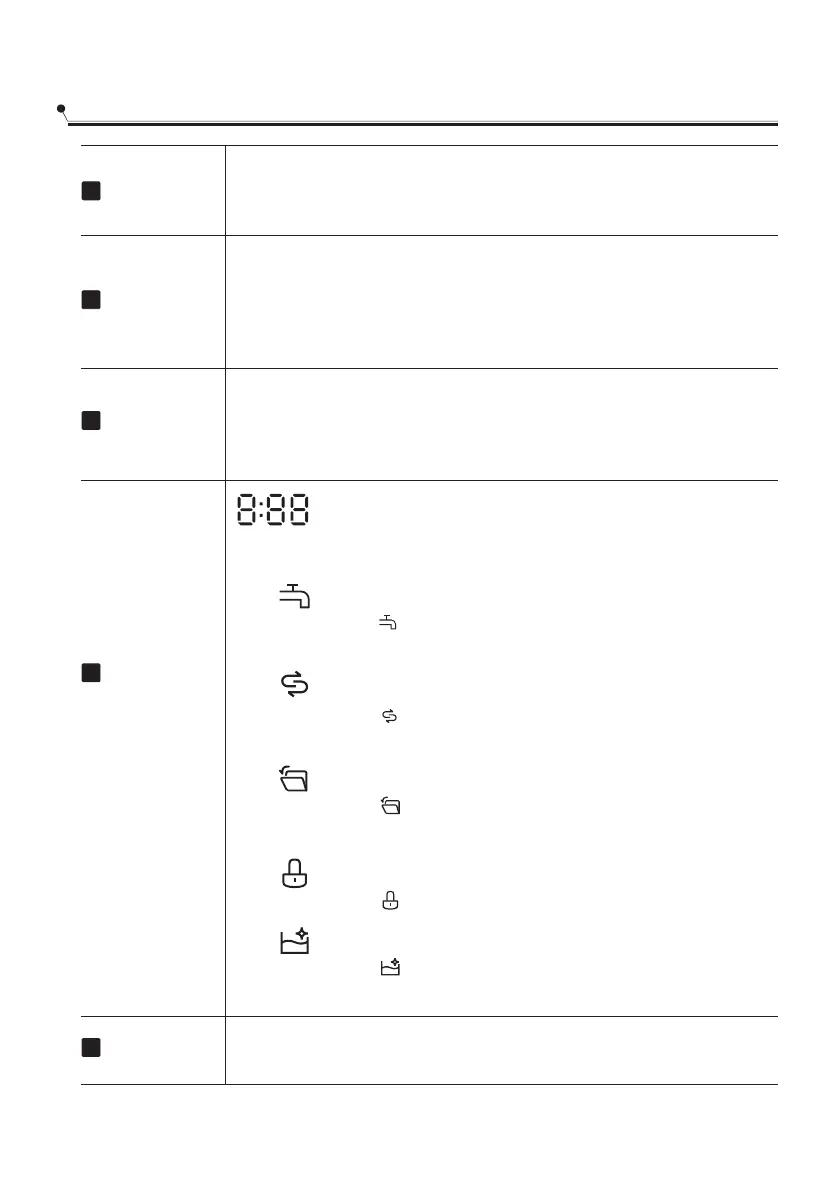
Digital Display
This function allows you to lock the buttons on the control panel, so
children cannot accidently start the dishwasher by pressing the
buttons on the panel. Only the Power button remains active.To lock
or unlock the buttons on the control panel, press and hold the
Delay - and Delay + buttonsfor 3 seconds simultaneously.
Child lock
12
To show the remaining time and delay time, functions,
error codes etc.
13
14
Press this button to set the delayed hours for washing.You can delay
the start of washing up to 24 hours. One press on this button delays
the start of washing by one hour.
Delay +
11
15
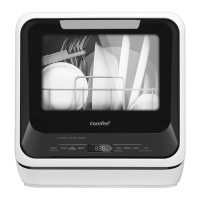
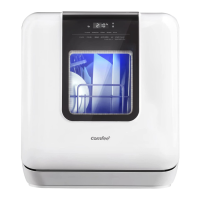
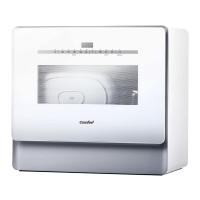
Control panel
Start/Pause
After completing program and function selection or delay time setting,
press this button to start or pause. When the washing program is
running, after the program is suspended by opening the door, press
any button to cancel the current program and function.
.
Screen
Salt
Water Faucet
If the indicator is lit, it means the water faucet
closed.
Child lock
If the indicator is lit, it means the child lock is on.
Self Clean
If the indicator is lit, it means the self-clean program
is running.
If the indicator is lit, it means the dishwasher is
low on dishwasher salt and needs to be refilled.
12
Light ring
Auto open
If the indicator is lit, it means the Auto open
is selected.
The color of the ring will turn red if the water temperature
is over 59 °C.


 To Next Page