10
Care and Cleaning Instruc�ons
TROUBLESHOOTING GUIDE
1. Do not wash in washing machine or immerse the product or the adapter in water.
3. The massager should be wiped with a slightly moist cloth and dried thoroughly. Do not wipe the
product with alcohol or harsh chemicals such as thinner or bleach.
4.
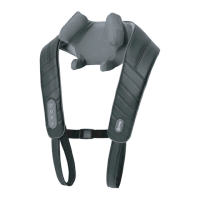
The Cover for neck is detachable and washable.
force in excess of 110 lbs. may damage your massager and invalidate your warranty. Refrain from
over usage of the device.
8. Store the massager in a cool, dry place out of reach of children.
9. Avoid contact with sharp edges or pointed objects which might cut or puncture the cover of
massager.
reduced speed.
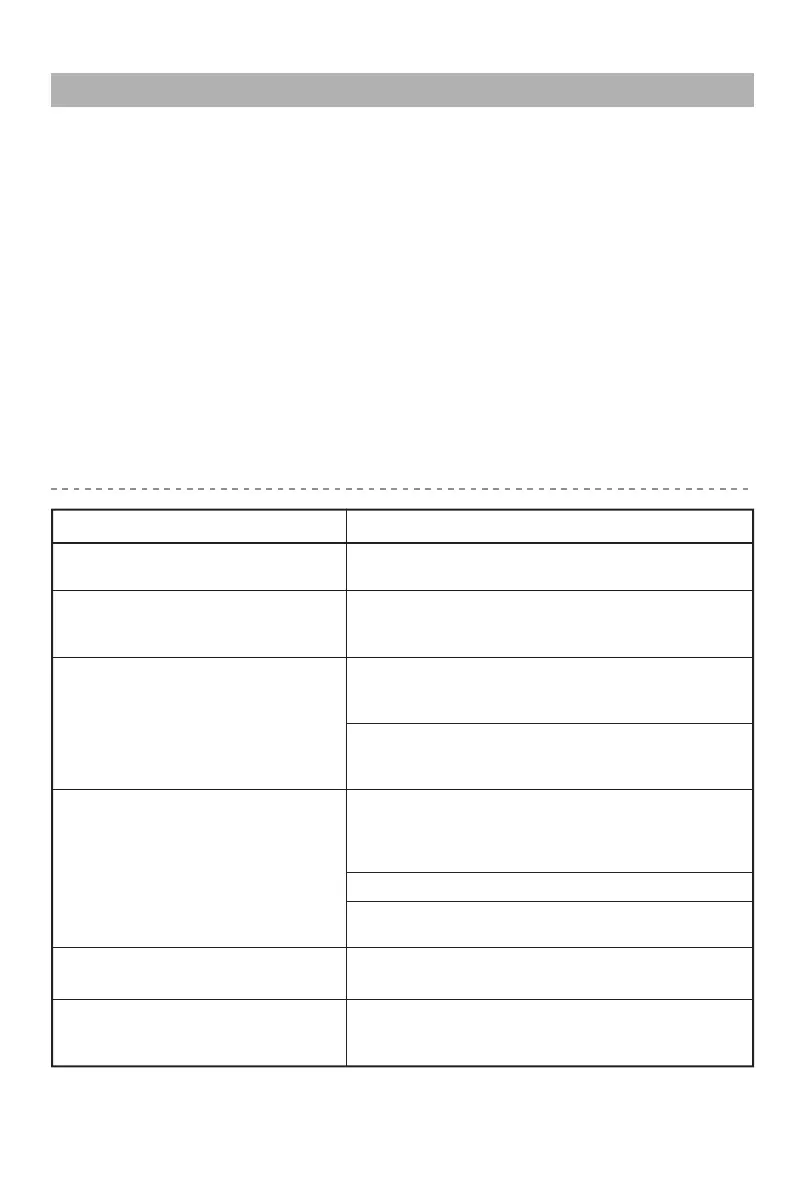
Massage heads only rotate in
the upper or lower region.
Excessive pressure may have been applied onto the
device. Reduce the pressure and try again.
Device may be jammed. Remove pressure from the
Infra-red lights are on but no
Fault Solutions
The pressure on the massage heads is excessive.
Reduce pressure and try again.
massage to cover both regions.
Device may have been in use for 15mins. Auto-shut-
Check if adapter is plugged into socket.
Check if adapter output is connected to device
power inlet wire.
Check if device has been used for more than 15mins.
environments.
Device fail to start


 To Next Page