7
Installation Considerations
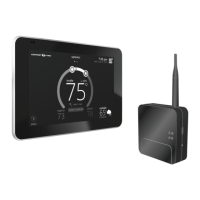
Things to consider when installing the Smart Hub:
• Install the Smart Hub near the indoor unit such that there is a direct path to the approximate
location of the home Wi-Fi access point (the signal is not blocked by the indoor unit or duct
work, for example).
• The Smart Hub can be attached to a vertical surface such as a wall stud or roof truss web, or
to a horizontal surface such as a oor or ceiling joist, or a roof rafter.
• The Smart Hub antenna should be positioned such that they are roughly vertical, no matter the
orientation of the Smart Hub, itself.
• Do not install the Smart Hub on the indoor unit, duct work, or other equipment that could
induce vibration in the Smart Hub.
• Do not install the Smart Hub on or near large metal objects. This could adversely aect the
range and directional coverage of the Smart Hub Wi-Fi signal.
• If the Smart Hub MUST be installed on a metal object, orientate the antenna perpendicular to
the metal surface.
• In all cases, the Smart Hub antenna orientation may need to be adjusted to obtain best Wi-Fi
results.


 To Next Page