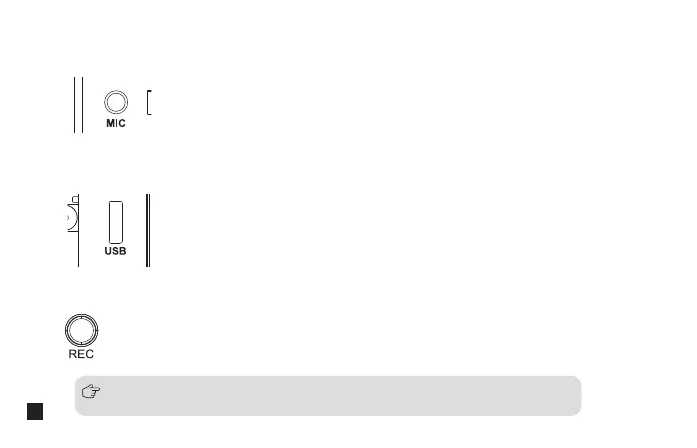
Long press to start or stop the recording when the screen is on
2.6. REC Button
Connect the transmitter with the power or computer through 3 in 1 charging/output cable to charge or copy
recording file
2.5. USB-C Charging/Copy Port
Insert the 3.5mm TRS microphone input cable, and you can use the external lavalier microphone for
recording. At this time, the internal microphone of this device is turned o
2.4. 3.5mm TRS Microphone Port
All the function adjustments are only available when the screen is on, and if the
screen is dimmed, press any button to light up the screen and then adjust again
10


 To Next Page