Connect with mobile phone through the 3.5mm TRS-TRRS audio cable; Connect with camera through the
3.5mm TRS-TRS audio cable
All the function adjustments are only available when the screen is on, and if the
screen is dimmed, press any button to light up the screen and then adjust again
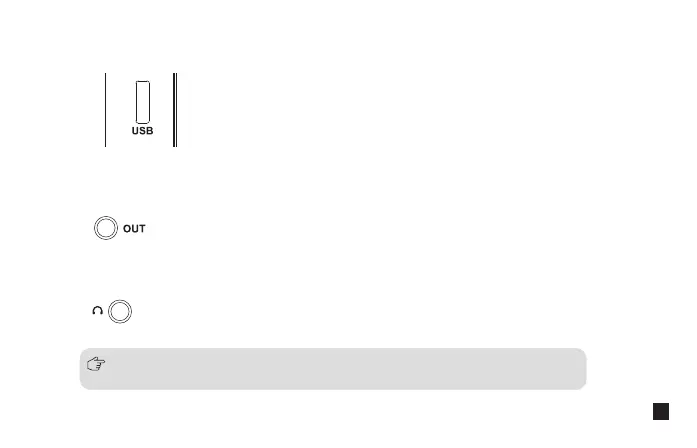
2.5. 3.5mm TRS Audio Output Port
Insert headphone to monitor
2.6. 3.5mm TRS/TRRS Monitoring Port
Connect the receiver with the power or USB interface devices through 3 in 1 charging/output cable to
charge or output
2.4. USB-C Charging/Output Port
13


 To Next Page