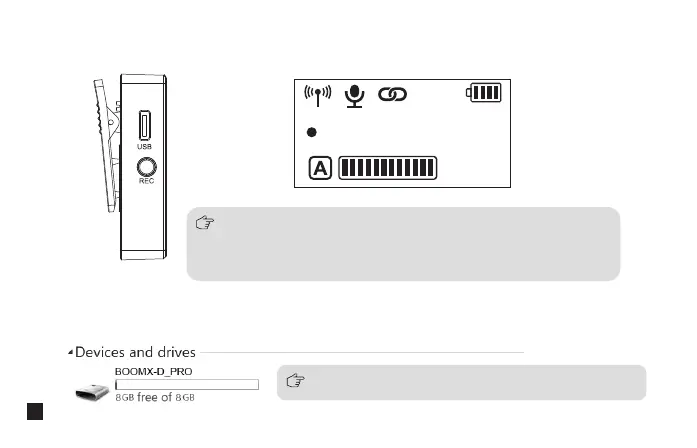
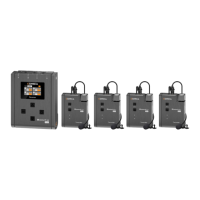
BOOMX-D_PRO disk appears after BoomX-D PRO is connected with the computer, then you can copy the
recording file
When you need to continuously record, a new recording file will be
saved every 2 hours of recording, and the total recording time is 24
hours. When the 8G memory is full, the new recording file will overwrite
the old recording file
Long press to start or stop the recording when the screen is on
2. Use the REC function according to your need
REC
00
:
00
:
00
3. Copy recording file according to your need
Please keep the TX turned on when copying recording files
16


 To Next Page