Tips
1. BoomX-D PRO is universal for USB and 3.5mm interface devices. When used in smartphone, the system will
compulsorily choose BoomX-D PRO as audio input and output device
2. When used in computer, please follow the steps below:
①
Insert BoomX-D PRO into the computer
②
Click sound setting and set the “Comica_ BoomX-D_PRO” as the input and output device
Sound
Output
Choose your output device
Comica_BoomX-D_PRO
Input
Choose your input device
Comica_BoomX-D_PRO
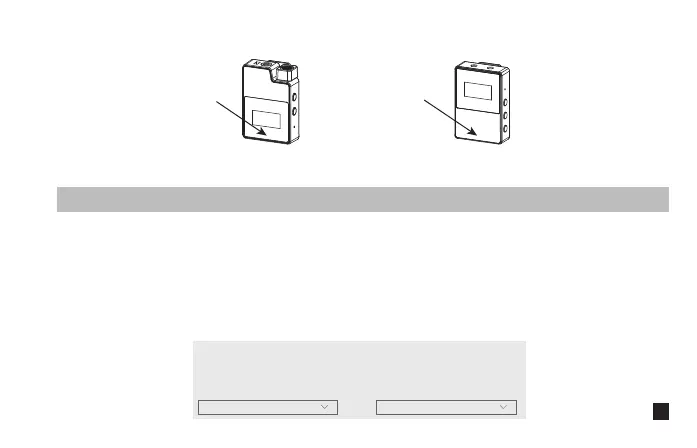
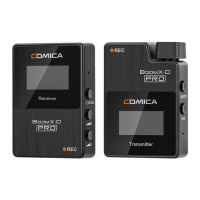
Receiver (RX)Transmitter(TX)
Don't block the antenna position to avoid any poor signal generated
Antenna position
Antenna position
3


 To Next Page