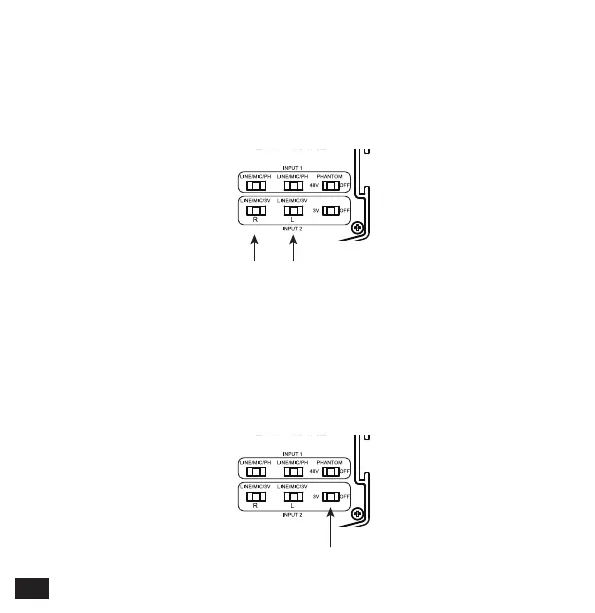
Left LINE/MIC/3VRight LINE/MIC/3V
5.LINE/MIC/3V (For INPUT2)
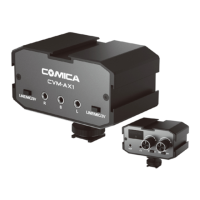
3V/OFF
6.3V/OFF
If you’re using LINE IN function, set the switch to ‘LINE’
If you’re using Positive Microphone (Mic with power driven), set the
switch to ‘MIC’
If you’re using Passive Microphone (Mic with no power driven) , set
the switch to ‘3V’
If you’re using Passive Microphone (Mic with no power driven) ,
set the switch to ‘3V’
If you’re using Positive Microphone (Mic with power driven),
set the switch to ‘OFF’
6


 To Next Page