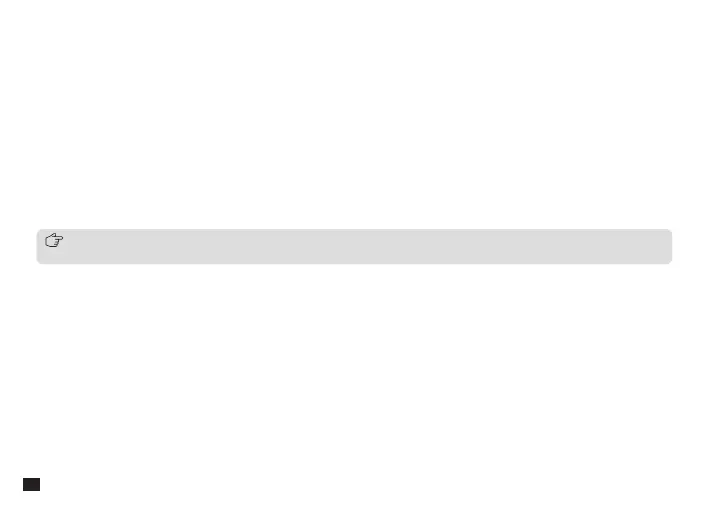
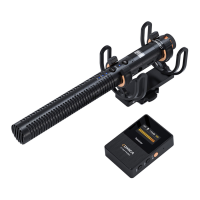
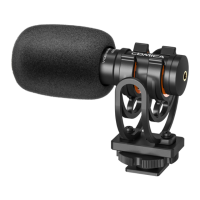
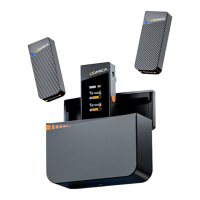
1. Mic Capsule
2. Low-cut Indicator: Lights up blue when low-cut is turned on
3. High-frequency Boost Indicator: Lights up blue when high-frequency boost is turned on
4. On-board Recording Indicator: Lights up red when on-board recording is turned on
5. Function Button: Short-press to switch on/o low-cut/high-frequency boost; long-press to turn on/o on-board
recording
6. Working Indicator: Green light on in wired mode; in wireless mode, blue light flashes when paring, and blue light on
when paired
7. Mode Button: When the audio cable is connected, long press to turn on/o the wireless mode; when the audio cable
is not connected, long press to turn on the microphone and enter wireless mode/turn o the microphone; short press
to switch on/o the safety mode
8. Gain Control Knob: Rotate to adjust the gain
9. 3.5mm Output Port: To identify TRS/TRRS plug automatically and output analog audio; microphone automatically
turns on/o when connecting/disconnecting a device
10. Pairing Hole: When the wireless connection is abnormal, use the pin to short-press the pairing hole to re-pair
11. USB-C Port: Connect USB device to output digital audio; microphone automatically turns on/o when
connecting/disconnecting a device; connect a power source to charge; connect a computer to copy on-board
recording audio
When the microphone is powered o, long press the function button and the mode button in sync to enter the copy mode.
Connect the microphone to the computer via the 2 in 1 charging &output cable to copy the on-board recording audio
6


 To Next Page