WDS Mode.
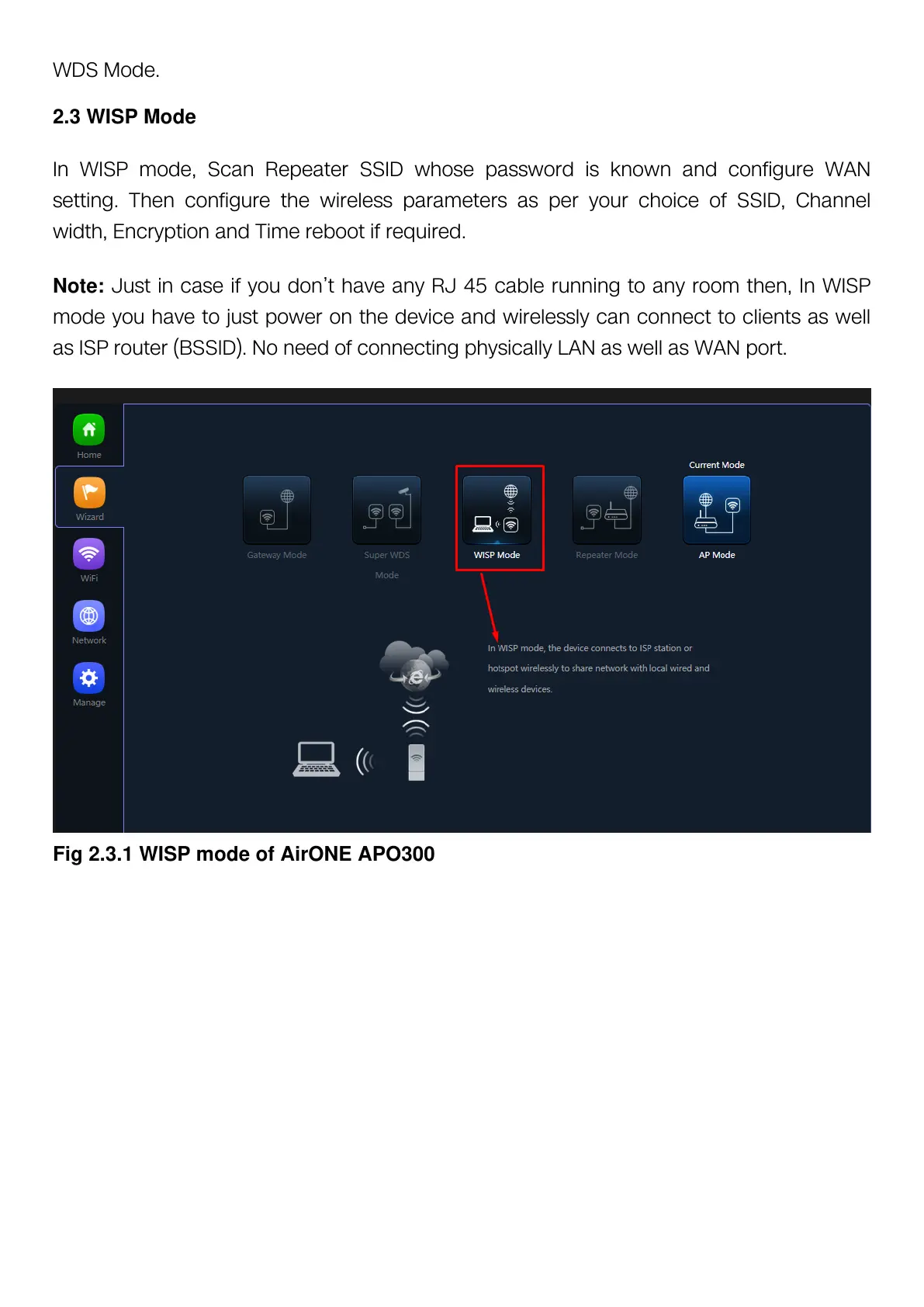
2.3 WISP Mode
In WISP mode, Scan Repeater SSID whose password is known and configure WAN
setting. Then configure the wireless parameters as per your choice of SSID, Channel
width, Encryption and Time reboot if required.
Note: Just in case if you don’t have any RJ 45 cable running to any room then, In WISP
mode you have to just power on the device and wirelessly can connect to clients as well
as ISP router (BSSID). No need of connecting physically LAN as well as WAN port.
Fig 2.3.1 WISP mode of AirONE APO300



 To Next Page