4
1.Parts Names & Functions
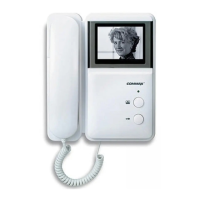
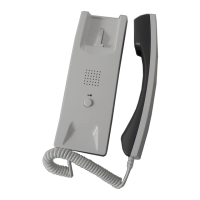
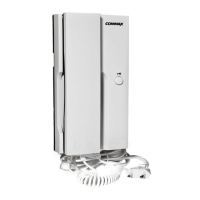
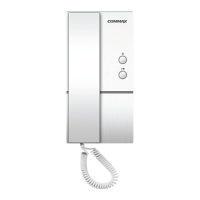
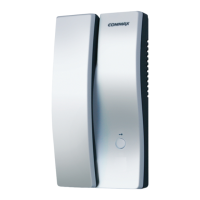
1 Handset
2 Hook Switch
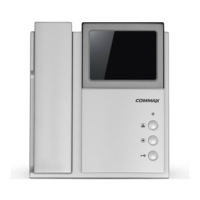
3 Monitor Screen
4 Connection Terminal Connect the Camera and the Interphone
5 LED Power Status and the camera indication.
6 Monitor Button Press the button when the householder wants to see the front
door situation
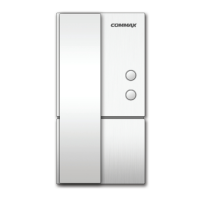
7 Interphone Button Call the Interphone after picking up a handset.
8 Door Release Button When this button is pressed, while communication
between a monitor and a camera unit, the door is opened.
9 Volume control switch. Control the volume
10 Power On/Off Switch On/off power.
11 Brightness Control Switch Control the Brightness.
12 AC Powercode
13 Handset Connector Socket Connect Handset after installation
No. Name Description



 To Next Page