EasyManua.ls Logo

Commodore 1581 - Page 13

Commodore 1581
47 pages
Print Icon
To Next Page IconTo Next Page
To Previous Page IconTo Previous Page
Loading...
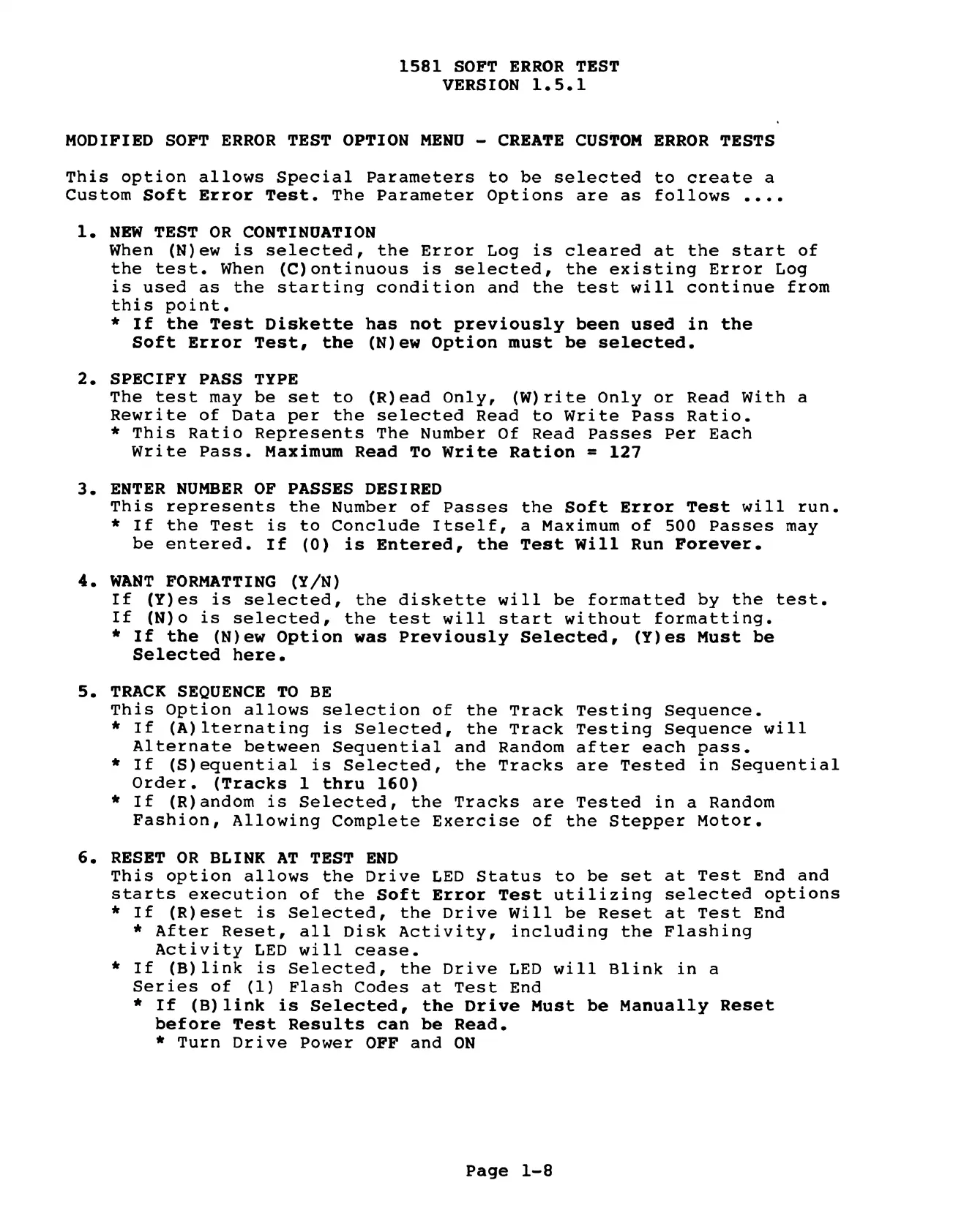
1581
SOFT
ERROR
TEST
VERSION
1.5.1
MODIFIED
SOFT
ERROR
TEST
OPTION
MENU
-
CREATE
CUSTOM
ERROR
TESTS
This
option allows
Special
Parameters
to
be
selected
to
create
a
Custom
Soft
Error
Test.
The
Parameter
Options
are
as
follows
....
l.
NEW
TEST
OR
CONTINUATION
When
(N)ew
is
selected,
the
Error
Log
is
cleared
at
the
start
of
the
test.
When
(C)ontinuous
is
selected,
the
existing
Error
Log
is
used
as
the
starting
condition
and
the
test
will
continue
from
this
point.
*
If
the
Test
Diskette
has
not
previously
been
used
in
the
Soft
Error
Test,
the
(N)ew
Option
must
be
selected.
SPECIFY
PASS
TYPE
The
test
may
be
set
to
(R)ead
Only,
(W)rite
Only
or
Read
With
a
Rewrite
of
Data
per
the
selected
Read
to
Write
Pass
Ratio.
*
This
Ratio
Represents
The
Number
Of
Read
Passes
Per
Each
Write
Pass.
Maximum
Read
To
Write
Ration
=
127
ENTER
NUMBER
OF
PASSES
DESIRED
This
represents
the
Number
of
Passes
the
Soft
Error
Test
will
run.
*
If
the
Test
is
to
Conclude
Itself,
a
Maximum
of
500
Passes
may
be
entered.
If
(0)
is
Entered,
the
Test
Will
Run
Forever.
WANT
FORMATTING
(Y/N)
If
(Y)es
is
selected,
the
diskette
will
be
formatted
by
the
test.
If
(N)o
is
selected,
the
test
will
start
without
formatting.
*
If
the
(N)ew
Option
was
Previously
Selected,
(Y)es
Must
be
Selected
here.
TRACK
SEQUENCE
TO
BE
This
Option
allows
selection
of
the
Track
Testing
Sequence.
*
If
(A)lternating
is
Selected,
the
Track
Testing
Sequence
will
Alternate
between
Sequential
and
Random
after
each
pass.
*
If
(S)equential
is
Selected,
the
Tracks
are
Tested
in
Sequential
Order.
(Tracks
1
thru
160)
*
If
(R)andom
is
Selected,
the
Tracks
are
Tested
in
a
Random
Fashion,
Allowing
Complete
Exercise
of
the
Stepper
Motor.
RESET
OR
BLINK
AT
TEST
END
This
option
allows
the
Drive
LED
Status
to
be
set
at
Test
End
and
starts
execution
of
the
Soft
Error
Test
utilizing
selected
options
*
If
(R)eset
is
Selected,
the
Drive
Will
be
Reset
at
Test
End
*
After
Reset,
all
Disk
Activity,
including
the
Flashing
Activity
LED
will
cease.
*
If
(B)link
is
Selected,
the
Drive
LED
will
Blink
in
a
Series
of
(1)
Flash
Codes
at
Test
End
*
If
(B)
link
is
Selected,
the
Drive
Must
be
Manually
Reset
before
Test
Results
can
be
Read.
*
Turn
Drive
Power
OFF
and
ON
Page
1-8

Other manuals for Commodore 1581

Related product manuals