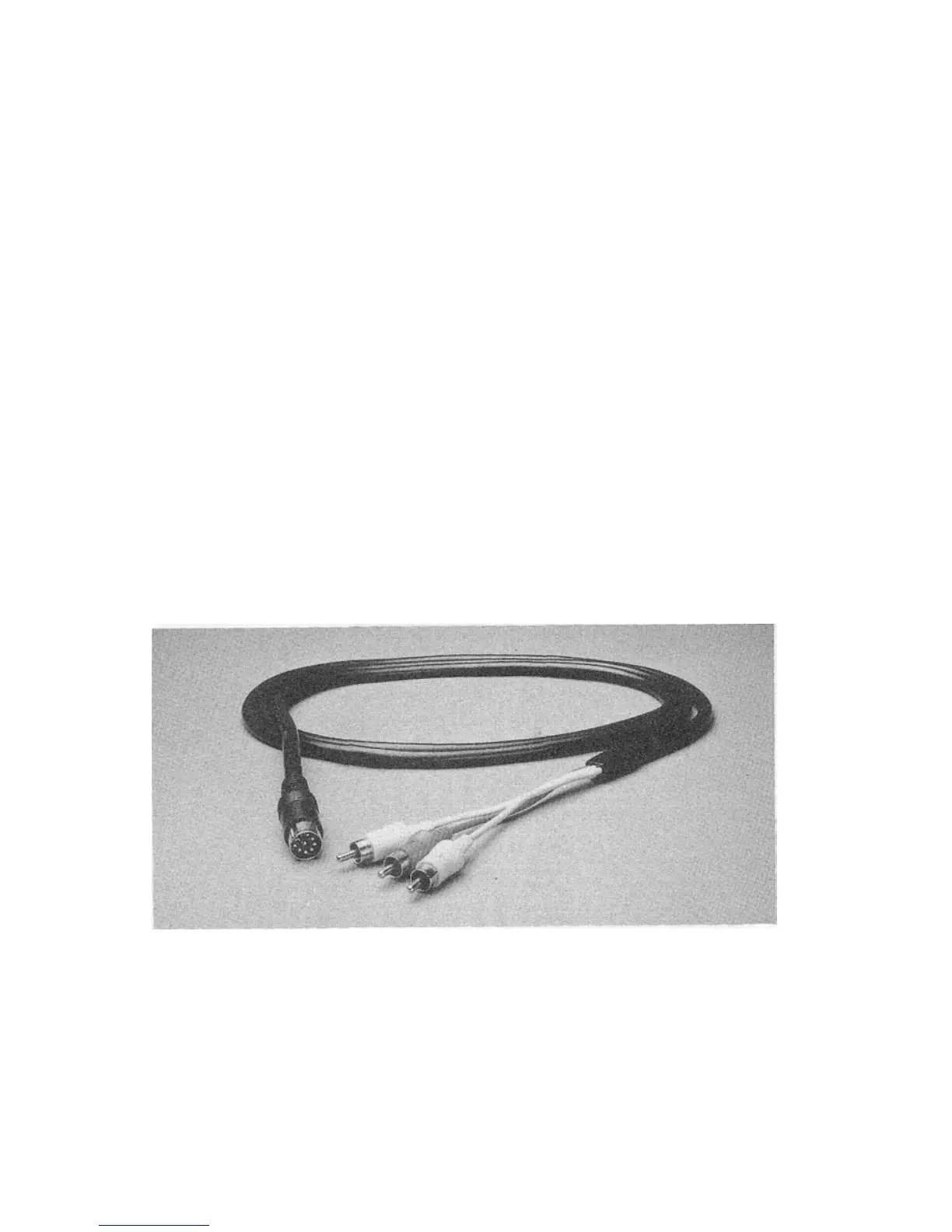
CONNECTING YOUR MONITOR TO A COMPUTER
The monitor connection cable connects your monitor to a Commo-
dore personal computer. The cable or cables you'll hook up depends
on the computer model you have.
There are either one or two different cables included with the 2002
monitor to connect it to your computer, depending on which cable
option you purchased.
Shielded cable must be used for the connection between this moni-
tor and your computer.
The C-128 Cable Option includes two cables:
• One cable is an eight-pin DIN cable designed for connecting a
separate chroma/luma display. "Eight-pin" refers to the number of
metal "pins" on the inside of the large round end of the cable. This
cable also has three different colored plugs on the other end.
These plugs are color-coded for the correct jacks they plug into on
the back of the monitor.
• The other cable is a nine-pin cable, with two rectangular ends (D-
connectors) with nine pins inside that connect to the RGBI socket
on the back of the computer and the monitor.



 To Next Page