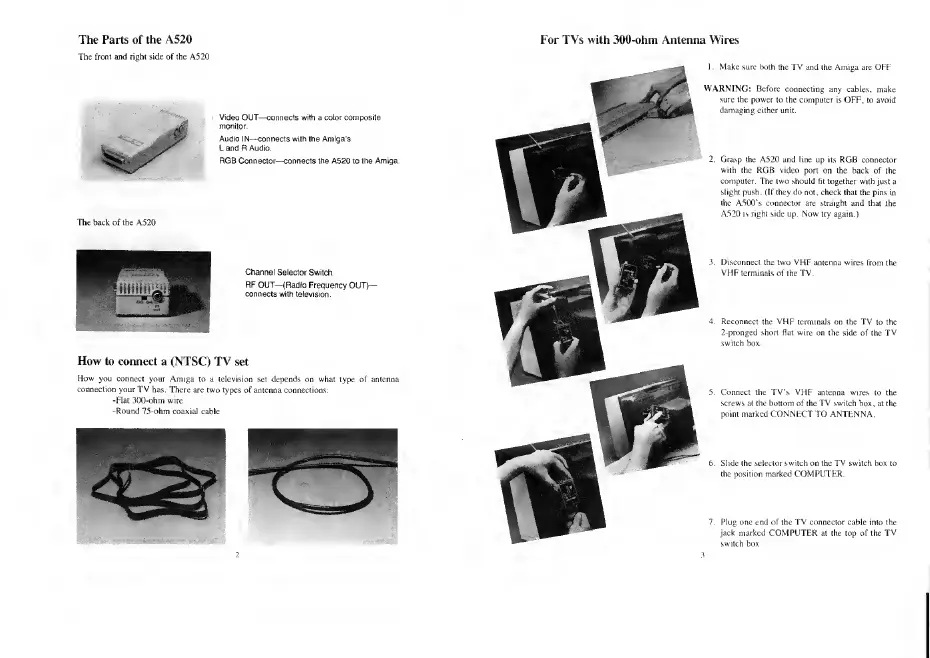
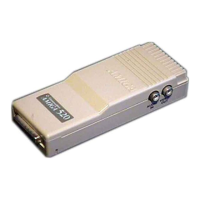
The Parts of
the A520
The
front and right side of the A520
For TVs with 300-ohm Antenna Wires
Ss,
RGB Connector-—connects the A520 to the Amiga.
TIk: hack
of the A520
Channel Selector
Switch
How to
connect a (NTSC)
TV set
How
you connect your
Amiga to a television
i your TV
has. There are two types
of a
-Hat 300-ohm wire
-Round 75-ohm
coaxial cable
I. Make sure both the TV
and the Amiga are OFF.
WARNING:
Before connecting
any cables, make
sure the power
to the computer is OFF,
to
avoid
damaging
cither unit.
Grasp
the A520 and line up its RGB connector
with
the RGB video
port on the back of the
computer.
The
two
should lit together with
just a
slight push. (If they do not , chuck
that the pins in
the
A500*s connector are straight and that
the
A520 is right side up. Now try again.)
3. Disconnect the two VHF
a
VHF
terminals of the TV,
Reconnect the VHF
term
2-pronged short fiat
wire
switch
box.
i the side
of the
TV
»ct the TV's VHF antenna wires
b
s at the bottom of the
TV switch
box,
:
marked
CONNECT
TO
ANTENNA.
6. Slide the selector
switch
on the
TV
s
the position marked COMPUTER.
Plug one end of the TV connector cable into the
jack marked
COMPUTER
at the top
of
the TV
switch
box.



 To Next Page