EasyManua.ls Logo

Commodore Amiga - Page 137

Commodore Amiga
162 pages
Print Icon
To Next Page IconTo Next Page
To Previous Page IconTo Previous Page
Loading...
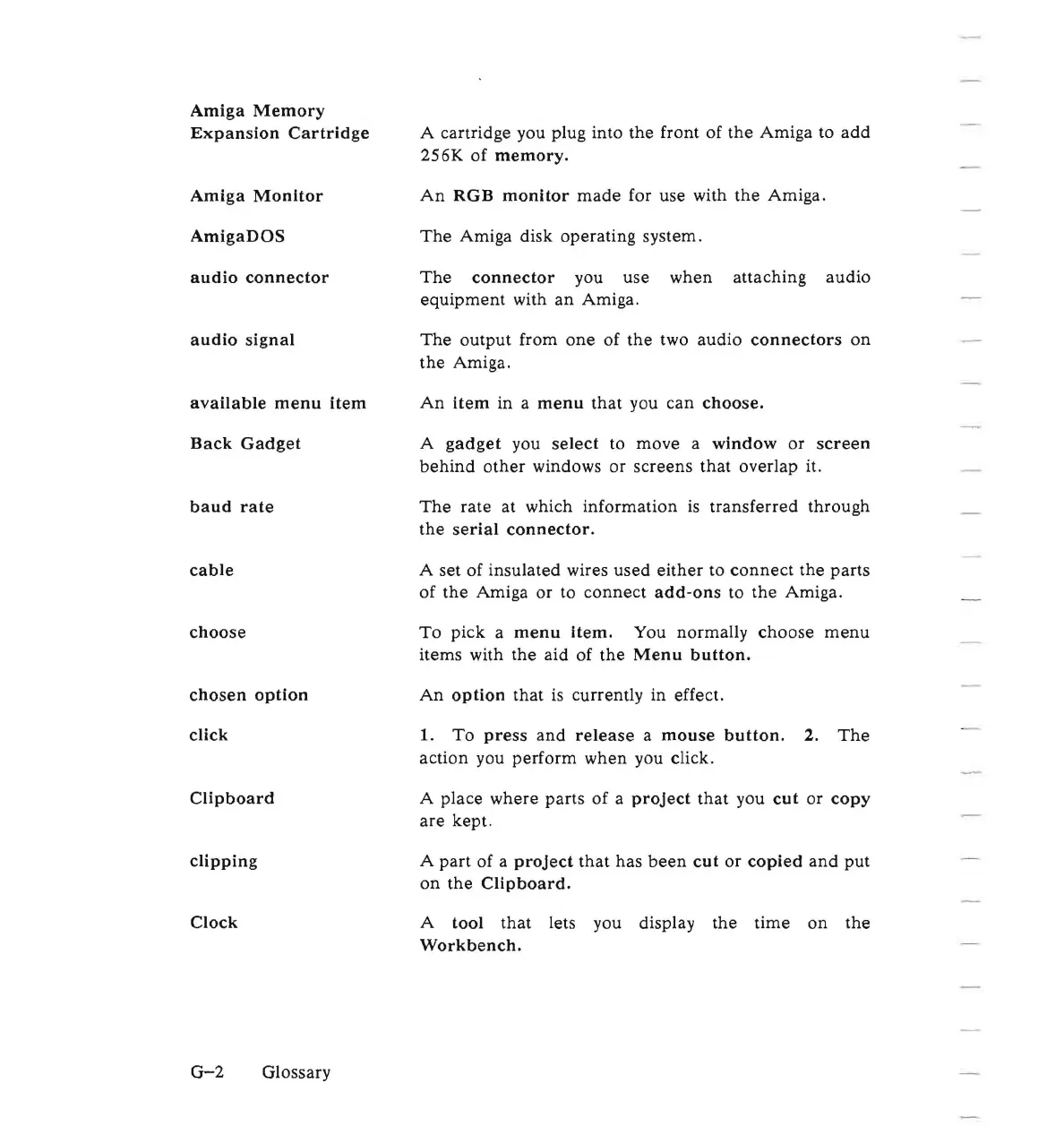
Amiga
Memory
Expansion
Cartridge
Amiga
Monitor
AmigaDOS
audio
connector
audio
signal
available
menu
item
Back
Gadget
baud
rate
cable
choose
chosen
option
click
Clipboard
clipping
Clock
A cartridge you plug into the front of
the
Amiga
to
add
256K
of
memory.
An
RGB
monitor
made
for use with
the
Amiga.
The
Amiga disk
operating
system.
The
connector
you
use
when
attaching
audio
equipment
with
an
Amiga.
The
output
from
one
of
the
two
audio
connectors
on
the
Amiga.
An
item
in a
menu
that
you
can
choose.
A
gadget
you
select
to
move
a
window
or
screen
behind
other
windows
or
screens
that
overlap it.
The
rate
at which
information
is
transferred
through
the
serial
connector.
A set of
insulated
wires
used
either
to
connect
the
parts
of
the
Amiga
or
to
connect
add-ons
to
the
Amiga.
To
pick
a
menu
Item.
You normally
choose
menu
items with
the
aid
of
the
Menu
button.
An
option
that
is currently in effect.
1.
To
press
and
release
a
mouse
button.
2.
The
action you
perform
when
you click.
A
place
where
parts
of
a
project
that
you
cut
or
copy
are
kept.
A
part
of a
project
that
has
been
cut
or
copied
and
put
on
the
Clipboard.
A
tool
that
lets you display
the
time
on
the
Workbench.
G-2
Glossary

Other manuals for Commodore Amiga

Related product manuals