EasyManua.ls Logo

Commodore Amiga - Page 142

Commodore Amiga
162 pages
Print Icon
To Next Page IconTo Next Page
To Previous Page IconTo Previous Page
Loading...
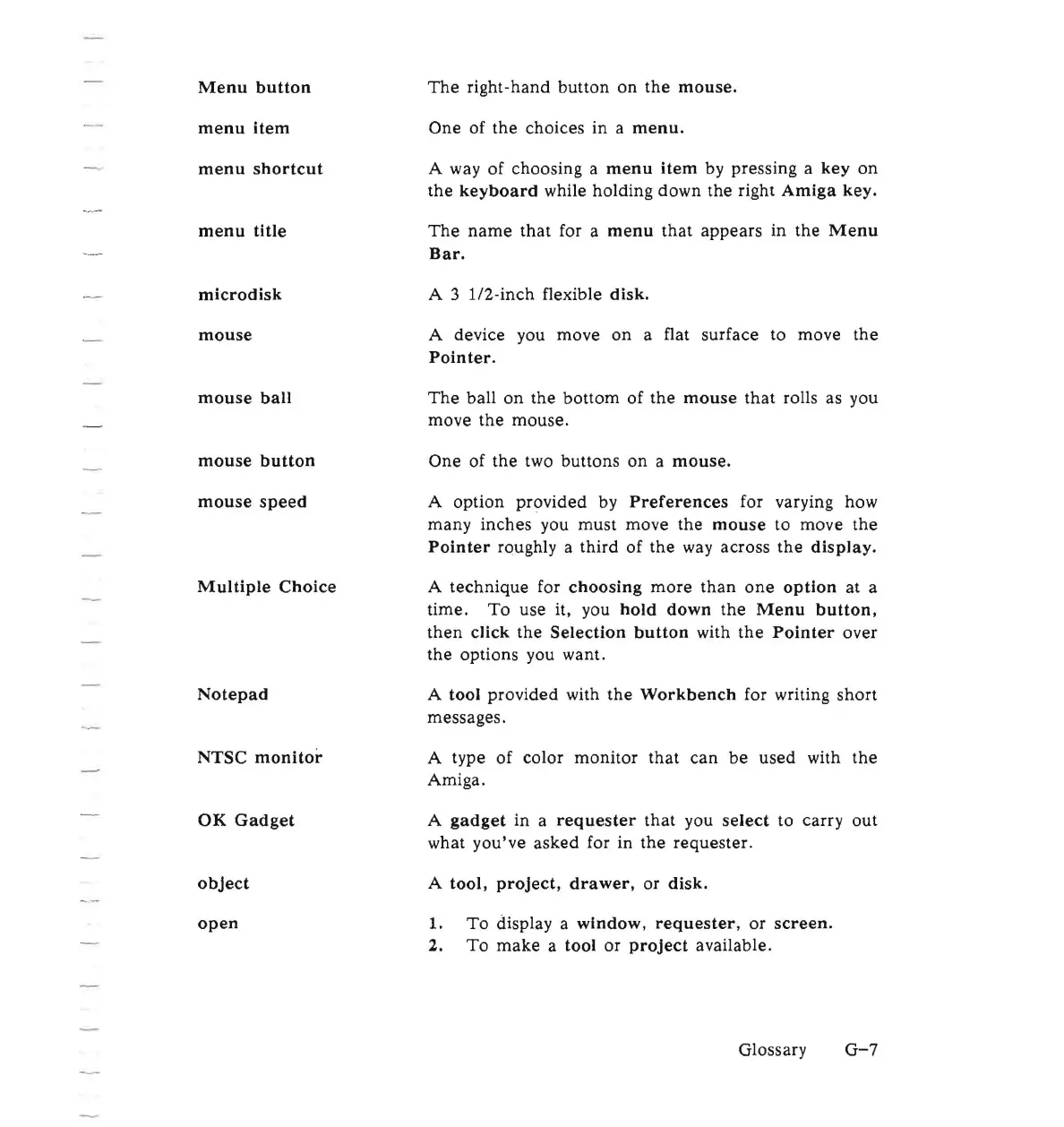
Menu
button
menu
item
menu
shortcut
menu
title
microdisk
mouse
mouse
ball
mouse
button
mouse
speed
Multiple
Choice
Notepad
NTSC
monitor
OK
Gadget
object
open
The
right-hand
button
on the
mouse.
One
of the choices in a
menu.
A way of choosing a
menu
item
by pressing a key
on
the
keyboard
while holding down the right
Amiga
key.
The
name
that
for a
menu
that
appears in the
Menu
Bar.
A 3
l/2-inch
flexible disk.
A device you move
on
a flat surface to move the
Pointer.
The
ball
on
the
bottom
of the
mouse
that
rolls as you
move
the
mouse.
One
of the two buttons
on
a
mouse.
A option provided by
Preferences
for varying how
many inches you must move the
mouse
to move the
Pointer
roughly a third of the way across the
display.
A
technique
for
choosing
more
than
one
option
at a
time.
To
use it, you
hold
down
the
Menu
button,
then
click the
Selection
button
with
the
Pointer
over
the options you want.
A tool provided with
the
Workbench
for writing
short
messages.
A type of color
monitor
that
can
be
used
with
the
Amiga.
A
gadget
in a
requester
that
you
select
to carry
out
what you've
asked
for in
the
requester.
A tool,
project,
drawer,
or
disk.
1.
To
display a
window,
requester,
or
screen.
2.
To
make
a tool or
project
available.
Glossary
G-7

Other manuals for Commodore Amiga

Related product manuals