EasyManua.ls Logo

Commodore Amiga - Chapter 1: INTRODUCTION

Commodore Amiga
162 pages
Print Icon
To Next Page IconTo Next Page
To Previous Page IconTo Previous Page
Loading...
Attaching
the
Mouse
Before
attaching
a
new
mouse,
turn
the
mouse
upside
down
and
pull
out
the
piece
of
foam
that
holds
the
mouse
ball in
place.
(If
you
don't
get all
the
foam
out,
see
the"
Cleaning
the
Mouse"
section
in
Chapter
6 to find
out
how
to
uncover
the
mouse
ball.)
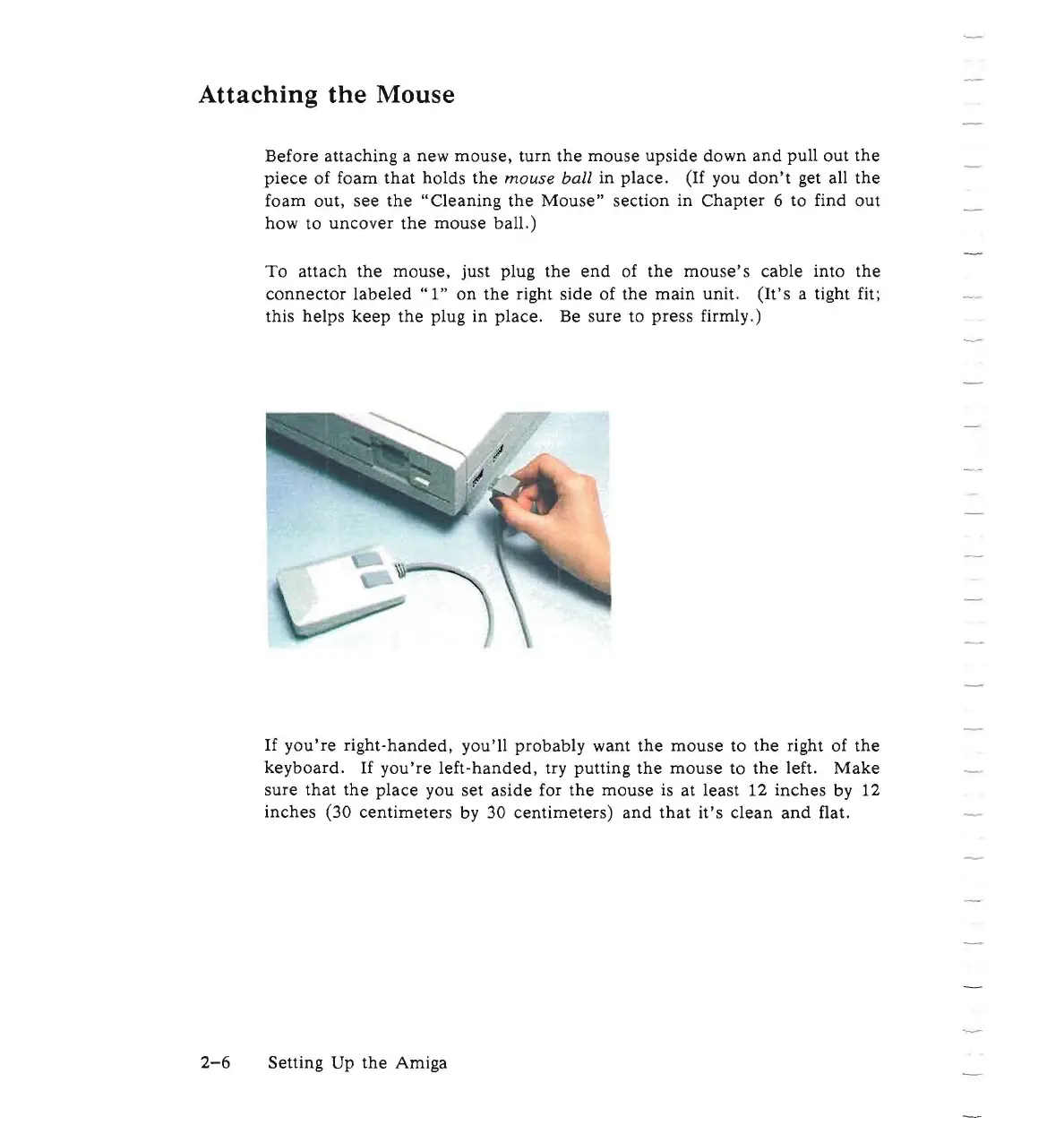
To
attach
the
mouse,
just
plug
the
end
of
the
mouse's
cable
into
the
connector
labeled"
1"
on
the
right
side
of
the
main
unit.
(It's
a tight fit;
this
helps
keep
the
plug in
place.
Be
sure
to
press
firmly.)
If
you're
right-handed,
you'll
probably
want
the
mouse
to
the
right of
the
keyboard.
If
you're
left-handed,
try
putting
the
mouse
to
the
left.
Make
sure
that
the
place
you set
aside
for
the
mouse
is
at
least 12
inches
by 12
inches
(30
centimeters
by 30
centimeters)
and
that
it's
clean
and
flat.
2-6
Setting
Up
the
Amiga

Other manuals for Commodore Amiga

Related product manuals