EasyManua.ls Logo

Commodore Amiga - Page 25

Commodore Amiga
162 pages
Print Icon
To Next Page IconTo Next Page
To Previous Page IconTo Previous Page
Loading...
Us
ing
Disks
Start by getting
the
three
microdisks-the
Kickstart disk,
the
Workbench
disk,
and
the
Extras
disk-that
carne with your
Amiga
.
These
disks
contain
important
information
used
by
the
Amiga
.
In
addition,
have
three
blank
microdisks
ready.
(You
can
get
blank
microdisks
from your
Amiga
dealer.)
You'll
copy
the
information
from
the
original disks
onto
these
blank
disks
and
keep
the
originals in a safe
place.
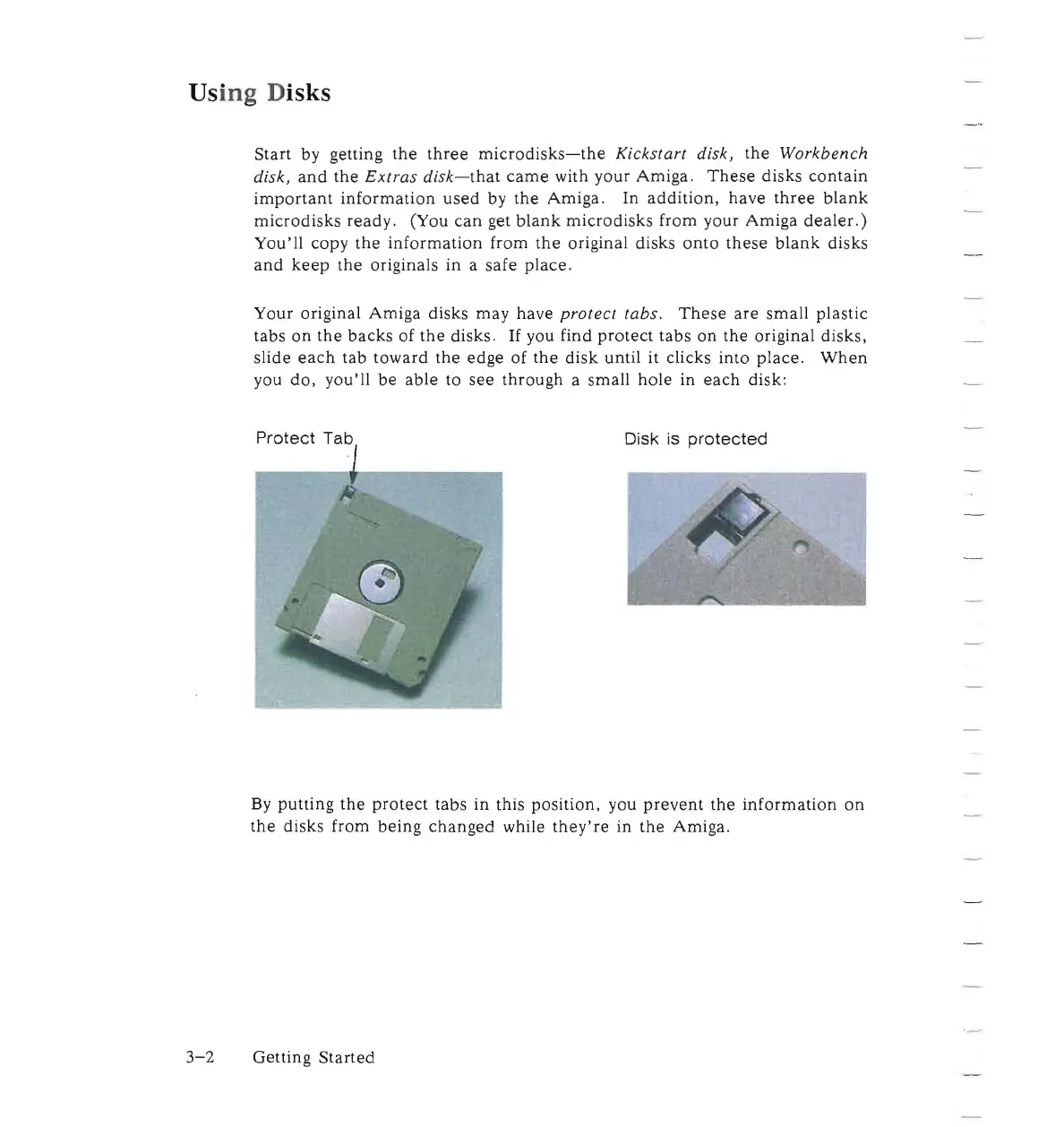
Your
original
Amiga
disks
may
have
protect
tabs.
These
are
small
plastic
tabs
on
the
backs
of
the
disks.
If
you find
protect
tabs
on
the
original disks,
slide
each
tab
toward
the
edge of
the
disk
until it clicks into
place.
When
you
do,
you'll
be
able
to
see
through
a small
hole
in
each
disk:
Protect
Tab
Disk is
protected
By
putting
the
protect
tabs
in this position. you
prevent
the
information
on
the
disks from
being
changed
while
they're
in
the
Amiga.
3-2
Getting
Started

Other manuals for Commodore Amiga

Related product manuals