EasyManua.ls Logo

Commodore Amiga - Page 28

Commodore Amiga
162 pages
Print Icon
To Next Page IconTo Next Page
To Previous Page IconTo Previous Page
Loading...
.- - - -
After
you
put
in
the
disk,
you'll
hear
sounds
from
the
Amiga.
These
are
the
sounds
the
disk
drive
makes
as
it
gathers
information
.
In
less
than
a
minute,
the
Amiga
will get
the
information
it
needs-with
the
help
of
the
disk
drive-from
the
Kickstart
disk
.
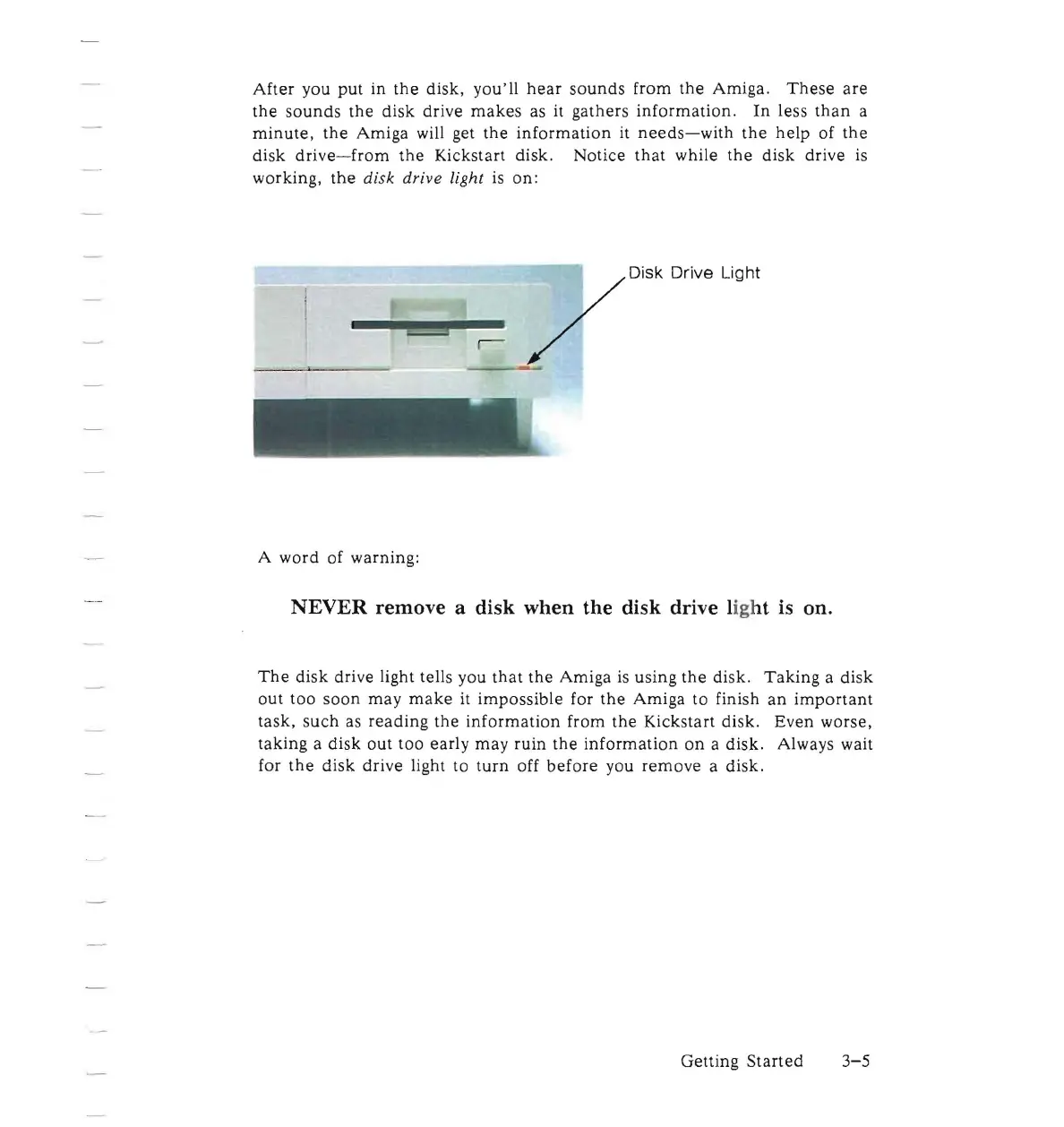
Notice
that
while
the
disk
drive is
working,
the
di
sk
drive
light is on:
/O;Sk
Odve Ughl
A
word
of warning:
NEVER remove a disk when the disk drive light is on.
The
disk
drive light tells you
that
the
Amiga
is
using
the
disk
.
Taking
a
disk
out
too
soon
may
make
it
impossible
for
the
Amiga
to
finish
an
important
task
,
such
as
reading
the
information
from
the
Kickstart
disk.
Ev
en
worse,
ta
king
a
disk
out
too
early
may
ruin
the
information
on
a
disk.
Always wait
for
the
disk
drive
light
to
turn
off
before
you
remove
a
disk.
Getting
Started
3-5

Other manuals for Commodore Amiga

Related product manuals