EasyManua.ls Logo

Commodore Amiga - Page 49

Commodore Amiga
162 pages
Print Icon
To Next Page IconTo Next Page
To Previous Page IconTo Previous Page
Loading...
•
horizontal
resolution,
the
number
of
pixels
that
appear
on
each
line
of
the
display
•
number
of
colors
displayed
in
the
screen
•
color
palette,
the
colors
that
appear
in
the
screen
•
interlace,
which
doubles
the
number
of
horizontal
lines
that
appear
in
the
screen
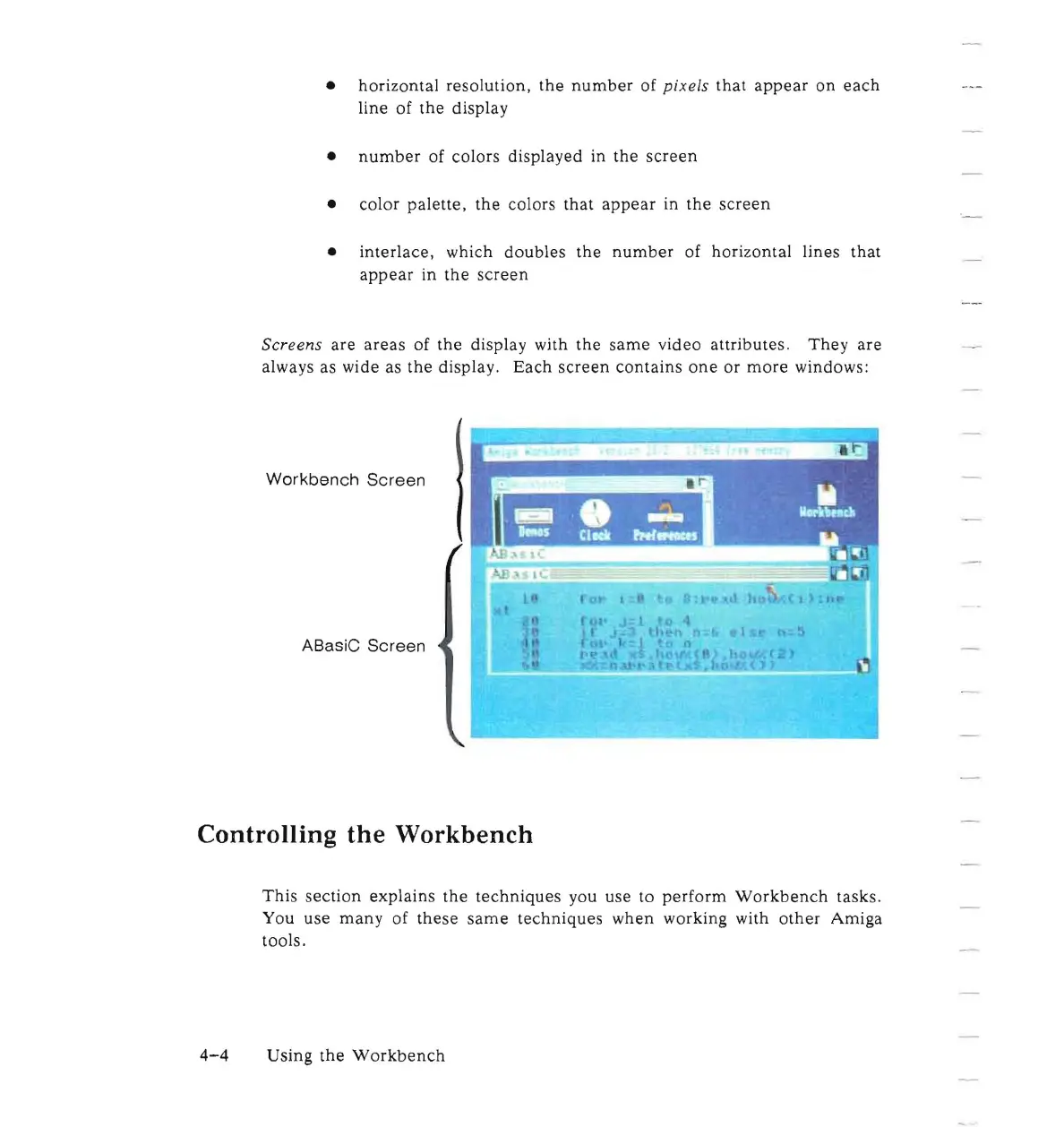
Screens
are
areas
of
the
display with
the
same
video
attributes.
They
are
always as wide as
the
display.
Each
screen
contains
one
or
more
windows:
Workbench
Screen
ABa siC
Screen
Controlling the Workbench
This
section
explains
the
techniques
you use
to
perform
Workbench
tasks.
You use
many
of
these
same
techniques
when
working with
other
Amiga
tools.
4-4
Using
the
Workbench

Other manuals for Commodore Amiga

Related product manuals