EasyManua.ls Logo

Commodore Amiga - Page 53

Commodore Amiga
162 pages
Print Icon
To Next Page IconTo Next Page
To Previous Page IconTo Previous Page
Loading...
Dragging
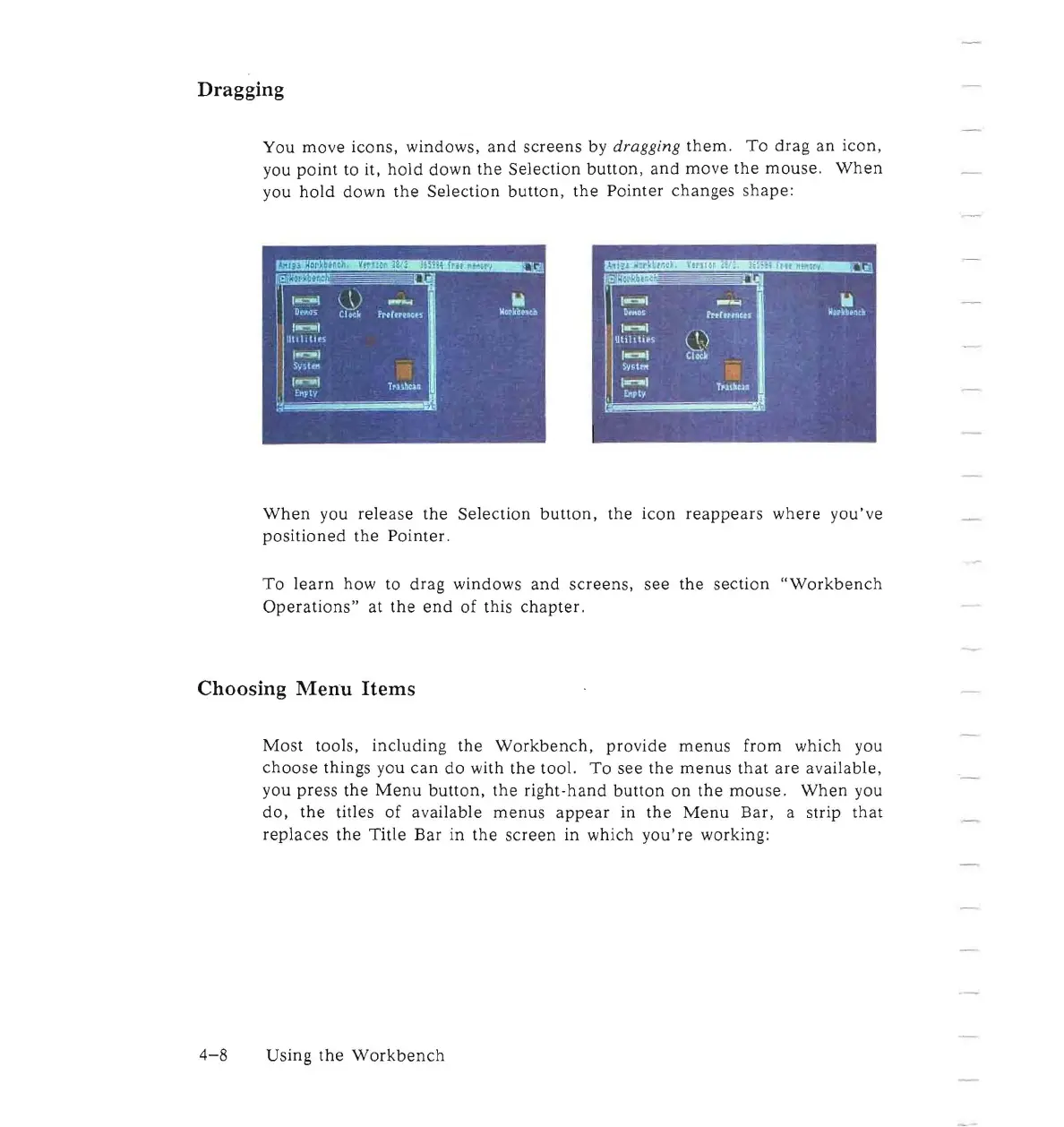
You
move
icons, windows,
and
screens
by
dragging
them.
To
drag
an
icon,
you
point
to it,
hold
down
the
Selection
button,
and
mo
ve
the
mouse.
When
you
hold
down
the
Selection
button
,
the
Pointer
changes
shape:
When
you
release
the
Selection
button,
the
icon
reappears
where
you've
positioned
the
Pointer
.
To
learn
how to
drag
windows
and
screens,
see
the
section
"Workbench
Operations"
at
the
end
of
this
chapter.
Choosing
Menu
Items
Most
tools,
including
the
Workbench,
provide
menus
from which you
choose
things you
can
do
with
the
tool.
To
see
the
menus
that
are
available,
you
press
the
Menu
button,
the
right-hand
button
on
the
mouse.
When
you
do,
the
titles
of
available
menus
appear
in
the
Menu
Bar,
a strip
that
replaces
the
Title
Bar
in
the
screen
in which
you're
working:
4-8
Using
the
Workbench

Other manuals for Commodore Amiga

Related product manuals