EasyManua.ls Logo

Commodore Amiga - Page 57

Commodore Amiga
162 pages
Print Icon
To Next Page IconTo Next Page
To Previous Page IconTo Previous Page
Loading...
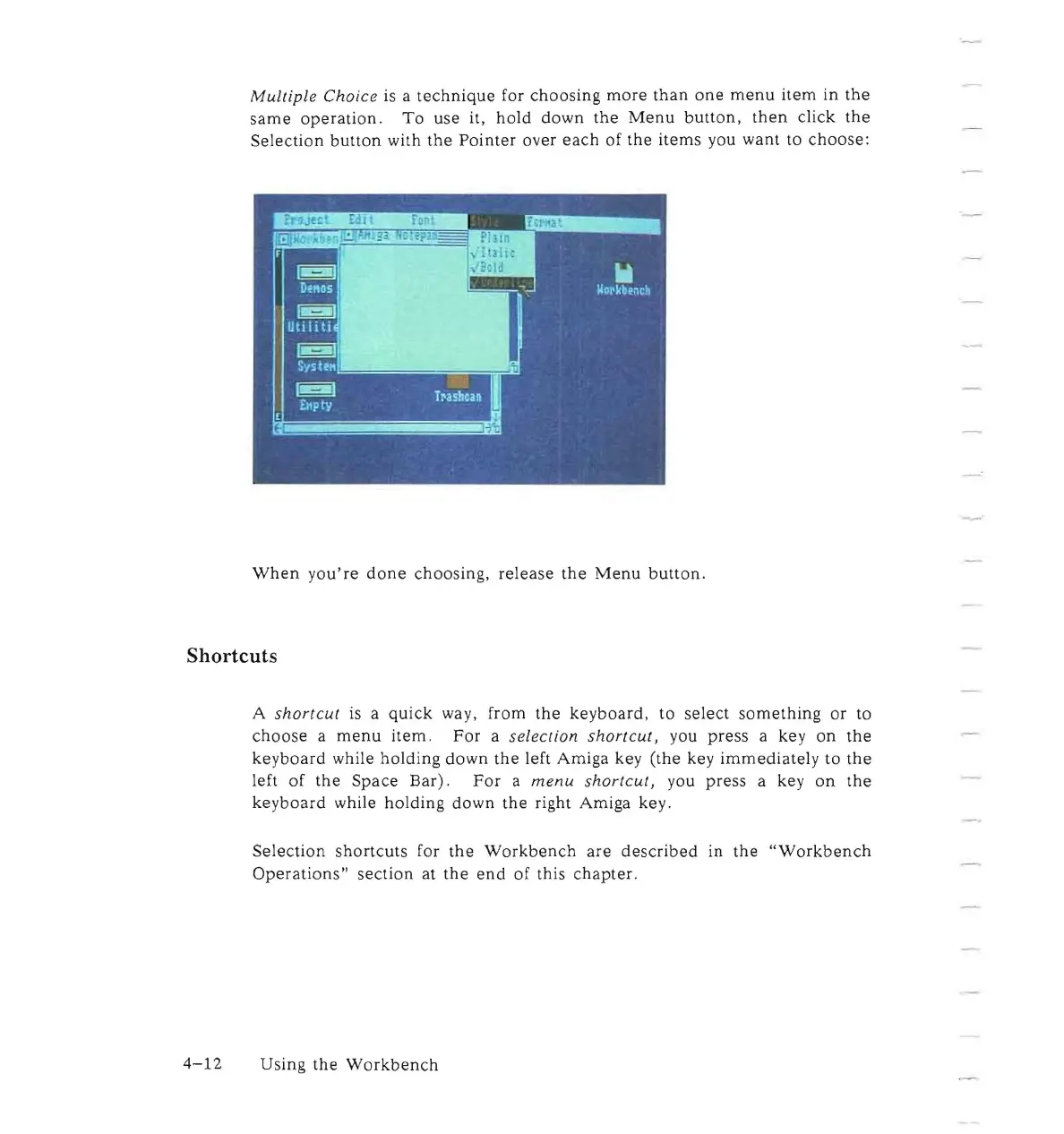
Multiple
Choice
is
a
technique
for
choosing
more
than
one
menu
item
in
the
same
operation.
To
use it,
hold
down
the
Menu
button,
then
click
the
Selection
button
with
the
Pointer
over
each
of
the
items
you
want
to
choose:
When
you're
done
choosing,
release
the
Menu
button.
Shortcuts
A
shortcut
is a
quick
way, from
the
keyboard,
to
select
something
or
to
choose
a
menu
item.
For
a selection
shortcut,
you
press
a key
on
the
keyboard
while
holding
down
the
left
Amiga
key (the key
immediately
to
the
left
of
the
Space
Bar).
For
a
menu
shortcut,
you
press
a key
on
the
keyboard
while
holding
down
the
right Amiga key.
Selection
shortcuts
for
the
Workbench
are
described
in
the
"Workbench
Operations"
section
at
the
end
of this
chapter.
4-12
Using
the
Workbench

Other manuals for Commodore Amiga

Related product manuals