EasyManua.ls Logo

Commodore Amiga - Page 70

Commodore Amiga
162 pages
Print Icon
To Next Page IconTo Next Page
To Previous Page IconTo Previous Page
Loading...
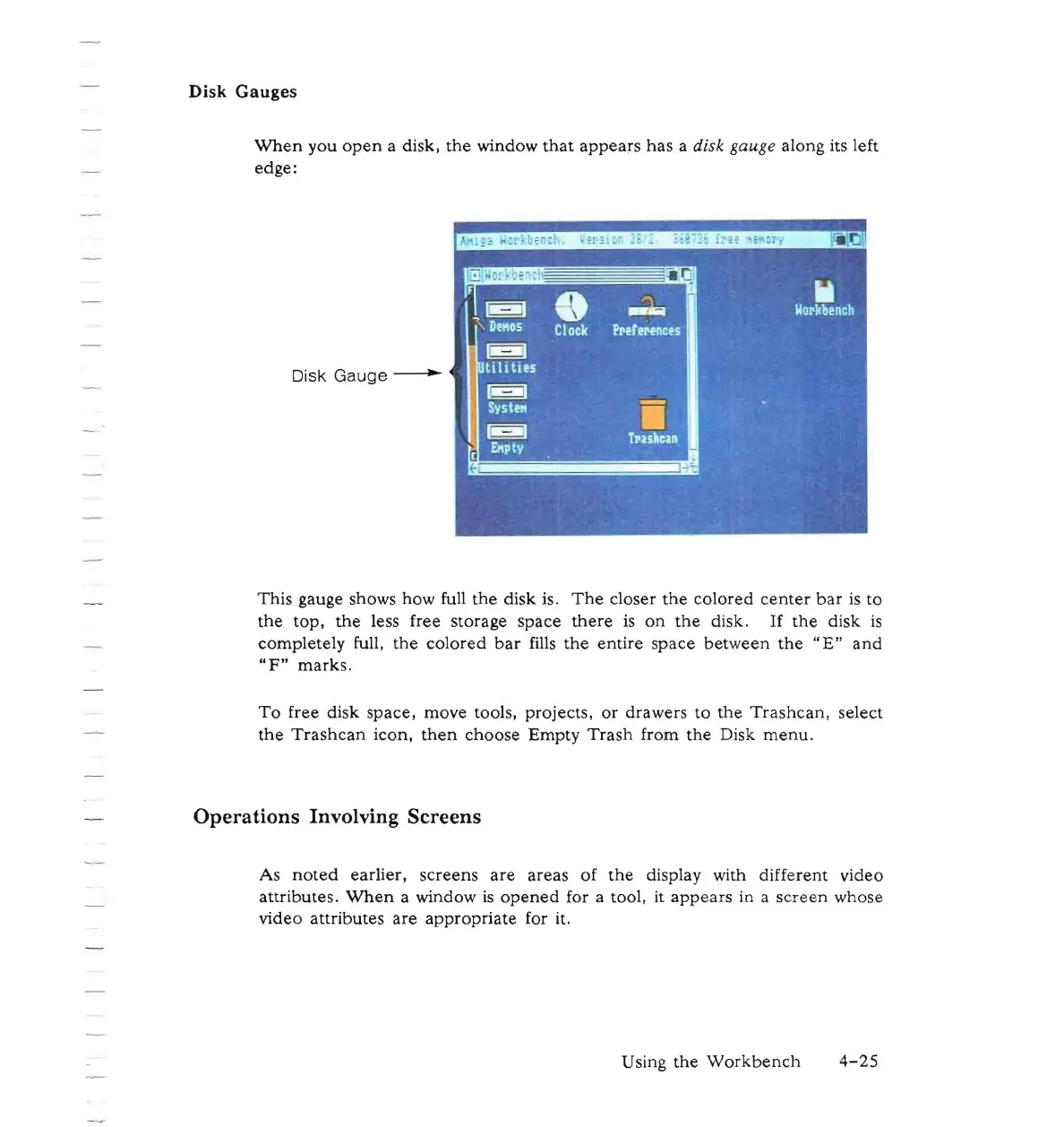
Disk Gauges
When
you
open
a disk,
the
window
that
appears
has
a disk gauge along its left
edge:
Disk Gauge
---
This
gauge shows
how
full
the
disk
is.
The
closer
the
colored
center
bar
is
to
the
top,
the
less free
storage
space
there
is
on
the
disk.
If
the
disk
is
completely
full,
the
colored
bar
fills
the
entire
space
between
the
"E"
and
"F"
marks.
To
free disk
space,
move
tools,
projects,
or
drawers
to
the
Trashcan,
select
the
Trashcan
icon,
then
choose
Empty
Trash
from
the
Disk
menu.
Operations Involving Screens
As
noted
earlier,
screens
are
areas
of
the
display with
different
video
attributes.
When
a window
is
opened
for a tool, it
appears
in a
screen
whose
video
attributes
are
appropriate
for it.
Using
the
Workbench
4-25

Other manuals for Commodore Amiga

Related product manuals