EasyManua.ls Logo

Commodore Amiga - Page 87

Commodore Amiga
162 pages
Print Icon
To Next Page IconTo Next Page
To Previous Page IconTo Previous Page
Loading...
n.p.
1..!N"i"
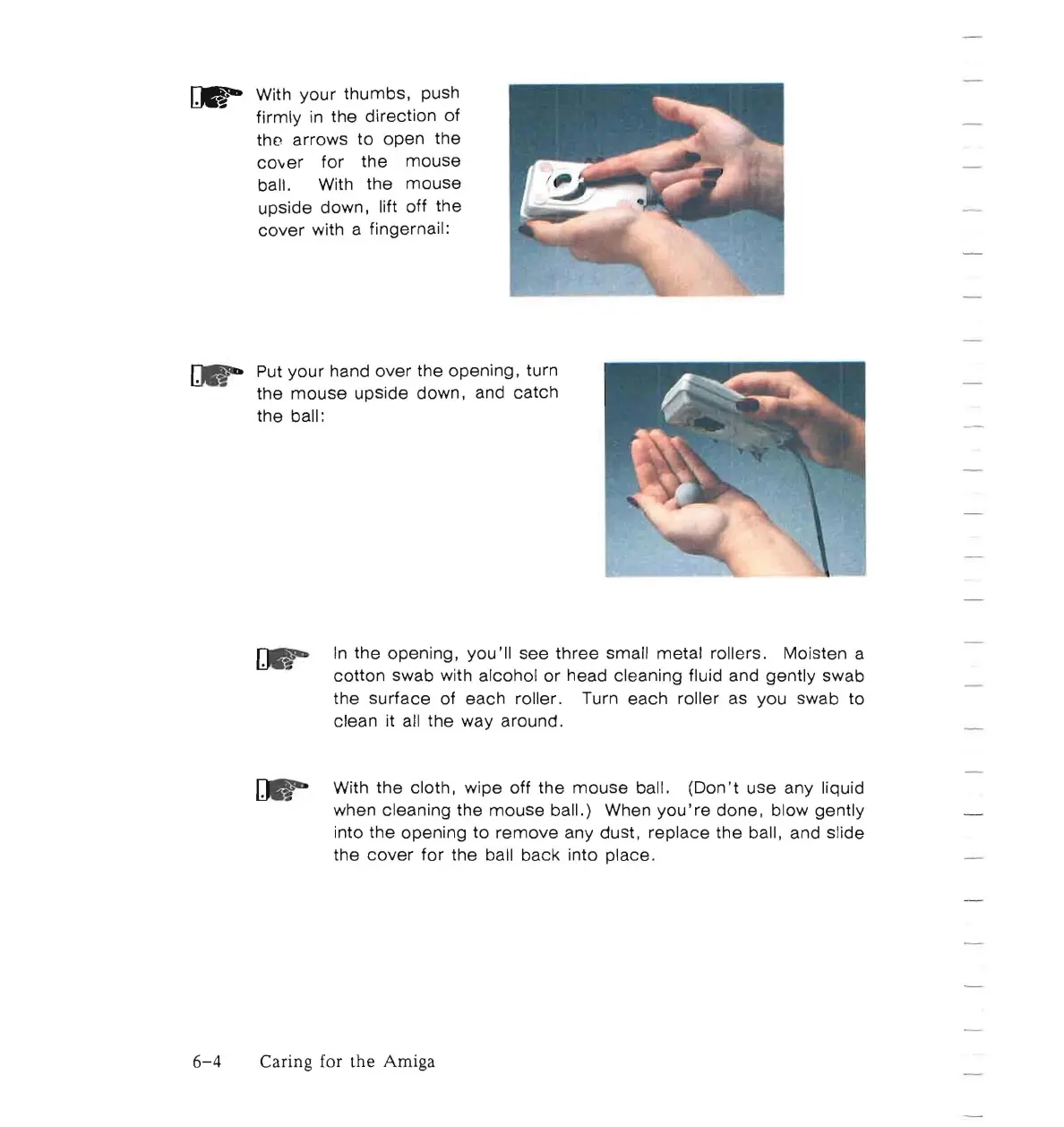
With
your
thumbs,
push
firmly
in
the
direction
of
tho
arrows
to
open
the
cOver
for
the
mouse
ball. With
the
mouse
upside down, lift off the
cover
with a fingernail:
Put
your
hand
over
the
opening,
turn
the
mouse
upside down, and
catch
the
ball:
In
the
opening,
you'll
see
three
small
metal
rollers. Moisten a
cotton
swab with alcohol
or
head cleaning fluid and
gently
swab
the
surface
of
each
roller. Turn each roller as
you
swab
to
clean it all
the
way around.
r:..-
With
the
cloth, wipe
off
the
mouse
ball.
(Don't
use
any liquid
when cleaning the
mouse
ball.) When
you're
done,
blow
gently
into
the
opening
to
remove
any dust,
replace
the
ball, and slide
the
cover
for
the ball
back
into place.
6-4
Caring for
the
Amiga

Other manuals for Commodore Amiga

Related product manuals