EasyManua.ls Logo

Commodore PC - Chkdsk

Commodore PC
414 pages
Print Icon
To Next Page IconTo Next Page
To Previous Page IconTo Previous Page
Loading...
34
MS-DOS
User's
Reference
Chkdsk
(check
disk)
Chkdsk
Chkdsk
status
report
The
Chkdsk
switches
Purpose:
Scans
the
disk
in
the
specified
drive
and
checks
it
for
errors.
Syntax:
chkdsk
[drive:]
[pathname]
[If]
[/v]
Comments:
You
should
run
chkdsk
occasionally
on
each
disk
to
check
for
errors.
If
you
do
run
chkdsk
on
a
disk
and
any
errors
are
found,
chkdsk
displays
the
error
messages,
followed
by
a
status
report.
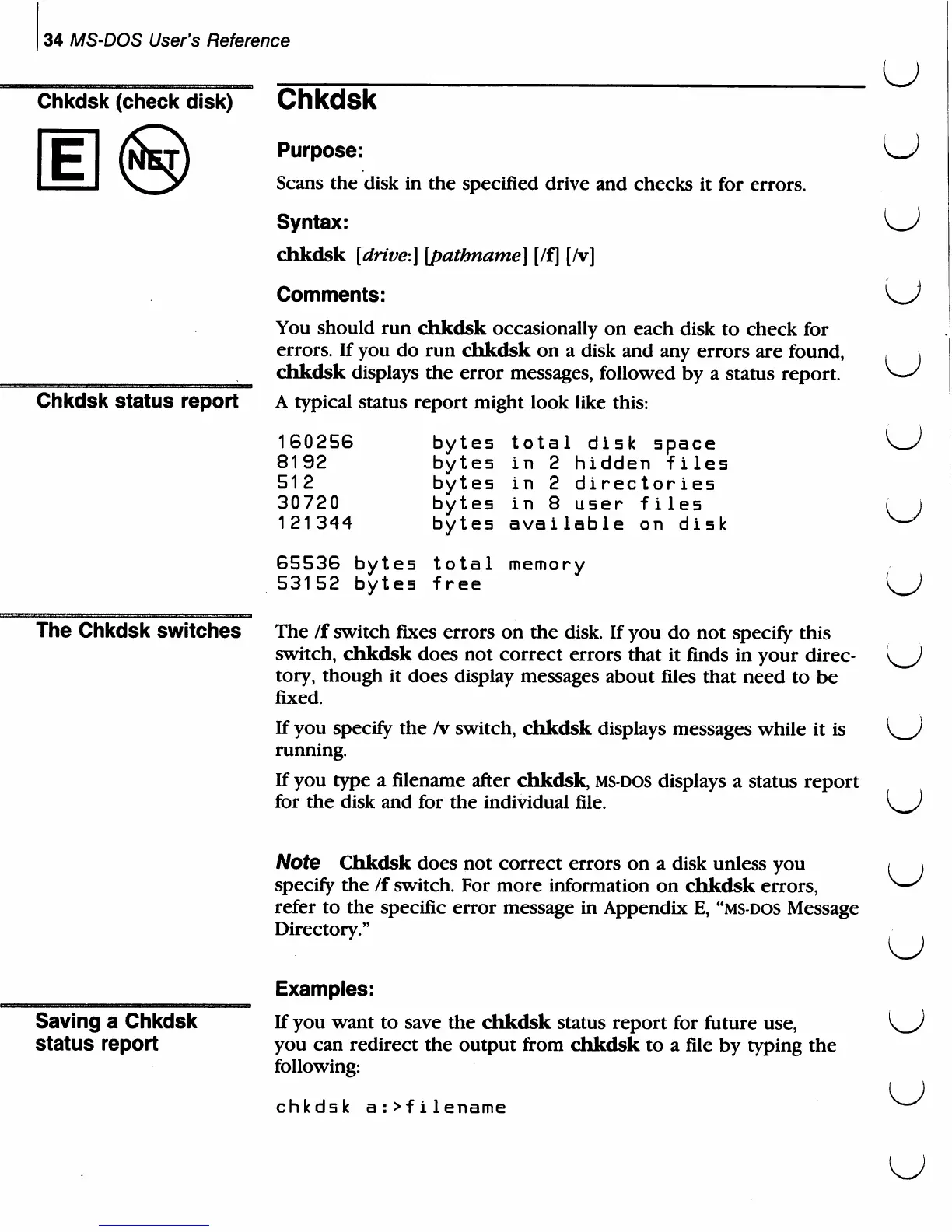
A
typical
status
report
might
look
like
this:
total
disk
space
in
2
hidden
files
in
2
directories
in
8
user
files
available
on
disk
memory
160256
8192
512
30720
121344
bytes
bytes
bytes
bytes
bytes
65536
bytes
total
53152
bytes
free
The
/f
switch
fixes
errors
on
the
disk.
If
you do
not
specify
this
switch,
chkdsk
does
not
correct
errors
that
it
finds
in
your
direc-
tory,
though
it
does
display
messages about
files
that
need
to
be
fixed.
If
you
specify
the
/v
switch,
chkdsk
displays
messages
while
it
is
running.
If
you
type
a
filename
after
chkdsk,
ms-dos
displays
a
status
report
for
the
disk
and
for
the
individual
file.
u
u
u
o
Note
Chkdsk
does
not
correct
errors
on
a
disk
unless
you
specify
the
/f
switch.
For
more
information
on
chkdsk
errors,
refer
to
the
specific
error
message
in
Appendix
E,
"ms-dos
Message
Directory."
U
Saving
a
Chkdsk
status
report
Examples:
If
you
want
to
save
the
chkdsk
status
report
for
future
use,
you
can
redirect
the
output
from
chkdsk
to
a
file
by
typing the
following:
chkdsk
a:>filename
u

Related product manuals