EasyManua.ls Logo

Commodore PC - Del

Commodore PC
414 pages
Print Icon
To Next Page IconTo Next Page
To Previous Page IconTo Previous Page
Loading...
n
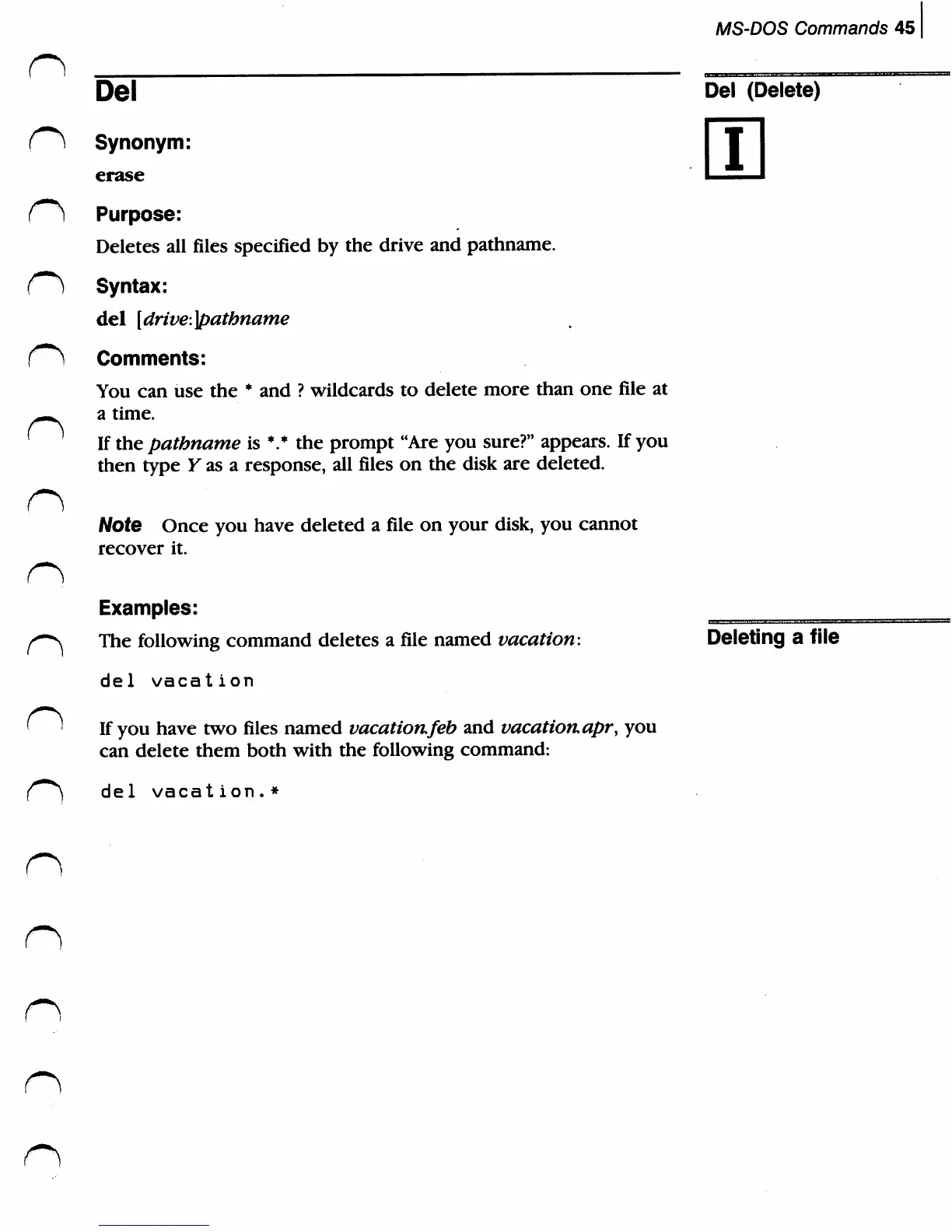
Del
Synonym:
erase
r**)
Purpose:
Deletes
all
files
specified
by
the
drive
and
pathname.
C*)
Syntax:
del
[drive:]patbname
f**)
Comments:
n
n
n
You
can
use
the
*
and
?
wildcards
to
delete
more
than
one
file
at
a
time.
If
the
pathname
is
*.*
the
prompt
"Are
you
sure?"
appears.
If
you
then
type
Y
as
a
response,
all
files
on
the
disk
are
deleted.
Note
Once
you
have
deleted
a
file
on
your
disk,
you
cannot
recover
it.
Examples:
The
following
command
deletes
a
file
named
vacation:
del
vacation
If
you
have
two
files
named
vacationfeb
and
vacation,
apr,
you
can
delete
them
both with
the
following
command:
de1
vacat
ion.*
MS-DOS
Commands
45
Del
(Delete)
i
Deleting
a
file
n
n

Related product manuals