EasyManua.ls Logo

Commodore PC - Time

Commodore PC
414 pages
Print Icon
To Next Page IconTo Next Page
To Previous Page IconTo Previous Page
Loading...
n
n
Time
Purpose:
Displays
and
sets
the
time.
Syntax:
time
[hours.minutes]
Comments:
Time
is
entered
in
a
24-hour
clock
format.
If
you
just
type
the
time
command
by
itself,
the
following
message
is
displayed:
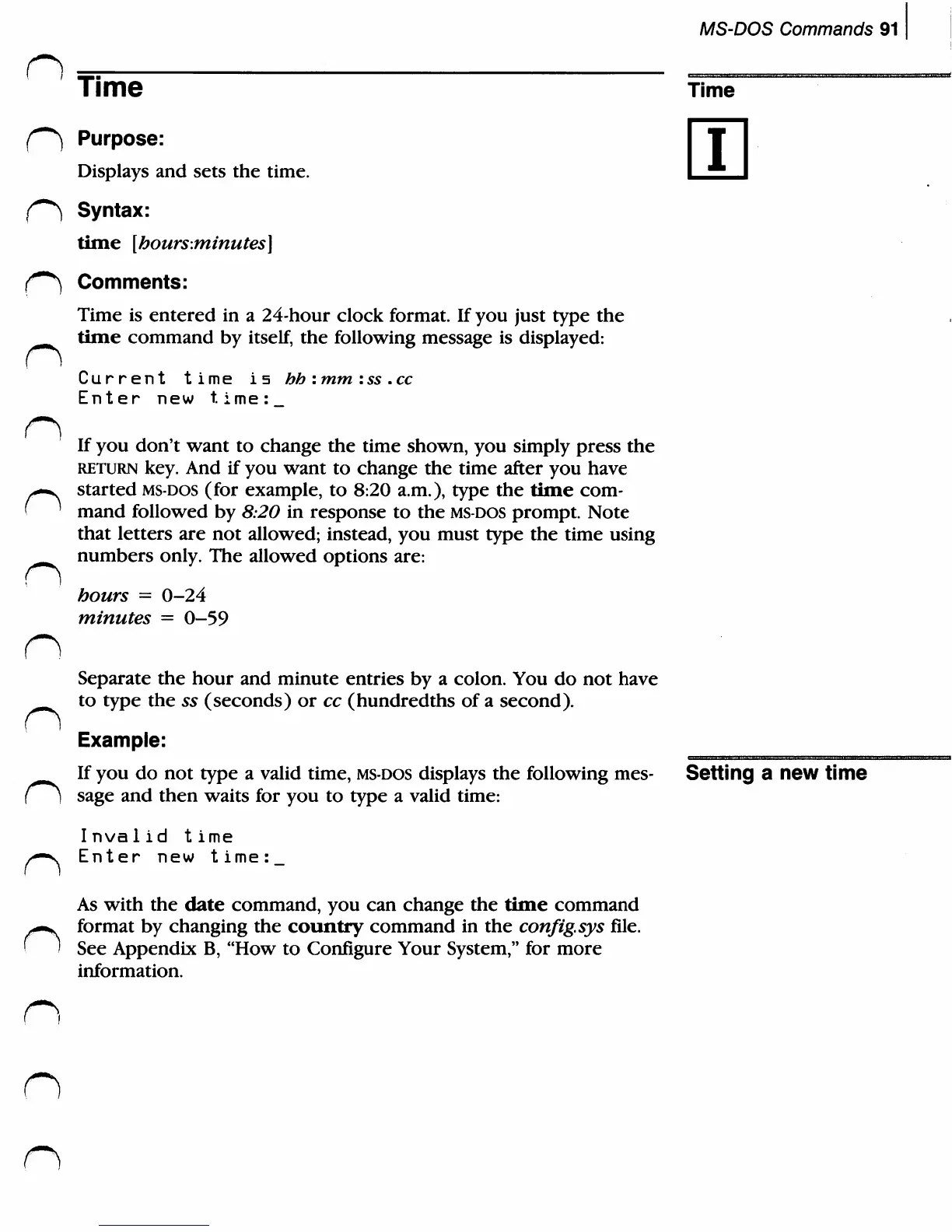
Current
time
is
Enter
new
time:
hh
:
mm
:ss
.cc
MS-DOS
Commands
91
Time
i
n
n
f)
If
you
don't
want
to
change
the
time
shown,
you
simply
press
the
return
key.
And
if
you
want
to
change
the
time
after
you
have
started
ms-dos
(for
example,
to
8:20
a.m.),
type
the
time
com
mand
followed
by
8:20
in
response
to
the
ms-dos
prompt.
Note
that
letters
are
not
allowed;
instead,
you
must
type
the
time
using
numbers
only.
The
allowed
options
are:
hours
=
0-24
minutes
=
0-59
Separate
the
hour
and
minute
entries
by
a
colon.
You
do
not
have
to
type
the
55
(seconds)
or
cc
(hundredths
of
a
second).
Example:
If
you
do
not
type
a
valid
time,
ms-dos
displays
the following
mes
sage
and
then
waits
for
you
to
type
a
valid
time:
Invalid
t
ime
Enter
new
t
ime:
Setting
a
new
time
n
As
with
the
date
command,
you
can
change
the
time
command
format
by
changing
the
country
command
in
the
config.sys
file.
See
Appendix
B,
"How
to
Configure
Your
System,"
for
more
information.
n
n

Related product manuals