EasyManua.ls Logo

Commodore PC - Page 17

Commodore PC
414 pages
Print Icon
To Next Page IconTo Next Page
To Previous Page IconTo Previous Page
Loading...
Learning
About
ms-dos
31
Filename
,-v
Just
as
each
folder
in
a
file
cabinet
has
a
label,
each
file
on
a
disk
\
'
has
a
name.
This
name
has
two
parts:
a
filename
and
an
exten
sion.
A
filename
can
be
from
1
to
8
characters
in
length,
and
can
be
typed
in
uppercase
or
lowercase
letters,
ms-dos
automatically
r^i
converts
filenames
to
uppercase
letters.
Filename
extensions
consist
of
a
period
followed
by
one,
two,
or
^mK^
three
characters.
Extensions
are
optional,
but
it's
a
good
idea
to
f)
use
them,
since
they
are
useful
for
describing
the
contents
of
a
file
to
you
and
to
ms-dos.
For
instance,
if
you
want
to
be
able
to
quickly
identify
your
report
files,
you
can
add
the
filename
exten-
f~\
sion
.rpt
to
each
one.
Here's
an
example
of
a
filename
with
this
extension:
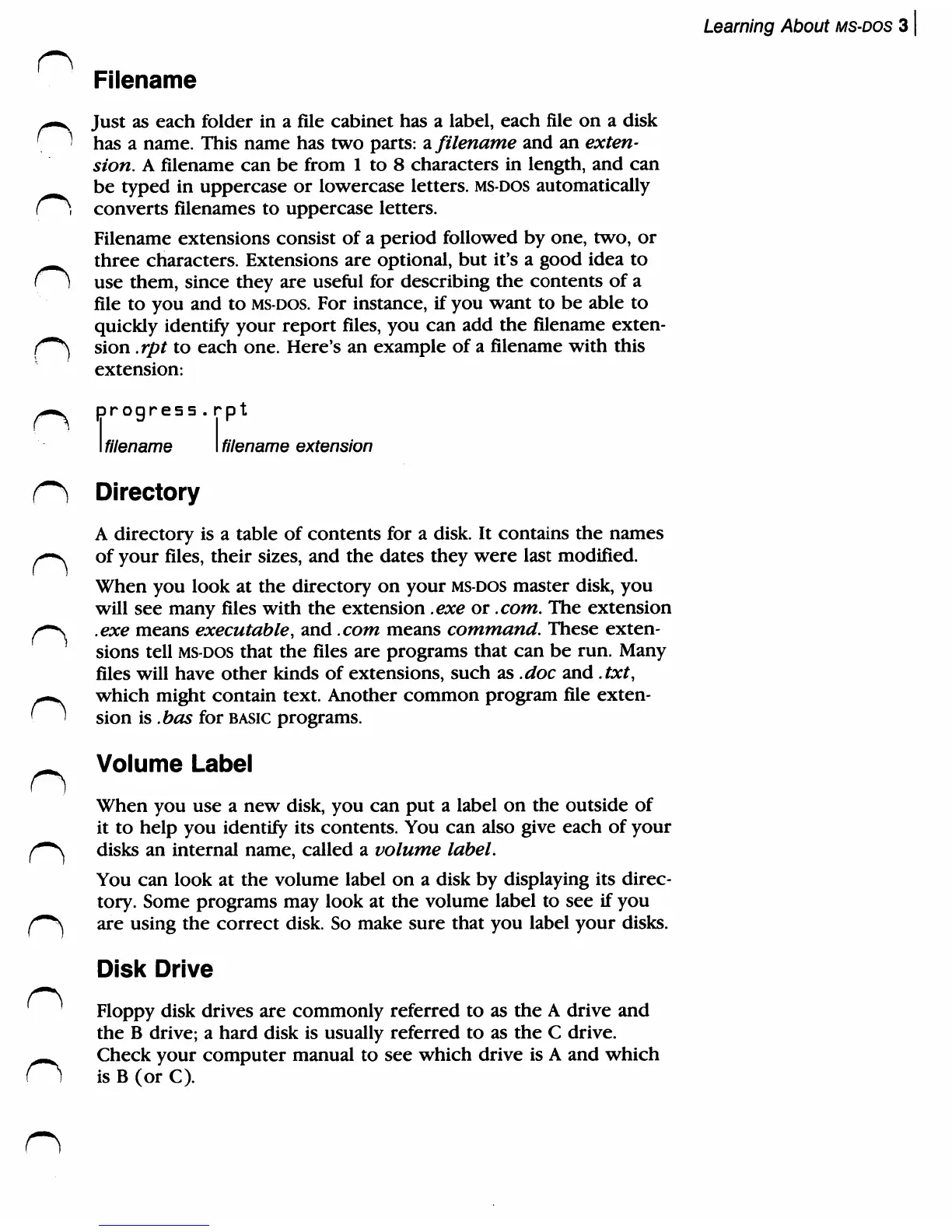
progress.rpt
I
filename
Directory
filename
extension
A
directory
is
a
table
of
contents
for
a
disk.
It
contains
the
names
/-—s
of
your
files,
their
sizes,
and
the
dates
they
were
last
modified.
When
you
look
at
the
directory
on
your
ms-dos
master
disk,
you
will
see
many
files
with
the
extension
.exe
or
.com.
The
extension
/*~\
.exe
means
executable,
and
.com
means
command.
These
exten
sions
tell
ms-dos
that
the
files
are
programs
that
can
be
run.
Many
files
will
have
other
kinds of
extensions,
such
as
.doc
and
.txt,
n
which
might
contain
text.
Another
common
program
file
exten
sion
is
.has
for
basic
programs.
^
Volume
Label
When
you
use
a
new
disk,
you
can
put
a
label
on
the
outside
of
it
to
help
you
identify
its
contents.
You
can
also
give
each
of
your
^-^
disks
an
internal
name,
called
a
volume
label.
You
can
look
at
the
volume
label
on
a disk
by
displaying
its
direc
tory.
Some
programs
may
look
at
the
volume
label
to
see
if
you
(~*\
are
using
the
correct
disk.
So
make
sure
that
you
label
your
disks.
Disk
Drive
'
Floppy
disk
drives
are
commonly
referred
to
as
the
A
drive
and
the
B
drive;
a
hard
disk
is
usually
referred
to
as
the
C
drive.
^^
Check
your
computer
manual
to
see
which
drive
is
A
and
which
(1
is
B
(or
C).

Related product manuals