EasyManua.ls Logo

Commodore PC - Page 219

Commodore PC
414 pages
Print Icon
To Next Page IconTo Next Page
To Previous Page IconTo Previous Page
Loading...
Edlin
Commands
147
"'
Delete
(D)elete
(
'
Purpose:
Deletes
a
specified
range
of
lines
in
a
file.
O
Syntax:
[line][Jine]d
^^
Comments:
If
you
omit
the
first
line
option,
edlin
defaults
to
the
current
line
/*-n
(the
line
with
the
asterisk
next
to
the
line
number).
If
you
omit
the
second
line
option,
then
edlin
deletes
just
the
first
line.
Remember,
too, that
when
you
delete
lines,
edlin
automatically
^^
renumbers
the
file.
Examples:
^^
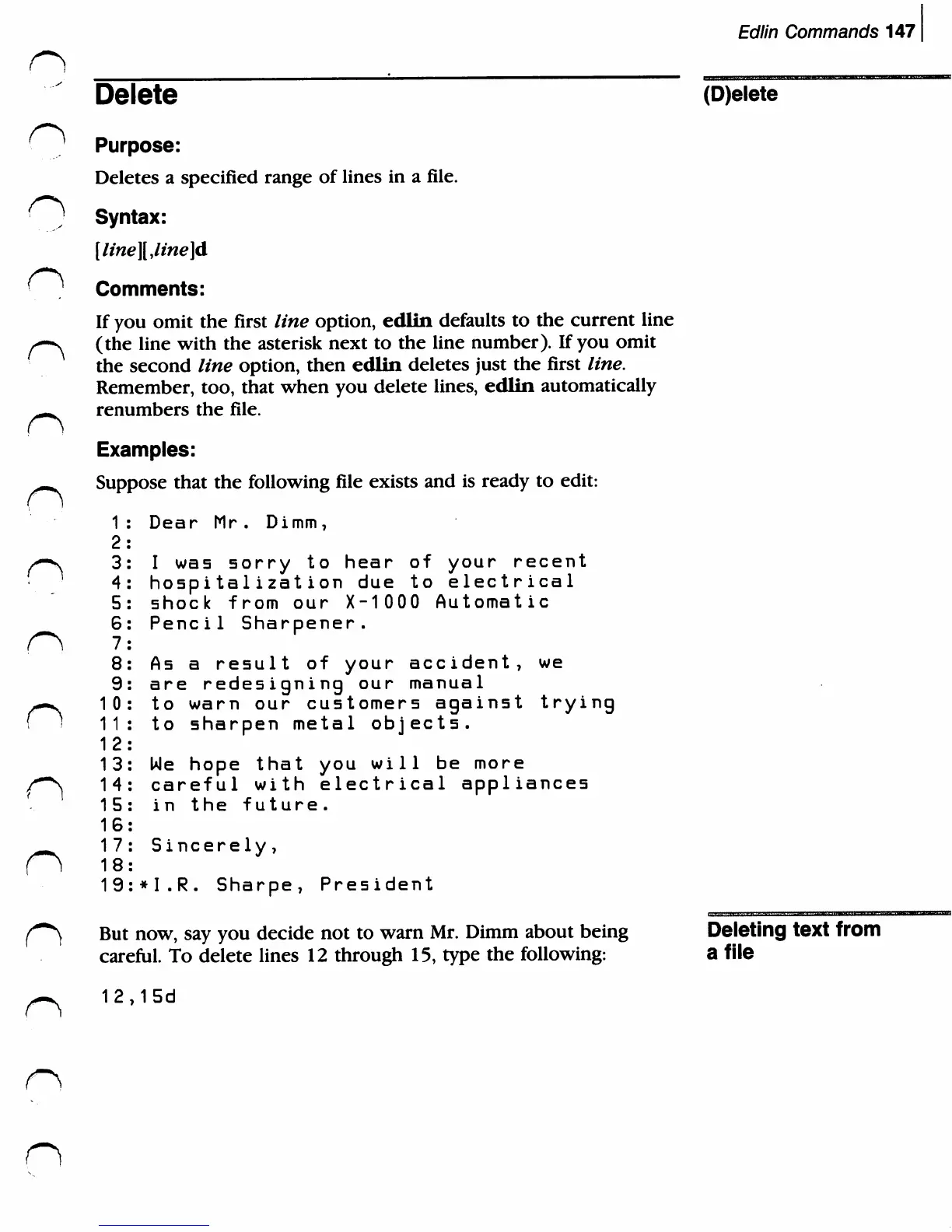
Suppose
that
the
following
file
exists
and
is
ready
to
edit:
1:
Dear
Mr.
Dimm,
2:
^-n
3:
I
was
sorry
to
hear
of
your
recent
4:
hospitalization
due
to
electrical
5:
shock
from
our
X-10
0
0
Automatic
6:
Pencil
Sharpener.
8:
As
a
result
of
your
accident,
we
9:
are
redesigning
our
manual
--^
10:
to
warn
our
customers
against
trying
f
>
11:
to
sharpen
metal
objects.
12:
13:
We
hope
that
you
will
be
more
f^S
14:
careful
with
electrical
appliances
15:
in
the
future.
16:
^^^
17:
Sincerely,
O
18:
19:*I.R.
Sharpe,
President
But
now,
say
you
decide
not
to
warn
Mr.
Dimm
about
being
Deleting
text
from
careful.
To
delete
lines
12
through
15,
type
the
following:
a
file
12,15d
n

Related product manuals