EasyManua.ls Logo

Commodore PC - Page 222

Commodore PC
414 pages
Print Icon
To Next Page IconTo Next Page
To Previous Page IconTo Previous Page
Loading...
150
MS-DOS
User's
Reference
U
Edit
Edit
Purpose:
Edits a
line
of
text.
Syntax:
[line]
Comments:
The
line
option
specifies
the
line
of
text
you
want
to
edit.
When
you
type
a
line
number
as
a
command,
edlin
displays
the
line
number
and
the
text
on
that
line;
then,
on
the
line
below,
edlin
reprints
the
line
number.
Now
you
can
retype
the
line,
or
use
the
edlin
editing
keys
to
edit
it.
The
existing
text
of
the
line
serves
as
the
template
until
you
press
the
return
key.
If
you
do
not
type
a
line
number
(that
is,
if
you
only
press
the
return
key),
edlin
edits
the
line
after
the
current
line.
(The
current
line
is
shown
by
an
asterisk
(*)).
If
you
do
not
need
to
change
the
current
line
and
if
the
cursor
is
at
the
beginning
or
end
of the
line,
you
can
simply
press
the
return key
to
accept
the
line.
Warning
If
you
press
the
return
key
while
the
cursor
is
in
the
(
,
middle
of
a
line,
edlin
deletes
the
remainder
of
the
line.
v*—'
Example:
[^J
Suppose
that
the
following
file
exists
and
is
ready
to
edit:
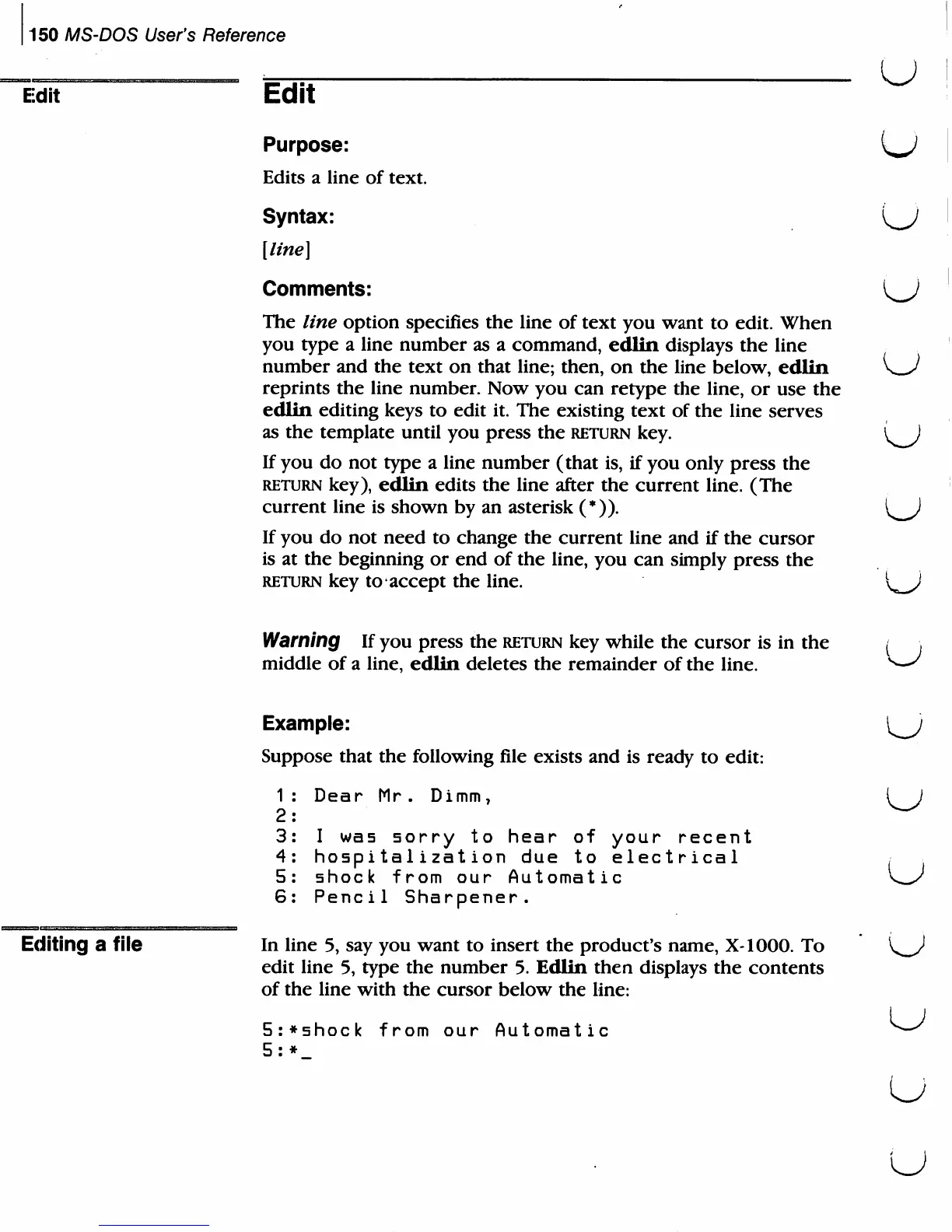
1:
Dear
Mr.
Dimm7
(J
2:
3:
I
was
sorry
to
hear
of
your
recent
4:
hospitalization
due
to
electrical
5:
shock
from
our
Automatic
6:
Pencil
Sharpener.
Editing
a
file
In
line
5,
say
you
want
to
insert
the product's
name,
X-1000.
To
V
)
edit
line
5,
type
the
number
5.
Edlin
then
displays
the
contents
of
the
line
with
the
cursor
below
the
line:
5:*shock
from
our
Automatic
5:*
u
u
u

Related product manuals