EasyManua.ls Logo

Commodore PC - Page 231

Commodore PC
414 pages
Print Icon
To Next Page IconTo Next Page
To Previous Page IconTo Previous Page
Loading...
Edlin
Commands
159
"
Move
(M)ove
f"^
Purpose:
Moves
a
range
of
text
to
the
specified
line.
(~*)
Syntax:
[line],
+
linejinem
f**)
Comments:
The
M
(move)
command
lets
you
move
a
block
of
text
to
another
^_^
location
in
a
file.
The
first
and
second
line
options
specify
the
C
\
range
of
lines
that
you
want
to
move.
The
third
line
option
speci
fies
the
line
you
want
to
move
the
first
line
in
the
range
to.
^-w
Edlin
automatically
renumbers
the
lines
after
it
moves
them.
For
< !
example,
the following
command
moves
the
text
from
the
current
line—plus
25
lines
to
line
100:
f^
,+25,100m
'■.
i.
If
the
line
numbers
that
you
specify
overlap,
edlin
displays
an
/****}
"Entry
error"
message.
Example:
/**>
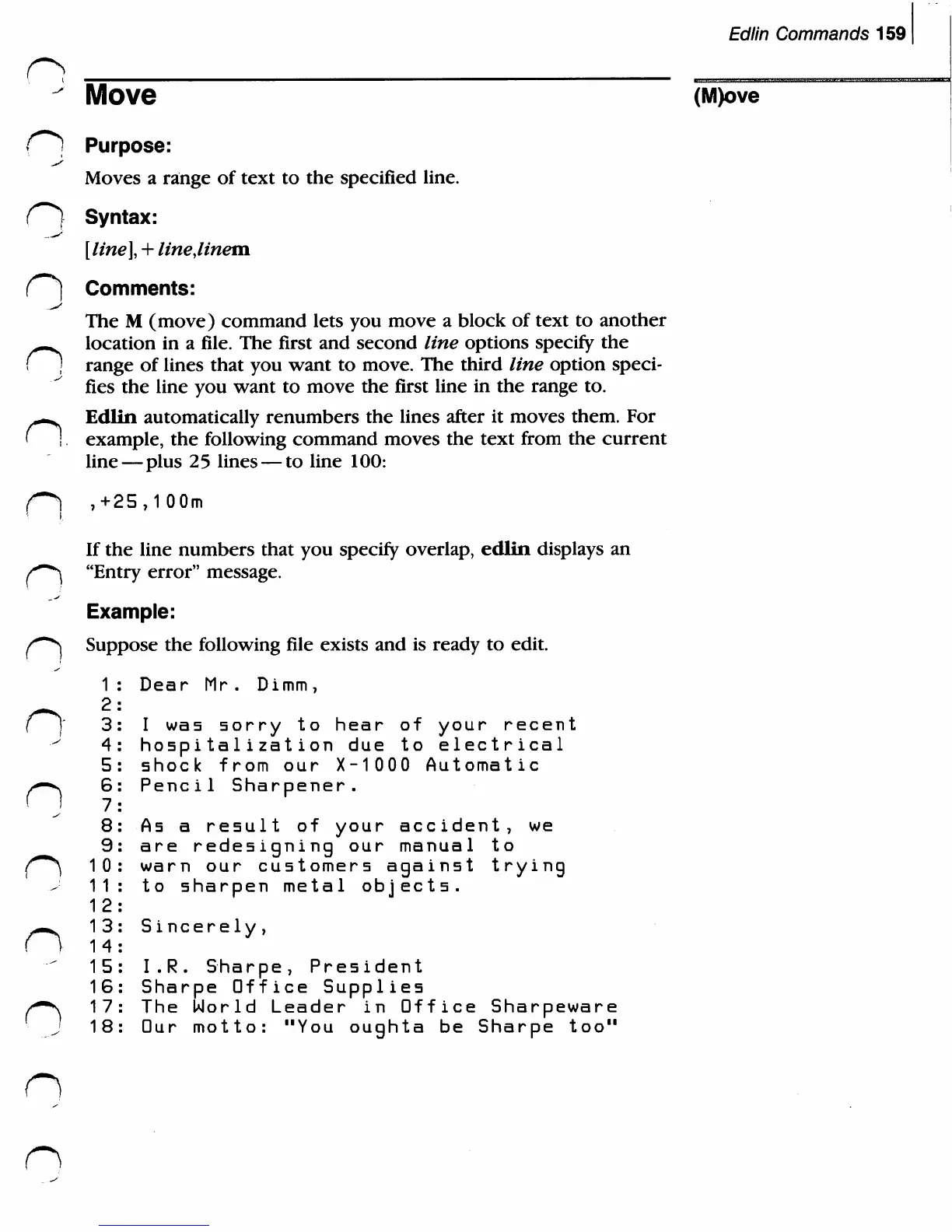
Suppose
the
following
file
exists
and
is
ready
to
edit.
1
:
Dear
Mr.
Dimm
7
/-^
2:
(J
3:
I
was
sorry
to
hear
of
your
recent
4:
hospitalization
due
to
electrical
5:
shock
from
our
X-10
0 0
Automatic
n6:
Pencil
Sharpener.
7:
8:
As
a
result
of
your
accident,
we
9:
are
redesigning
our
manual
to
/"""^
10:
warn
our
customers
against
trying
11:
to
sharpen
metal
objects.
1
2:
n13:
Sincerely,
14:
15:
I.R.
Sharpe,
President
16:
Sharpe
Office
Supplies
s~\
17:
The
Norld
Leader
in
Office
Sharpeware
J
18:
Our
motto:
"You
oughta
be
Sharpe
too"
n
n

Related product manuals