EasyManua.ls Logo

Commodore PC - Page 239

Commodore PC
414 pages
Print Icon
To Next Page IconTo Next Page
To Previous Page IconTo Previous Page
Loading...
Edlin
Commands
167
Examples:
^^^
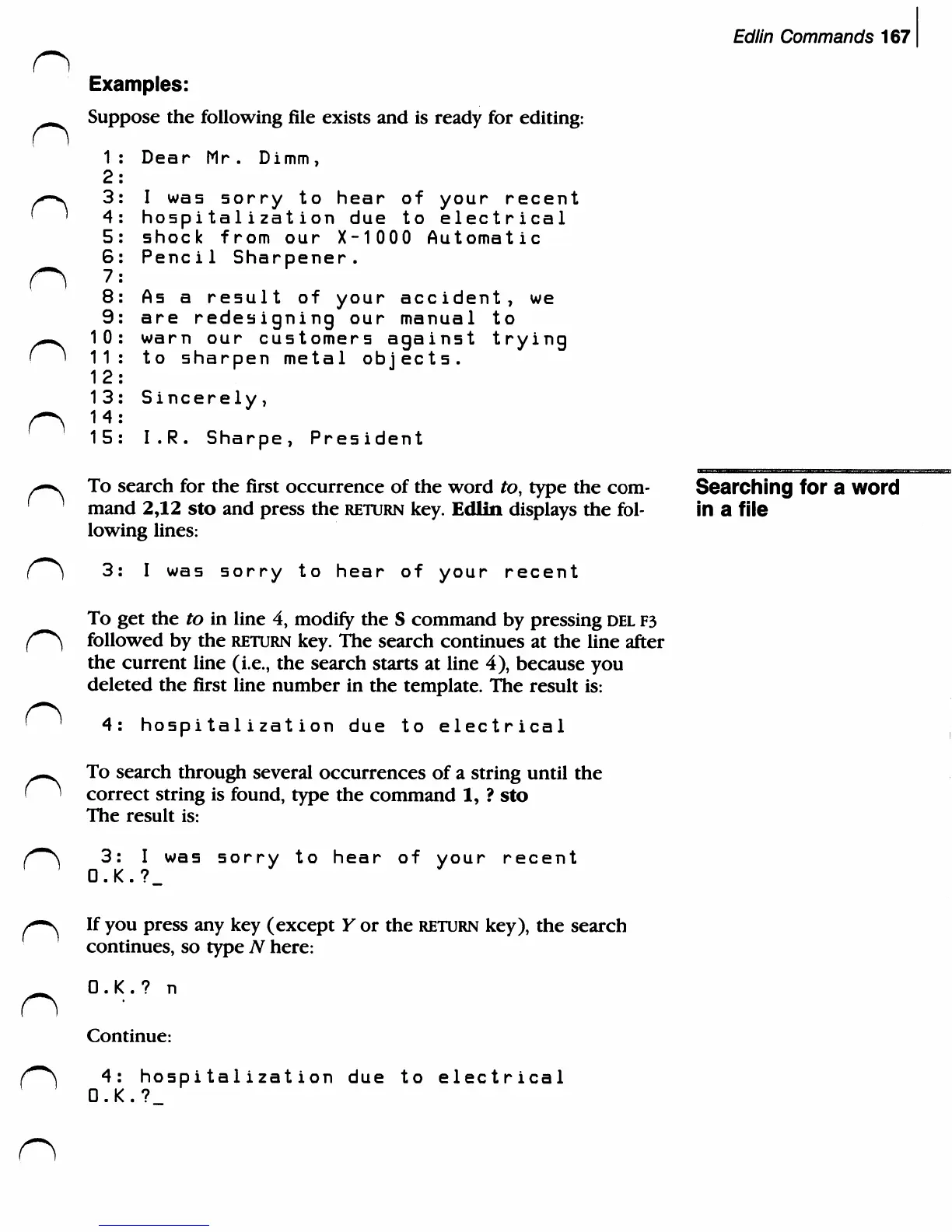
Suppose
the
following
file
exists
and
is
ready
for
editing:
1:
Dear
Mr.
Dimm,
2:
^-v
3:
I
was
sorry
to
hear
of
your
recent
'
'
4:
hospita1ization
due
to
electrical
5:
shock
from
our
X-10
0 0
Automatic
6:
Pencil
Sharpener.
f^)
7:
8:
As
a
result
of
your
accident,
we
9:
are
redesigning
our
manual
to
^m.
10:
warn
our
customers
against
trying
f i
11:
to
sharpen
metal
objects.
12:
13:
Sincerely,
f
15:
I.R.
Sharpe,
President
^-v
To
search
for
the
first
occurrence
of
the
word
to,
type
the
com-
Searching
for
a
word
'
mand
2,12
sto
and
press
the
return
key.
Edlin
displays
the
fol-
in
a
file
lowing
lines:
{~*)
3:
I
was
sorry
to
hear
of
your
recent
To
get
the
to
in
line
4,
modify
the
S
command
by
pressing
del
F3
{***}
followed
by
the
return
key.
The
search
continues
at
the
line
after
the
current
line
(i.e.,
the
search
starts
at
line
4),
because
you
deleted
the
first
line
number
in
the
template.
The
result
is:
'
4:
hospitalization
due
to
electrical
^-.
To
search
through
several
occurrences
of
a
string
until
the
(
'
correct
string
is
found,
type
the
command
1,
?
sto
The
result
is:
(0m\
3:
I
was
sorry
to
hear
of
your
recent
O.K.?_
^-s
If
you
press
any
key
(except
Y
or
the
return
key),
the
search
continues,
so
type
TV
here:
_
O.K.?
n
Continue:
(*~\
4:
hospi
tal
izat
ion
due
to
electrical
OK?

Related product manuals