EasyManua.ls Logo

Commodore PC - Page 242

Commodore PC
414 pages
Print Icon
To Next Page IconTo Next Page
To Previous Page IconTo Previous Page
Loading...
170
MS-DOS
User's
Reference
u
(w)rite
Write
Purpose:
M
Writes
a
specific
number
of
lines
to
a
disk.
Syntax:
\\
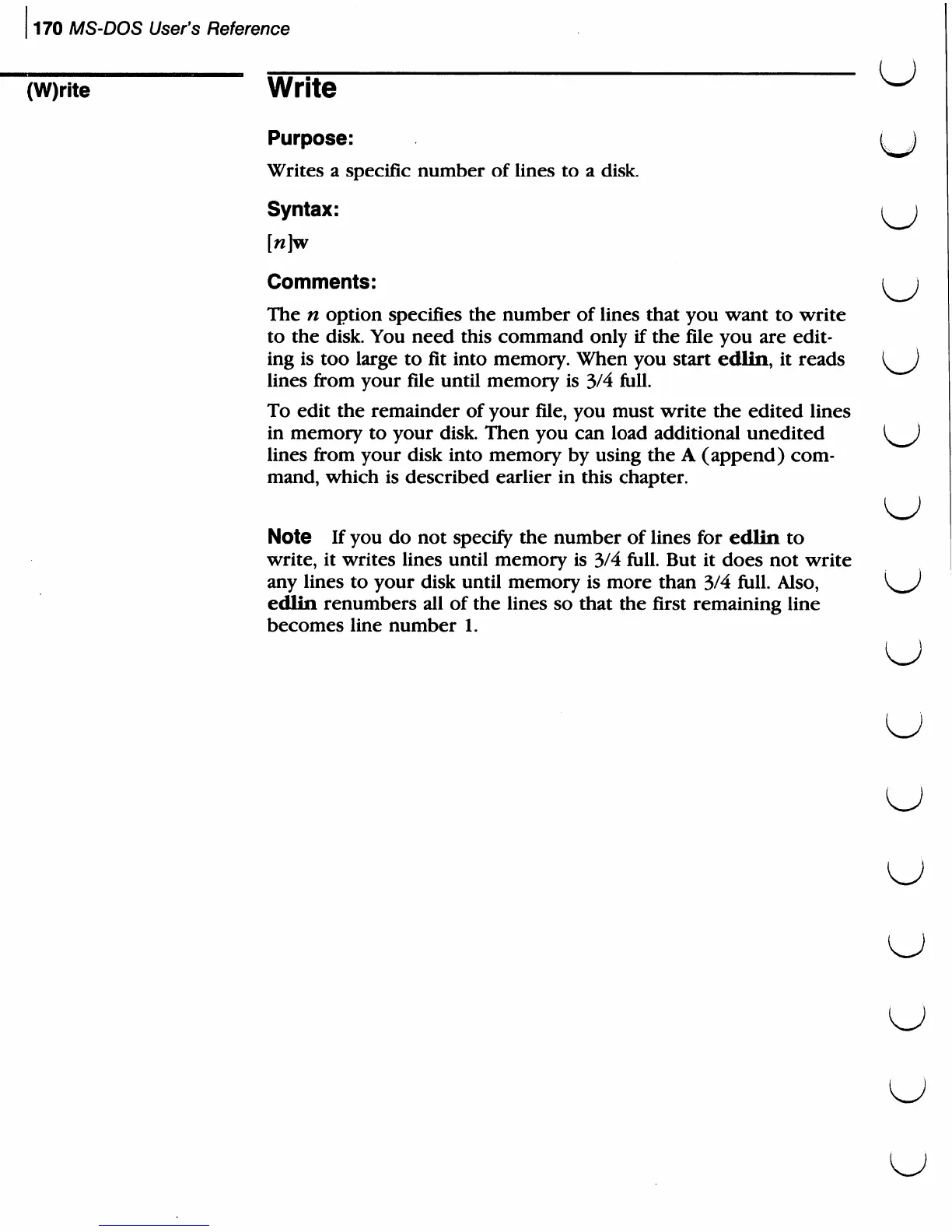
[n]w
Comments:
i
j
The
n
option
specifies
the
number
of
lines
that
you
want
to
write
to
the
disk.
You
need
this
command
only
if
the
file
you
are
edit
ing
is
too
large
to
fit
into
memory.
When
you
start
edlin,
it
reads
^)
lines
from
your
file
until
memory
is
3/4
full.
To
edit
the
remainder
of
your
file,
you
must
write
the
edited
lines
in
memory
to
your
disk.
Then
you
can
load
additional
unedited
lines
from
your
disk
into
memory
by
using
the
A
(append)
com
mand,
which
is
described
earlier
in
this
chapter.
Note
If
you
do
not
specify
the
number
of
lines
for
edlin
to
write,
it
writes
lines
until
memory
is
3/4
full.
But
it
does
not
write
any
lines
to
your
disk
until
memory
is
more
than
3/4
full.
Also,
edlin
renumbers
all
of
the
lines
so
that
the
first
remaining
line
becomes
line
number
1.
U
u
u

Related product manuals