EasyManua.ls Logo

Commodore PC - Page 261

Commodore PC
414 pages
Print Icon
To Next Page IconTo Next Page
To Previous Page IconTo Previous Page
Loading...
Link:
A
Linker
189
n
n
n
n
Using
Search
Paths
with
Libraries
You
can
direct
link
to
search
directories
and
disk
drives
for
the
libraries
you
have
named
in
a
command
by
either
specifying
one
or
more
search
paths
with
the
library
names,
or
by
assigning
the
search
paths
to
the
environment
variable
LIB
before
you
invoke
link
Environment
variables
are
explained
under
the
set
com
mand
in
Chapter
3,
"ms-dos
Commands."
A
search
path
is
the
path
of
a
directory
or
drive
name.
You
type
search
paths
along
with
library
names
on
the
link
command
line
or
in
response
to
the
Libraries
prompt.
You
can
also
specify
up
to
16
search
paths
and
assign
them
to
the
LIB
environment
variable
by
using
the
ms-dos
set
command.
In
the
latter
case,
you
must
separate
the
search
paths
by
semicolons
(;).
If
you
include
a
drive
or
directory
name
in
the
filename
for
a
library
in
the
link
command
line,
the
linker
searches
there
only.
If
you
don't
give
a
drive
or
directory
name,
link
searches
for
library
files
in
the
following
order:
Q]
First,
the
linker
searches
the
current
drive
and
directory.
[U
If
the
library
is
not
found
and
one
or
more
search
paths
have
been
given
in
the
command
line,
the
linker
searches
the
speci
fied
search
paths
in
the
order
in
which
you
gave
them.
[H
If
the
library
is
still
not
found
and
you
have
set
a
search
path
by
using
the
LIB
environment
variable,
the
linker
searches
there.
El
If
the
library
is
still
not
found,
link
prints
an
error
message.
Examples:
In
the
first
example,
the
linker
searches
only
the
\altlib
directory
on
drive
A
to
find
the
math,
lib
library.
To
find
common,
lib,
it
will
search
the
current
directory
on
the
current
drive,
the
current
directory
on
drive
B,
and
finally
the
\
lib
directory
on
drive
D:
Searching
for
library
files
Using
Link
with
library
files
link
file,
,
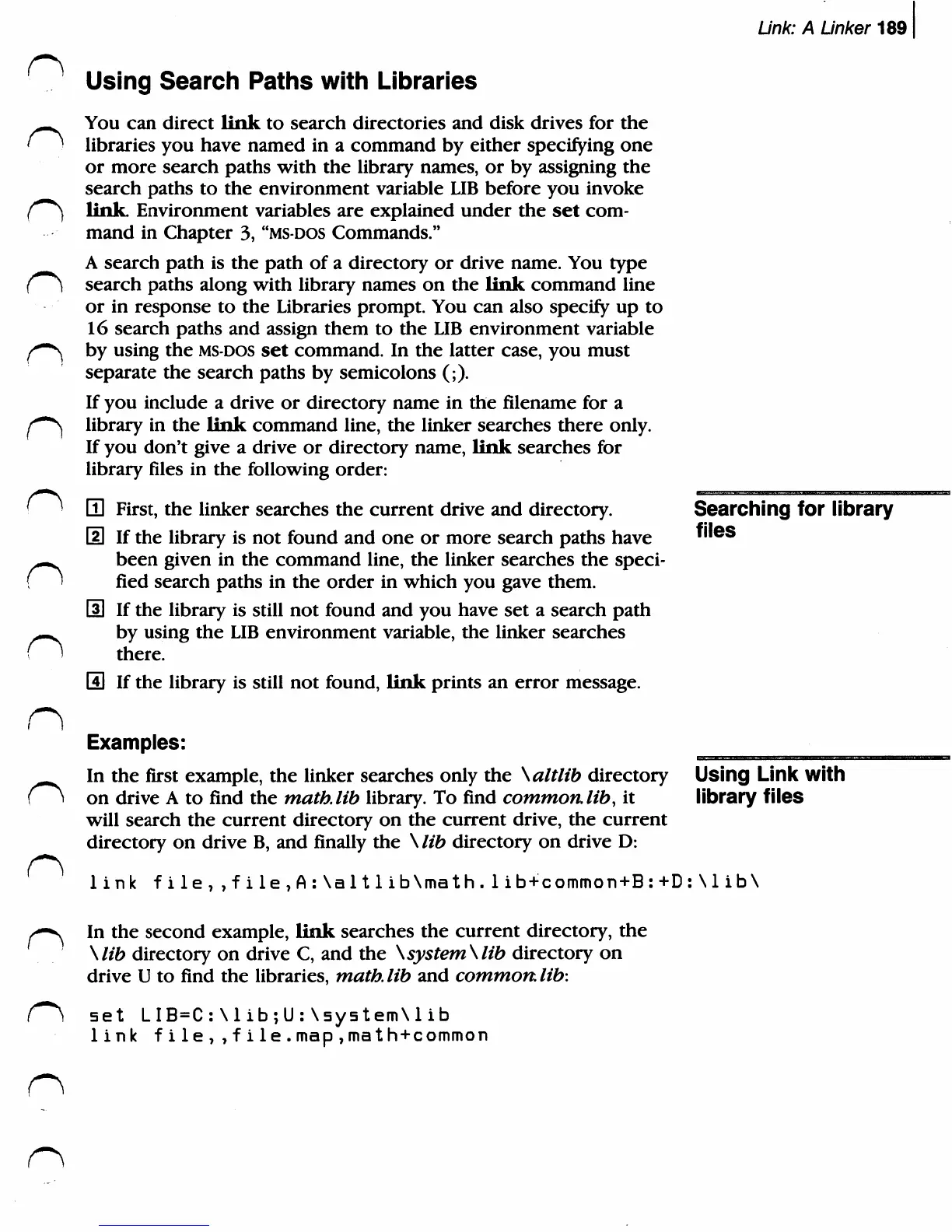
file,A:\al11ib\math.1ib+common+B:+D:\1ib\
In
the
second
example,
link
searches
the
current
directory,
the
\lib
directory
on
drive
C,
and
the
\system\lib
directory
on
drive
U
to
find
the
libraries,
math,
lib
and
common,
lib:
set
LIB=C:\lib;U:\system\lib
link
file,,file.map,math+common

Related product manuals