EasyManua.ls Logo

Commodore PC - Name

Commodore PC
414 pages
Print Icon
To Next Page IconTo Next Page
To Previous Page IconTo Previous Page
Loading...
1228
MS-DOS
User's
Reference
u
(N)ame
Name
Purpose:
Sets
filenames.
Syntax:
^filename
[filename...]
Comments:
The
N
(name)
command
performs
two
functions.
First,
it
assigns
a
filename
for
a
later
L
(load)
or
W
(write)
command.
So,
if
you
start
debug
without
naming
a
file
to
be
debugged,
you
must
type
the
command
Nfilename
before
a
file
can
be
loaded.
Second,
the
N
command
assigns
filename
parameters
to
the
file
being
debugged.
In
this
case,
N
accepts
a
list
of
parameters
used
by
the
t
j
file
being
debugged.
Note
that
these
two
functions
overlap.
Consider,
for
example,
the
following
set
of
debug
commands:
i)
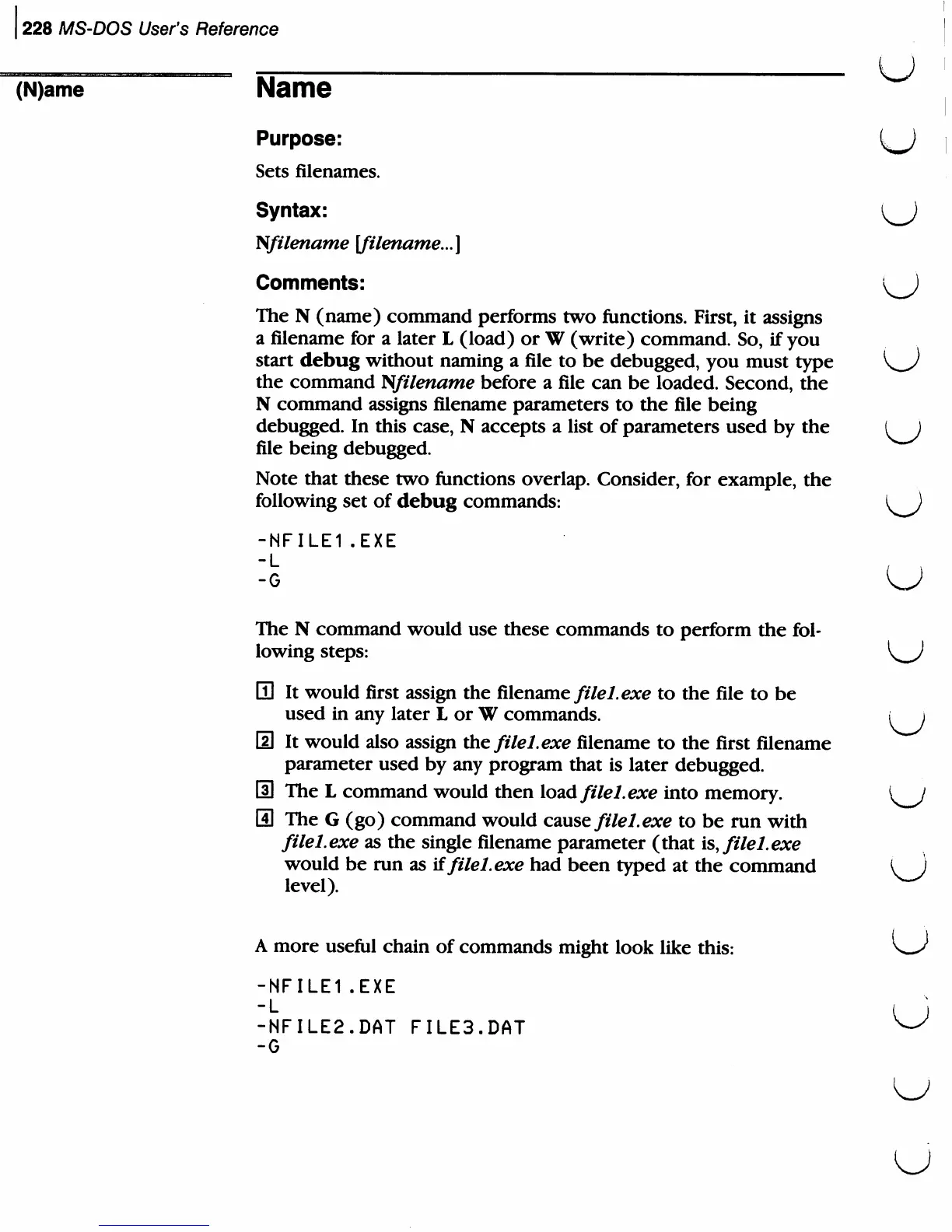
-NFILE1.EXE
The
N
command
would
use
these
commands
to
perform
the
fol
lowing
steps:
H
It
would
first
assign
the
filename
filel.exe
to
the
file
to
be
used
in
any
later
L
or
W
commands.
i
i
[2
It
would
also
assign
xh^
filel.exe
filename
to
the
first
filename
parameter
used
by
any
program
that
is
later
debugged.
S
The
L
command
would
then
load
filel.exe
into
memory.
El
The
G
(go)
command
would
cause
filel.exe
to
be
run
with
filel.exe
as
the
single
filename
parameter
(that
is,
filel.exe
would
be
run
as
iffilel.exe
had
been
typed
at
the
command
i
)
level).
w
A
more
useful
chain
of
commands
might
look
like
this:
-NFILE1.EXE
-NFILE2.DAT
FILE3.DAT
-G
u

Related product manuals