EasyManua.ls Logo

Commodore PC - Register

Commodore PC
414 pages
Print Icon
To Next Page IconTo Next Page
To Previous Page IconTo Previous Page
Loading...
1232
MS-DOS
User's
Reference
U
(R)egister
Register
Purpose:
Displays
the
contents
of
one
or
more
CPU
registers.
Syntax:
B{register-name]
Comments:
If
you
do
not type
a
register-name,
the
R
(register)
command
dumps
the
register
storage
area
and
displays
the
contents of
all
registers
and
flags.
If
you
do
type
a
register-name,
the
16-bit
value
of
that
register
is
displayed
in
hexadecimal,
and
a
colon
then
appears
as
a
prompt.
You
can
now
either
type
a
value
to
change
the
register,
or
press
\—/
the
return
key
if
you
don't
want
a
change.
Following
is
a
list
of
the
valid
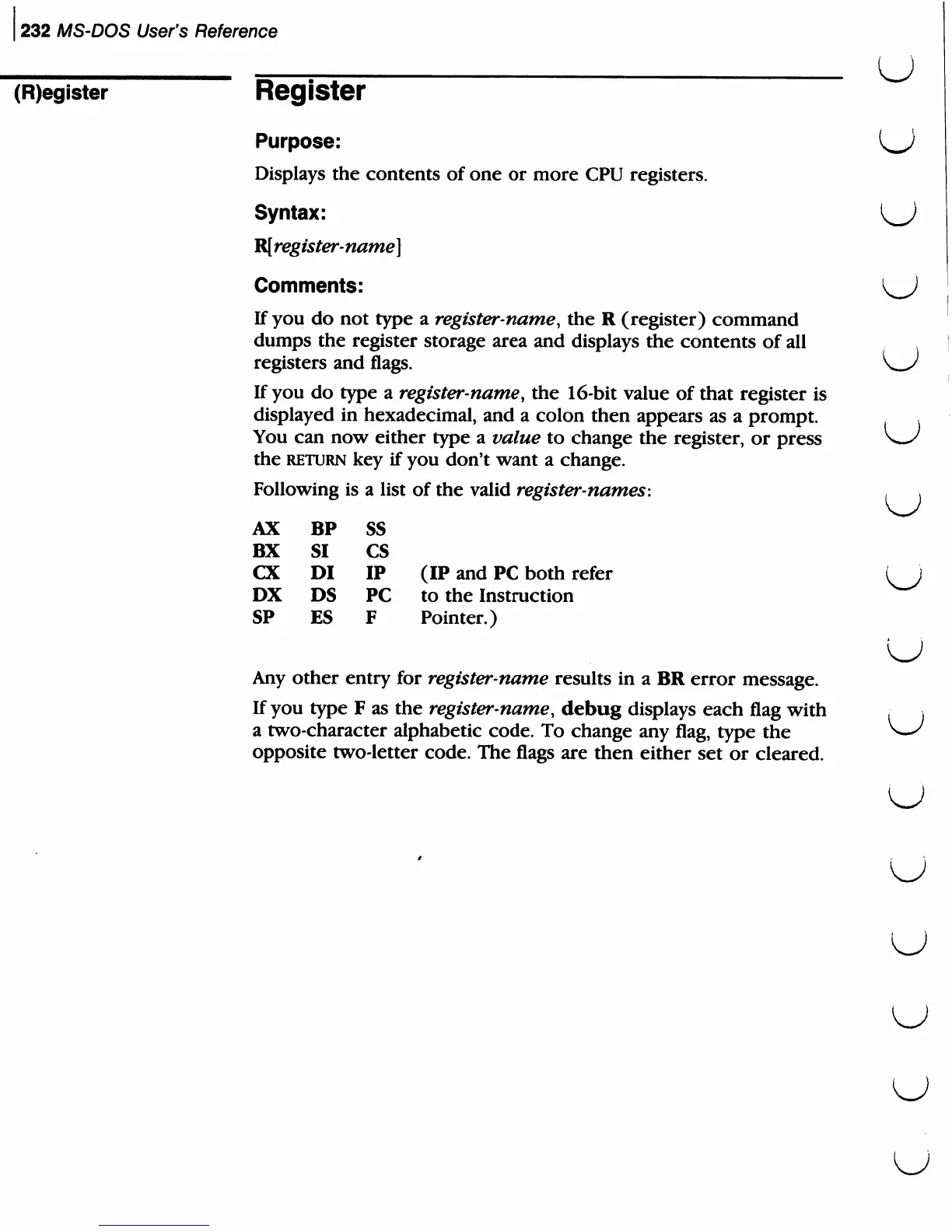
register-names:
>
AX
BX
CX
DX
SP
BP
SI
DI
DS
ES
ss
cs
IP
PC
F
(IP
and
PC
both
refer
to
the
Instruction
Pointer.)
Any
other
entry
for
register-name
results in
a
BR
error
message.
If
you
type
F
as
the
register-name,
debug
displays
each
flag
with
a
two-character
alphabetic
code.
To
change
any
flag,
type
the
opposite
two-letter
code.
The
flags
are
then
either
set
or
cleared.
u

Related product manuals