EasyManua.ls Logo

Commodore PC - Page 306

Commodore PC
414 pages
Print Icon
To Next Page IconTo Next Page
To Previous Page IconTo Previous Page
Loading...
234
MS-DOS
User's
Reference
u
Examples:
<
\
Using
the
Register
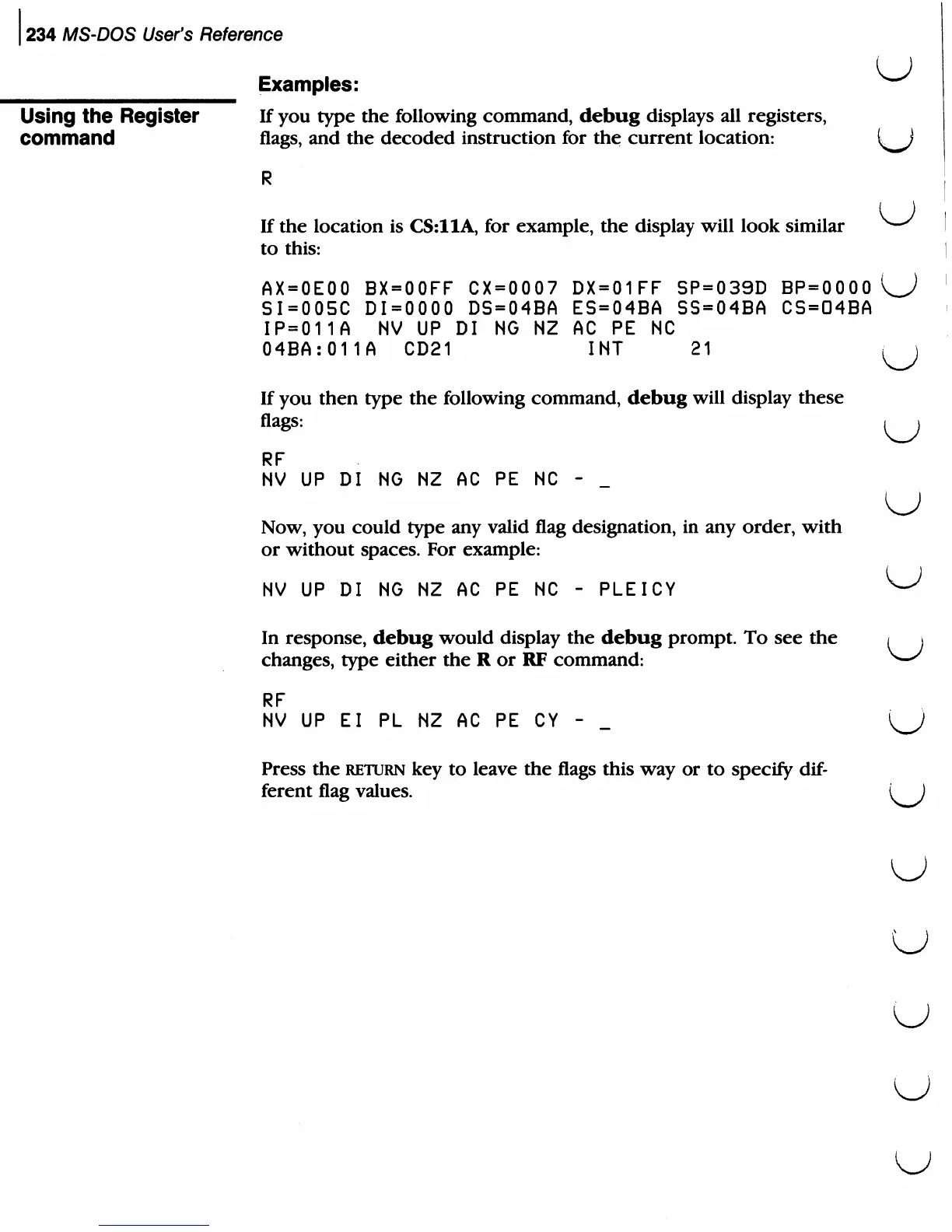
If
you
type
the
following
command,
debug
displays
all
registers,
command
flags,
and
the
decoded
instruction
for
the
current
location:
If
the
location
is
CS:11A,
for
example,
the
display
will
look
similar
to
this:
AX=0E00
BX=00FF CX=0007
DX=01FF
SP=039D
BP=0000
SI=005C
DI=0000
DS=04BA
ES=04BA
SS=04BA
CS=04BA
IP=011A
NV
UP
DI
NG NZ
AC
PE NC
04BA:011A
CD21
INT
21
If
you
then
type
the
following
command,
debug
will
display
these
flags:
RF
NV
UP
DI
NG
NZ
AC
PE
NC
-
u
Now,
you
could
type
any
valid
flag
designation,
in
any
order,
with
or
without
spaces.
For
example:
NV
UP
DI
NG
NZ
AC PE NC
-
PLEICY
In
response,
debug
would
display
the
debug
prompt.
To
see
the
changes,
type
either
the
R
or
RF
command:
RF
NV
UP
El
PL
NZ
AC PE
CY
-
Press
the
return
key
to
leave
the
flags
this
way
or
to
specify
dif
ferent
flag
values.
(J
u
u

Related product manuals