EasyManua.ls Logo

Commodore PC - Trace

Commodore PC
414 pages
Print Icon
To Next Page IconTo Next Page
To Previous Page IconTo Previous Page
Loading...
236
MS-DOS
User's
Reference
(T)race
Using
the
Trace
command
Trace
Purpose:
Executes
one
instruction
and
displays
the
contents
of
all
registers,
flags,
and
the
decoded
instruction.
Syntax:
T[
=
address]
[value]
Comments:
If
you
include
the
=
address
option
in
the
T
(trace)
command,
tracing
occurs
at
the
specified
=
address.
The
value
option
causes
debug
to
execute
and
trace
the
number
of
steps
specified
by
value.
The
T
command
uses
the
hardware
trace
mode
of
the
8086
or
8088
microprocessor.
Consequently,
you
may
also
trace
instruc
tions
stored
in
ROM
(Read
Only
Memory).
Example:
Suppose
you
type
the
following
command:
U
u
u
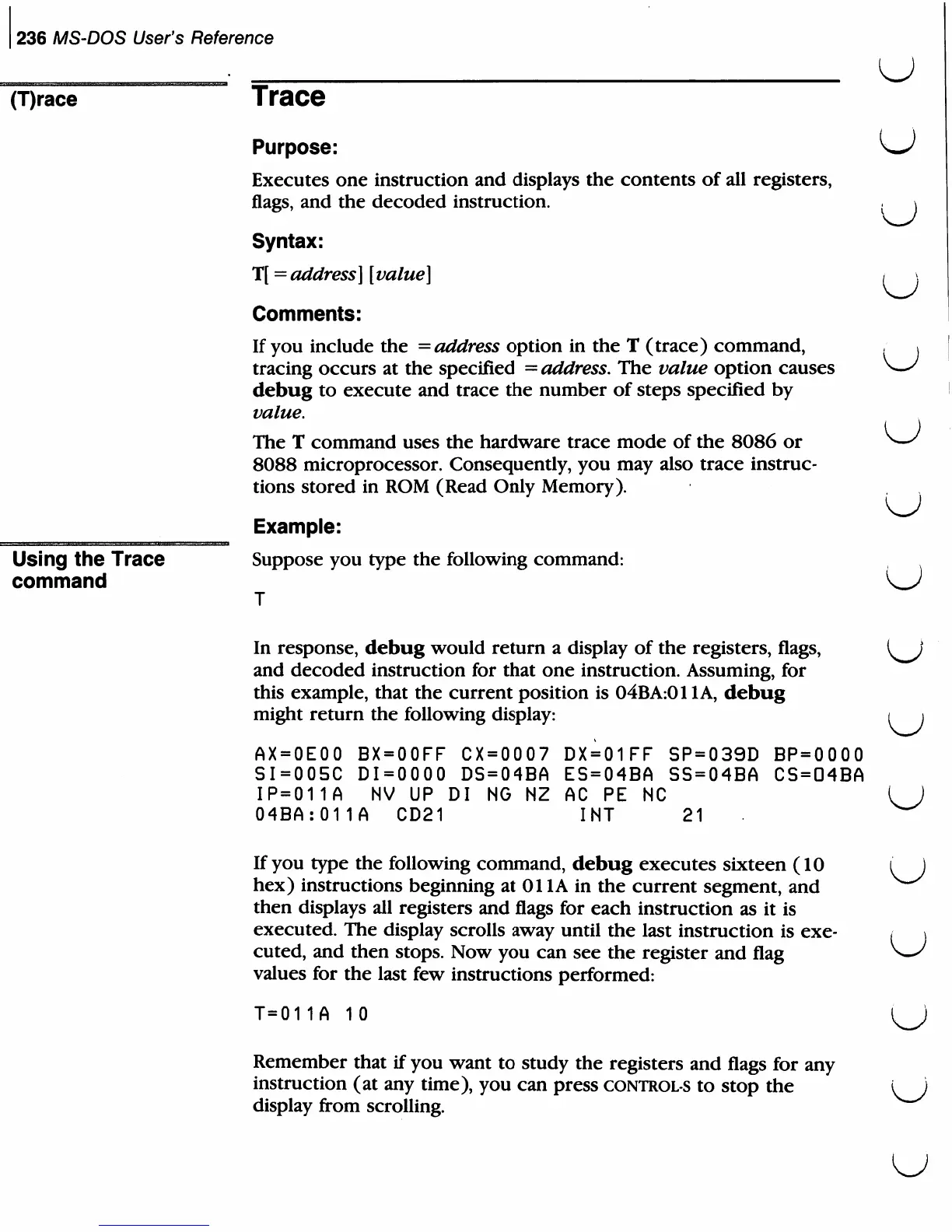
In
response,
debug
would
return
a display
of
the
registers,
flags,
and
decoded
instruction
for
that
one
instruction.
Assuming,
for
this
example,
that
the
current
position
is
04BA:011A,
debug
might
return
the
following
display:
AX=OEOO
BX=OOFF CX=0007
DX=01FF
SP=039D
BP=OOOO
SI=005C
DI=0000
DS=04BA
ES=04BA
SS=O4BA
CS=04BA
IP=011A
NV
UP
DI
NG NZ
AC
PE
NC
04BA:011A
CD21
INT
21
If
you
type
the
following
command,
debug
executes
sixteen
(10
hex)
instructions
beginning
at
Oil
A
in
the
current
segment,
and
then
displays
all
registers
and
flags
for
each
instruction
as
it
is
executed.
The
display
scrolls
away
until
the
last
instruction
is
exe
cuted,
and
then
stops.
Now
you
can
see
the
register
and
flag
values
for
the
last
few
instructions
performed:
T=011A
10
Remember
that
if
you
want
to
study
the
registers
and
flags
for
any
instruction
(at
any
time),
you
can
press
controls
to
stop
the
display
from
scrolling.
U
u
u
u

Related product manuals