EasyManua.ls Logo

Commodore PC - FCBS

Commodore PC
414 pages
Print Icon
To Next Page IconTo Next Page
To Previous Page IconTo Previous Page
Loading...
Appendix
B
How
to
Configure
Your
System
253
n
n
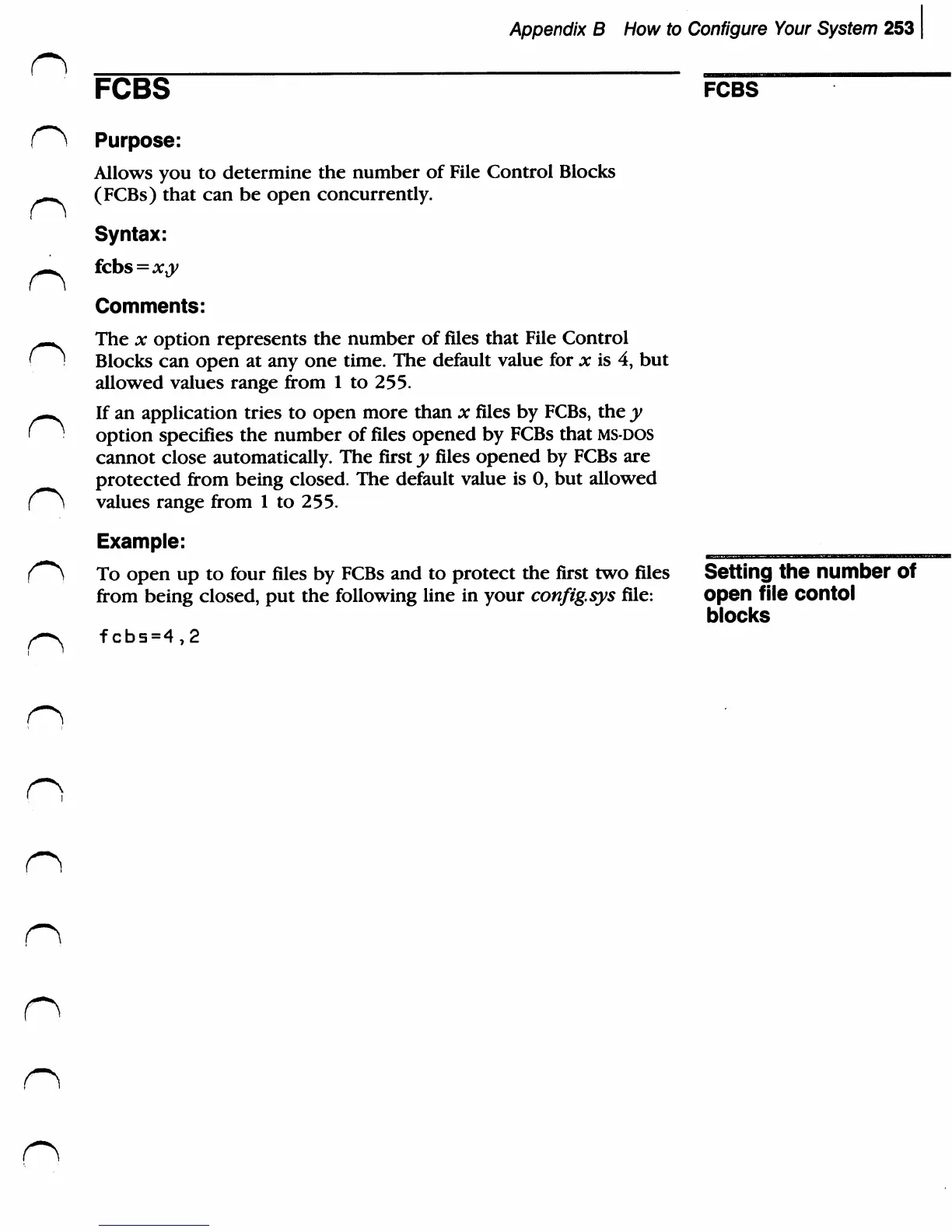
FCBS
fcbs
(^
Purpose:
Allows
you
to
determine
the
number
of
File
Control
Blocks
-p..
(FCBs)
that
can
be
open
concurrently.
Syntax:
Comments:
^^
The
x
option
represents
the
number
of
files
that
File
Control
(1
Blocks
can
open
at
any
one
time.
The
default
value
for
x
is
4,
but
allowed
values
range
from
1
to
255.
—^
If
an
application
tries
to
open
more
than
x
files
by
FCBs,
the
y
'
option
specifies
the
number
of
files
opened
by
FCBs
that
ms-dos
cannot
close
automatically.
The
first
y
files
opened
by FCBs
are
protected
from
being
closed.
The
default
value
is
0,
but
allowed
f^
values
range
from
1
to
255.
Example:
To
open
up
to
four
files
by
FCBs
and
to
protect
the
first
two
files
Setting
the
number
of
from
being
closed,
put
the
following
line in
your
config.sys
file:
open
file
COntol
blocks
fcbs=4,2

Related product manuals