EasyManua.ls Logo

Commodore PC - Page 36

Commodore PC
414 pages
Print Icon
To Next Page IconTo Next Page
To Previous Page IconTo Previous Page
Loading...
22
MS-DOS
User's
Guide
Copying
files
onto
a
hard
disk
To
copy
files
onto
your
newly
formatted
hard
disk,
you
must
use
the
copy
command.
This
command
is
automatically
loaded
into
your
computer's
memory
when
you
start
msdos.
To
copy
your
msdos
master
disk
onto
a
hard
disk
(drive
C),
follow
these
steps:
Q]
Make
sure
that
the
msdos
master
disk
is
in
drive
A.
[U
At
the
msdos
prompt,
type
the
following
command:
copy
a:
c:
This
command
tells
msdos
to
copy
all
files
on
drive
A
to
drive
C.
Press
the
return
key.
The
copy
program
then
lists
each
file
on
the
screen
as
it
is
copied
onto
the
new
disk.
When
the
process
is
complete,
msdos
shows
you
how
many
files
it
has
copied.
You
now
have
two
msdos
disks:
the
msdos
master
disk
and
the
copy you
have
just
made
on
your
hard
disk.
\j
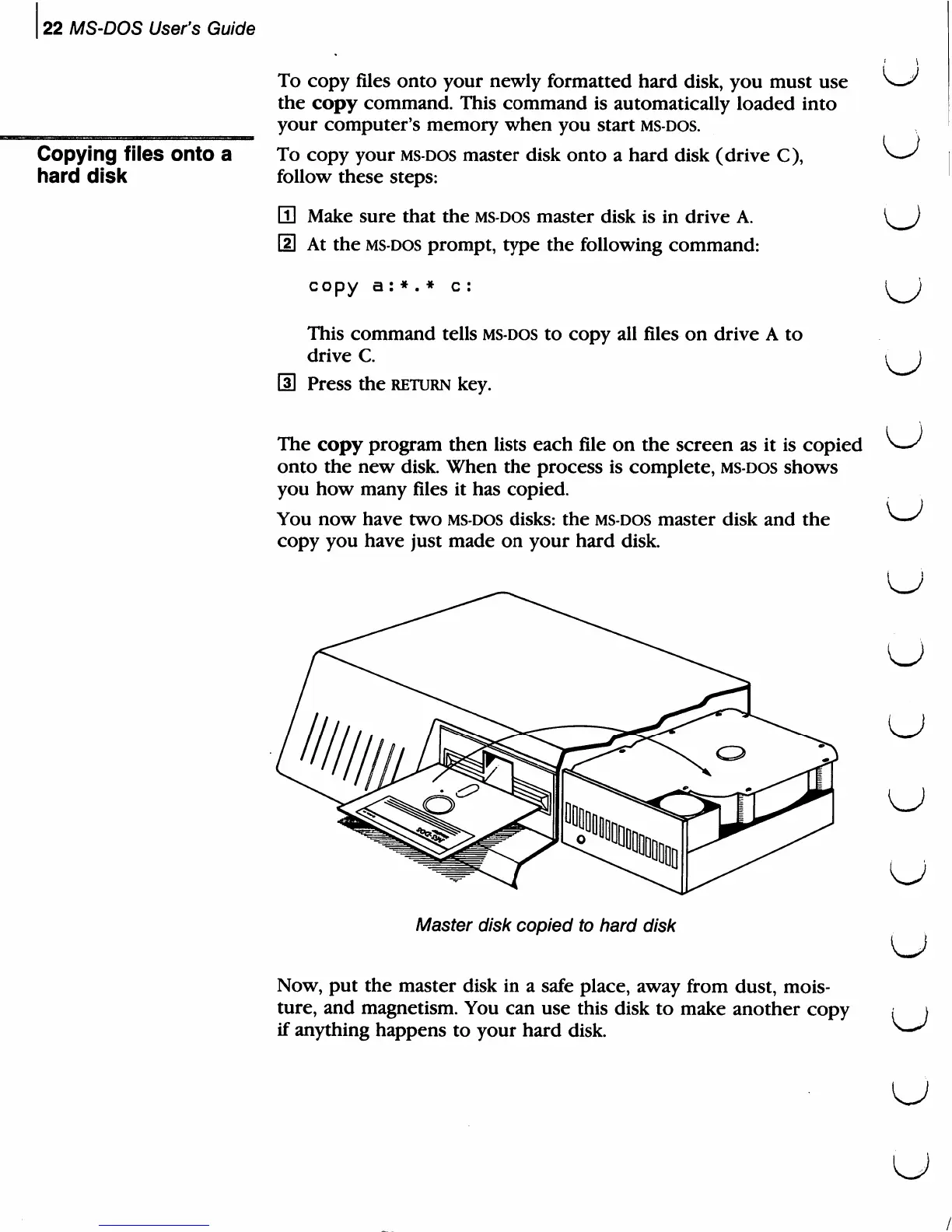
Master
disk
copied
to
hard
disk
Now,
put
the
master
disk
in
a
safe
place,
away
from
dust,
mois
ture,
and
magnetism.
You
can
use
this
disk
to
make
another
copy
if
anything
happens
to
your
hard
disk.
u
u
u
u
u
u

Related product manuals