EasyManua.ls Logo

Commodore PC - Page 365

Commodore PC
414 pages
Print Icon
To Next Page IconTo Next Page
To Previous Page IconTo Previous Page
Loading...
/293
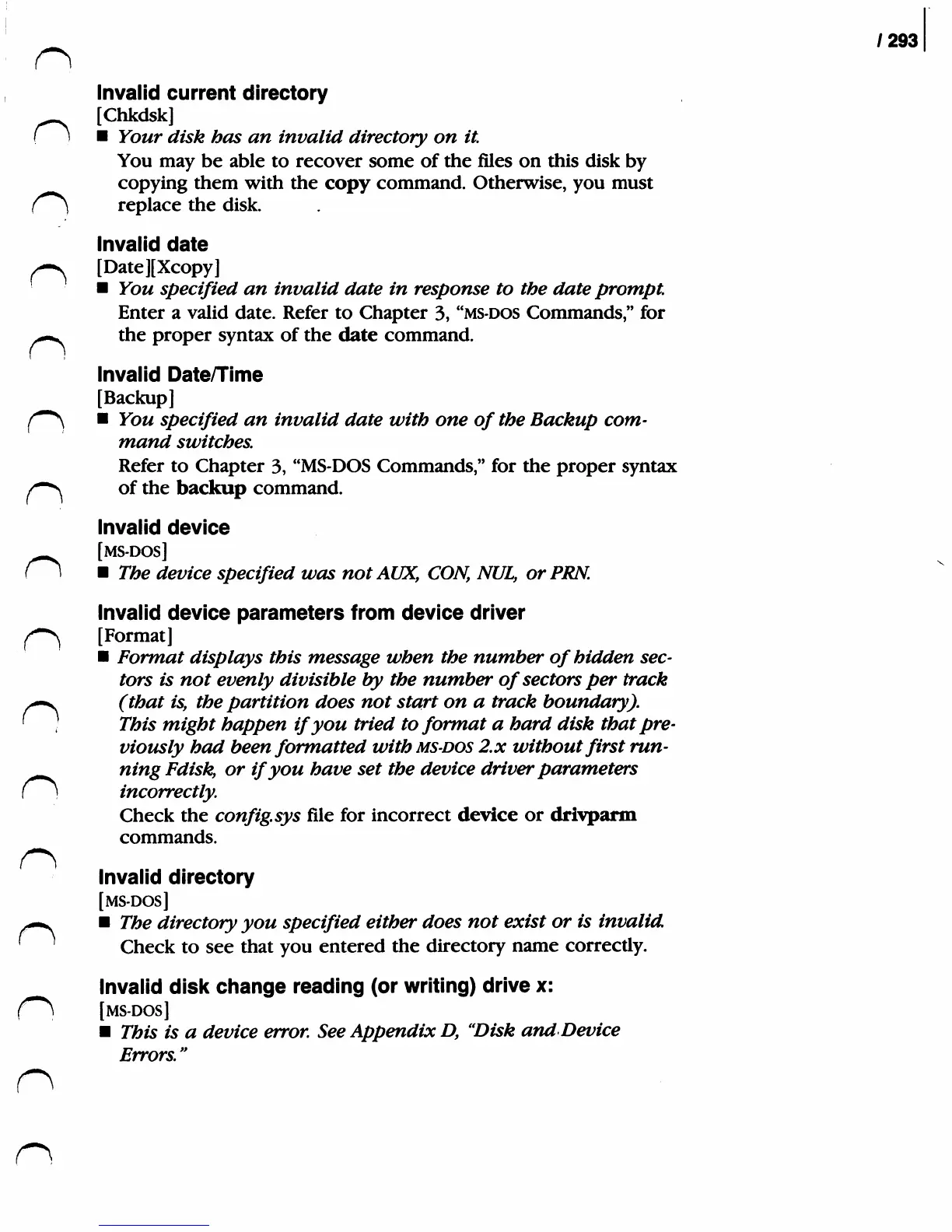
Invalid
current
directory
[Chkdsk]
(
1
Ybwr
*//s&
has
an
invalid
directory
on
it.
You
may
be
able
to
recover
some
of
the
files
on
this
disk
by
copying
them
with
the
copy
command.
Otherwise,
you
must
C~*\
replace the
disk.
Invalid
date
^
[Date][Xcopy]
You
specified
an
invalid
date
in
response
to
the
date
prompt.
Enter
a
valid
date.
Refer
to
Chapter
3,
"ms-dos
Commands,"
for
/0m^
the
proper
syntax of
the
date
command.
Invalid
Date/Time
[Backup]
(~*\
You
specified
an
invalid
date
with
one
of
the
Backup
com
mand
switches.
Refer
to
Chapter
3,
"MS-DOS
Commands,"
for
the
proper
syntax
/-"^
of
the
backup
command.
Invalid
device
[MS-DOS]
(\
The
device
specified
was
notAUX,
CON,
NUL,
or
PEN.
Invalid
device
parameters
from
device
driver
f"~^
[Format]
Format
displays
this
message
when
the
number
of
hidden
sec
tors
is
not
evenly
divisible
by
the
number
of
sectors
per
track
^-v
(that
is,
the
partition
does
not
start
on
a
track
boundary).
'
)
This
might
happen
if
you
tried
to
format
a
hard
disk
that
pre
viously
had
been
formatted
with
msdos
2.x
without
first
run-
^^^
ning
Fdisky
or
if
you
have
set
the
device
driver
parameters
(
}
incorrectly.
Check
the
config.sys
file
for
incorrect
device
or
drivparm
commands.
Invalid
directory
[MS-DOS]
^—^
The
directory
you
specified
either
does
not
exist
or
is
invalid
'
Check
to
see
that
you
entered
the
directory
name
correctly.
Invalid
disk
change
reading
(or
writing)
drive
x:
fm\i
[MS-DOS]
This
is
a
device
error.
See
Appendix
D,
'Disk
and
Device
Errors."
n
Cs

Related product manuals