EasyManua.ls Logo

Commodore PC - Page 65

Commodore PC
414 pages
Print Icon
To Next Page IconTo Next Page
To Previous Page IconTo Previous Page
Loading...
^
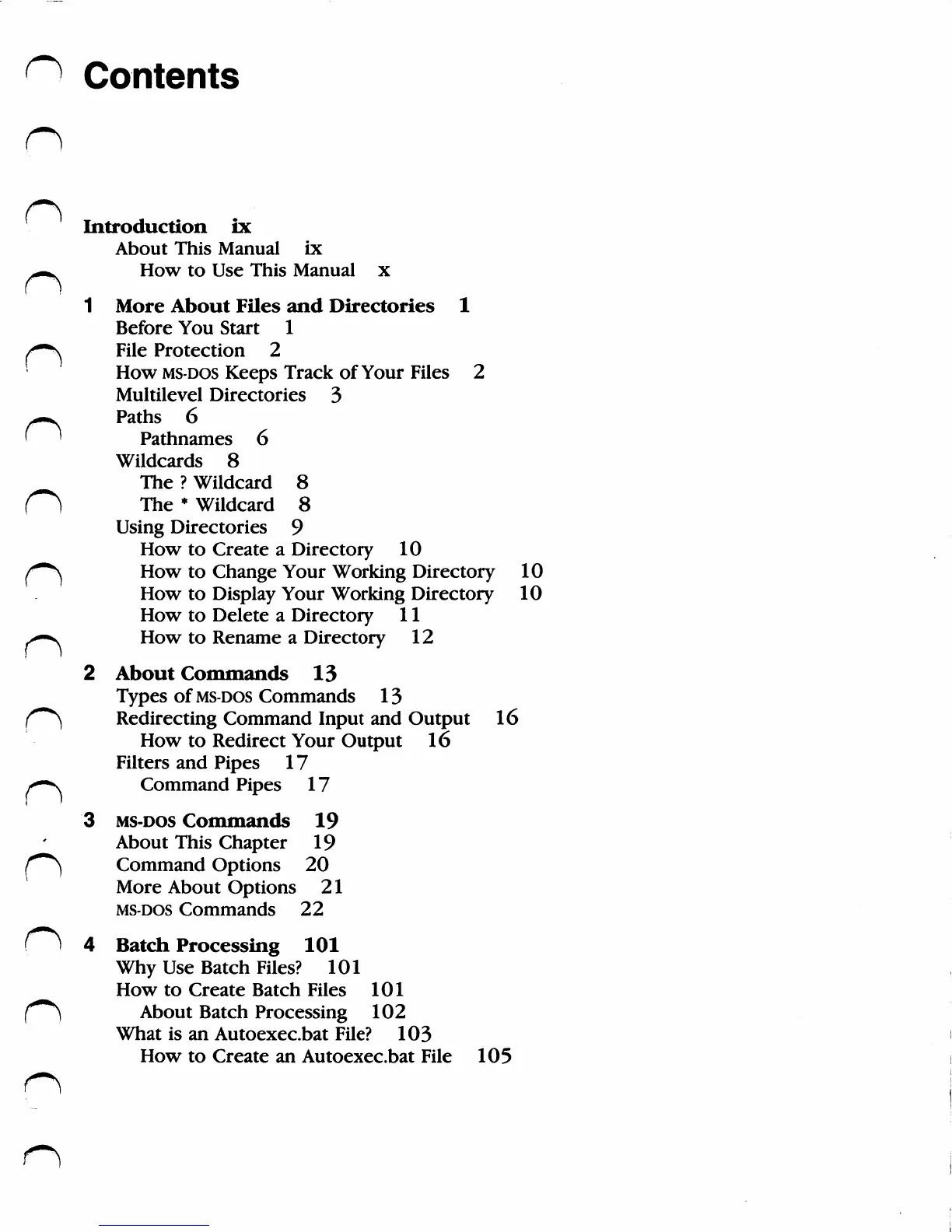
Contents
n
Introduction
ix
About
This
Manual
ix
*m*.
How
to
Use
This
Manual
x
1
More
About
Files
and
Directories
1
Before
You
Start
1
/—^
File
Protection
2
How
ms-dos
Keeps
Track
of
Your
Files
2
Multilevel
Directories
3
n
Paths
6
Pathnames
6
Wildcards
8
The
?
Wildcard
8
fi
The
*
Wildcard
8
Using
Directories
9
How
to
Create
a
Directory
10
/*"^
How
to
Change
Your
Working
Directory
10
How
to
Display
Your
Working
Directory
10
How
to
Delete
a
Directory
11
>—v
How
to
Rename
a
Directory
12
2
About
Commands
13
Types
of
ms-dos
Commands
13
('***)
Redirecting
Command
Input
and
Output
16
How
to
Redirect
Your
Output
16
Filters
and
Pipes
17
/—s
Command
Pipes
17
3
ms-dos
Commands
19
About
This
Chapter
19
/"""^
Command
Options
20
More
About
Options
21
ms-dos
Commands
22
(
^
4
Batch
Processing
101
Why
Use
Batch
Files?
101
How
to
Create
Batch
Files
101
("**)
About
Batch
Processing
102
What
is
an
Autoexec.bat
File?
103
How
to
Create
an
Autoexec.bat
File
105

Related product manuals