EasyManua.ls Logo

Commodore PC - Page 72

Commodore PC
414 pages
Print Icon
To Next Page IconTo Next Page
To Previous Page IconTo Previous Page
Loading...
x
Introduction
What's
next
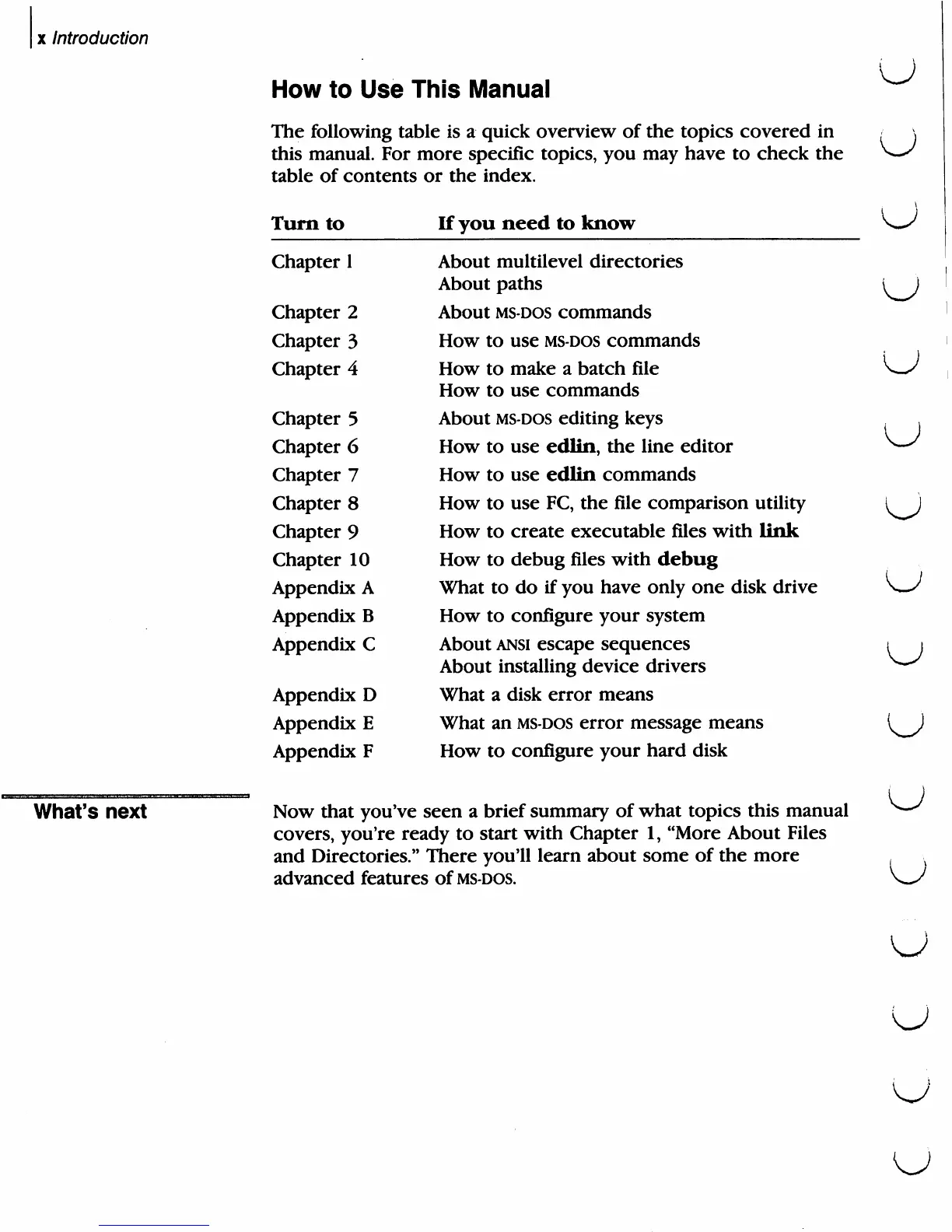
How
to
Use
This
Manual
The
following
table
is
a
quick
overview
of
the
topics
covered
in
this
manual.
For
more
specific
topics,
you
may
have
to
check
the
table
of
contents
or
the
index.
U
U
Turn
to
If
you
need
to
know
Chapter
1
About
multilevel
directories
About
paths
Chapter
2
About
MS-DOS
commands
Chapter
3
How
to
use
ms-dos
commands
Chapter
4
How
to
make
a
batch
file
How
to
use
commands
Chapter
5
About
ms-dos
editing
keys
Chapter
6
How
to
use
edlin,
the
line
editor
Chapter
7
How
to
use
edlin
commands
Chapter
8
How
to
use
FC, the
file
comparison
utility
Chapter
9
How
to
create
executable
files
with
link
Chapter
10
How
to
debug
files
with
debug
Appendix
A
What
to
do
if
you
have
only
one
disk
drive
Appendix
B
How
to
configure
your
system
Appendix
C
About
ansi
escape
sequences
About
installing
device
drivers
Appendix
D
What
a
disk
error
means
Appendix
E
What
an
ms-dos
error
message
means
Appendix
F
How
to
configure
your
hard
disk
Now
that
you've
seen
a
brief
summary
of
what
topics
this
manual
covers,
you're
ready
to
start
with
Chapter
1,
"More
About
Files
and
Directories."
There
you'll
learn
about
some
of
the
more
advanced
features
of
ms-dos.
u
u
u
u

Related product manuals