EasyManua.ls Logo

Commodore PC - Filters and Pipes; Command Pipes

Commodore PC
414 pages
Print Icon
To Next Page IconTo Next Page
To Previous Page IconTo Previous Page
Loading...
About
Commands
17
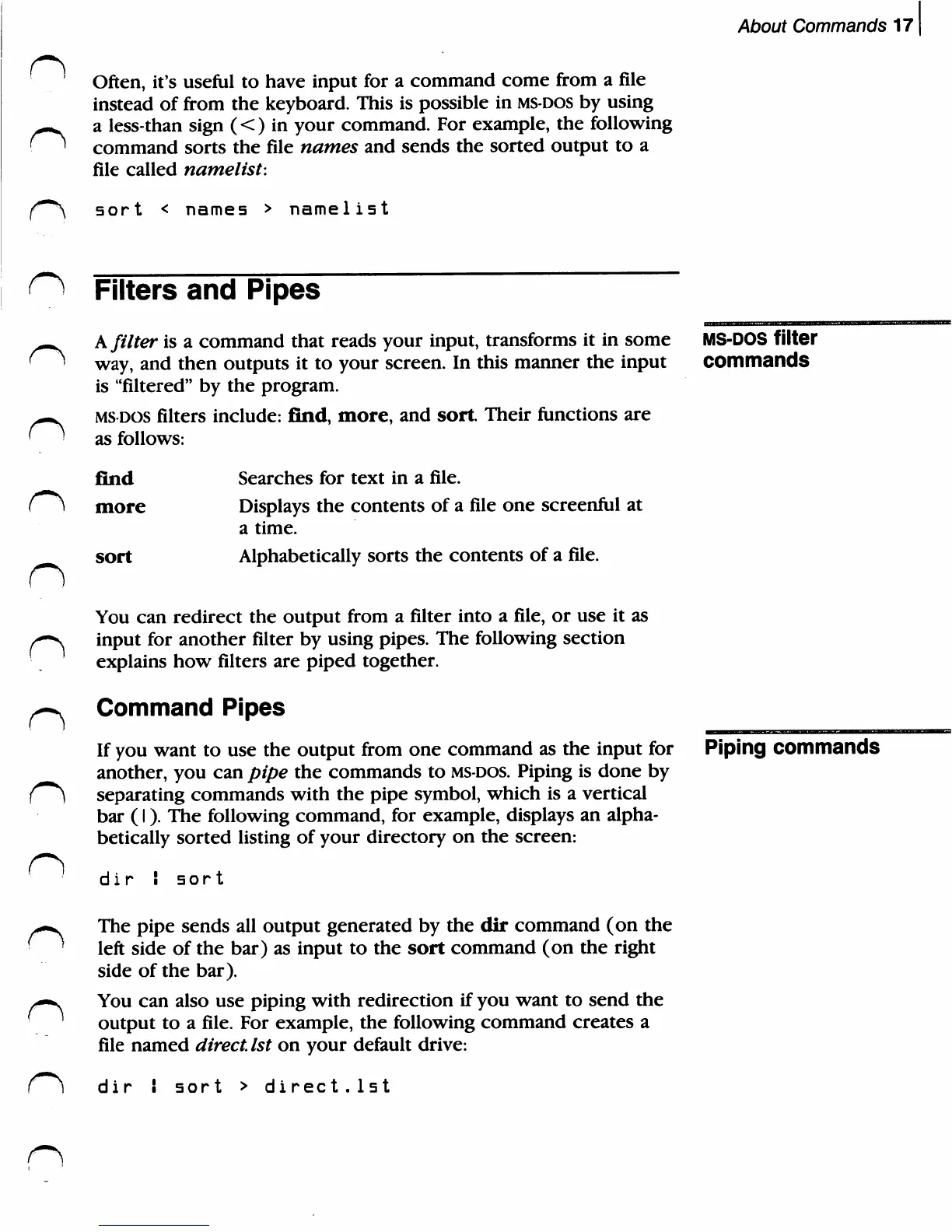
Often,
it's
useful
to
have
input
for
a
command
come
from
a
file
instead
of
from
the
keyboard.
This
is
possible
in
ms-dos
by
using
a
less-than
sign
(<)
in
your
command.
For
example,
the
following
command
sorts
the
file
names
and
sends
the
sorted
output
to a
file
called
namelist:
sort
names
>
namelist
n
n
n
n
n
Filters
and
Pipes
A
filter
is
a
command
that
reads
your
input,
transforms
it
in
some
way,
and
then
outputs
it
to
your
screen.
In
this
manner
the
input
is
"filtered"
by
the
program.
ms-dos
filters
include:
find,
more,
and
sort.
Their
functions
are
as
follows:
find
more
sort
Searches
for
text
in
a
file.
Displays
the
contents
of
a
file
one
screenful
at
a
time.
Alphabetically
sorts
the
contents
of
a
file.
You
can
redirect
the
output
from
a
filter
into
a
file,
or
use
it
as
input
for
another
filter
by
using
pipes.
The
following
section
explains
how
filters
are
piped
together.
Command
Pipes
If
you
want
to
use
the
output
from
one
command
as
the
input
for
another,
you
can
pipe
the
commands
to
MS-DOS.
Piping
is
done
by
separating
commands
with
the
pipe
symbol,
which
is
a
vertical
bar
(I).
The
following
command,
for
example,
displays
an
alpha
betically
sorted
listing
of
your
directory
on
the
screen:
di
r
I
sort
The
pipe
sends
all
output
generated
by
the
dir
command
(on
the
left
side
of
the bar)
as
input
to
the
sort
command
(on
the
right
side
of
the
bar).
You
can
also
use
piping
with
redirection
if
you
want
to
send
the
output
to a
file.
For
example,
the
following
command
creates
a
file
named
direct.
1st
on
your
default
drive:
ms-dos
filter
commands
Piping
commands
dir
i
sort
>
direct.1st

Related product manuals