EasyManua.ls Logo

Commodore Plus 4 - Page 137

Commodore Plus 4
464 pages
Print Icon
To Next Page IconTo Next Page
To Previous Page IconTo Previous Page
Loading...
Section
3.
Spreadsheet
Commands
125
CINS
SS
Inserts
a
blank
column
between
filled
columns.
Columns
to
the
right
of
the
inserted
column
are
moved
one
column
to
the
right
to
make
room
for
the
inserted
column.
Be
careful
when
you
use
the
CINS
(Column
INSert)
command:
CINS
does
not
adjust
any
formulas
that
are
affected
by
a
column
insertion.
Formulas
that
refer
to
cells
to
the
right
of
an
inserted
column
will
most
likely
be
affected,
and
you
will
have
to
change
the
formulas
manually.
CM
WP,
SS
When
issued
in
the
spreadsheet,
clears
the
spreadsheet
work
area,
but
does
not
affect
the
other
work
areas.
Spreadsheet
work
is
lost
after
you
issue
a
CM
command,
unless
you
save
the
work
first.
After
you
issue
a
CM
command,
the
computer
displays
a
question
to
double
check
your
intentions.
In the
word
processor
the
question
is:
CLEAR
ALL
Y/
N?
In
the
spreadsheet
the
question
is:
ARE
YOU
SURE
Y/
N?
The
questions
are
the
same:
Are you
sure
you
want
to
clear
the
current
work
area?
Because
all
informa
tion
cleared
from
the
work
area
is
lost
unless
you
save
it,
this
question
gives
you
a
last
chance
to
change
your
mind
before
the
work
area
is
erased.
COLOR
SS
Lets
you
select
a
new
color
for the
screen
background.
When
you
first
turn
on
the
built-in
software,
the
word
processor
work
area
displays
a
white
cursor
and
pale
yellow
characters
on
a black
screen.
If
you
want
to
use a
different
color
combination,
issue
a
COLOR
command
in
the
spreadsheet.
You
can
change
the
color
of
the
screen
only
from
the
spreadsheet.
You
can
select
only
the
screen
background
color
with
the
COLOR
command;
other
colors
are
selected
automatically.
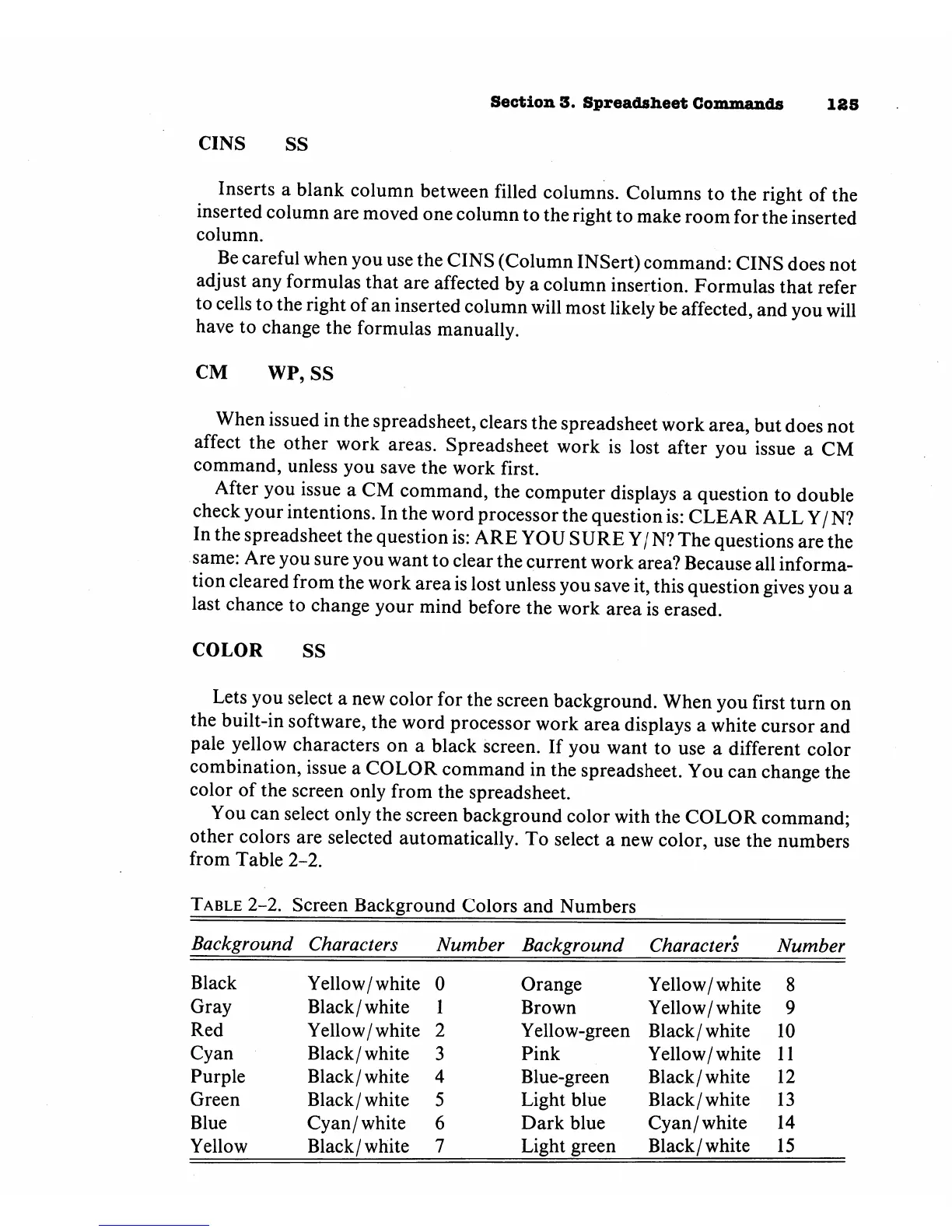
To
select
a
new
color,
use
the
numbers
from
Table
2-2.
Table
2-2.
Screen
Background
Colors
and
Numbers
Background
Black
Gray
Red
Cyan
Purple
Green
Blue
Yellow
Characters
Yellow/white
Black/white
Yellow/white
Black/
white
Black/white
Black/
white
Cyan/white
Black/white
Number
0
1
2
3
4
5
6
7
Background
Orange
Brown
Yellow-green
Pink
Blue-green
Light
blue
Dark
blue
Light
green
Characters
Yellow/white
Yellow/
white
Black/white
Yellow/white
Black/white
Black/white
Cyan/white
Black/white
Number
8
9
10
11
12
13
14
15

Other manuals for Commodore Plus 4

Related product manuals