EasyManua.ls Logo

Commodore Plus 4 - Page 143

Commodore Plus 4
464 pages
Print Icon
To Next Page IconTo Next Page
To Previous Page IconTo Previous Page
Loading...
Section
3.
Spreadsheet
Commands
131
Example:
id
Initializes
the
disk
currently
in
the
drive.
IFTRUE
Checks
the
condition
of
part
of
a
formula.
IFTRUE
lets
you
make
cell
entries
based
on
conditions
in
other
cells.
For
example,
if
you
are
figuring
a
budget,
you
can
put
an
amount
of
money
into
the
savings
column
IF
it
is
TRUE
that
income
minus
expenses
for
the
month
is
a
positive
number.
The
IFTRUE
formula
is
a
compound
command
consisting
of
the
following:
1.
The
first
part
contains
the
calculation
whose
outcome
is
checked
by
IFTRUE.
2.
The
IFTRUE
command
is
typed
next.
3.
The
final
part
is
the
assignment
of
a
value
to
a
cell,
which
is
executed
ONLY
if
the
condition
in
the
first
part
is
met.
The
first
part
of
the
formula
usually
contains
a
comparison
operator.
Four
comparison
operators
you
can
use
are
described
in
Table
2-3.
The
third
part
of
the
IFTRUE
formula
uses
the
left-pointing
arrow
to
assign
a
value
to
a
cell,
which
occurs
only
when
the
first
part
of
the
formula
is
true.
The
IFTRUE
formula
can
be
used
while
the
cell
cursor
is
in
any
cell.
However,
when
the
IFTRUE
formula
is
executed,
a 0
(when
false)
or
1
(when
true)
is
placed
in
the
current
cell
if
that
cell
is
not
also
the
destination
for
the
IFTRUE
formula.
So do
not
issue
an
IFTRUE
when
the
current
cell
contains
a
value
you
want
to
protect.
You
can
also
use
the
NOTIFTRUE
command
to
check
conditions
in
a
for
mula.
NOTIFTRUE
assigns
the
value
in
part
3
of
the
formula
only
when
the
calculation
in
the
first
part
of
the
formula
is
not
true.
Examples:
10;3>
11
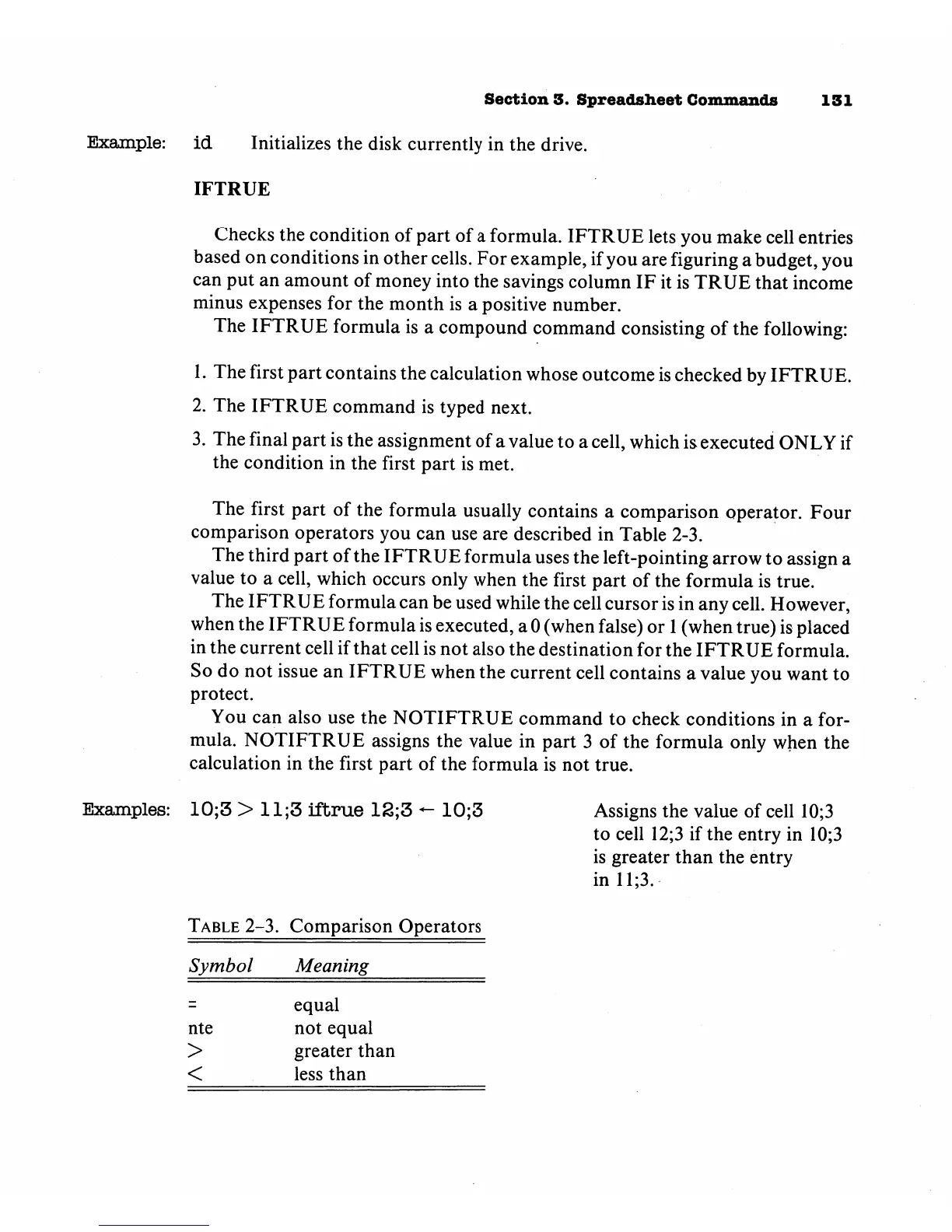
Table
2-3.
Symbol
nte
>
<
;3
lftrue
12
Comparison
Meaning
equal
not
equal
greater
than
less
than
;3
-
10;3
Operators
Assigns
the
value
of
cell
10;3
to
cell
12;3
if
the
entry
in
10;3
is
greater
than
the
entry
in
11;3.

Other manuals for Commodore Plus 4

Related product manuals