EasyManua.ls Logo

Commodore Plus 4 - DOS ERROR MESSAGES

Commodore Plus 4
464 pages
Print Icon
To Next Page IconTo Next Page
To Previous Page IconTo Previous Page
Loading...
Programming
Sound
and
Music 175
SOUND
voice,
tone
frequency,
duration
1.
Voice
selects
the
voice
in
which
the
tone
is
to
be
played.
There
are
two
voices
and
three
voice
settings
(the
second
voice
has
an
alternative
setting):
Voice
setting
1
plays
1024
tones.
Voice
setting
2
plays the
same
1024
sounds.
Voice
setting
3
plays
1024
settings
of
noise.
You
can
play
sounds
from
voices
1
and
2
simultaneously.
Because
voice
setting
3
is
an
alternative
setting
for
voice
2,
you
cannot
simultaneously
play
sounds
with
voice
settings
2
and
3.
2.
Tone
frequency
selects
the
frequency
of
the
sound
to
be
played.
This
setting
can
be
from
0
to 1023.
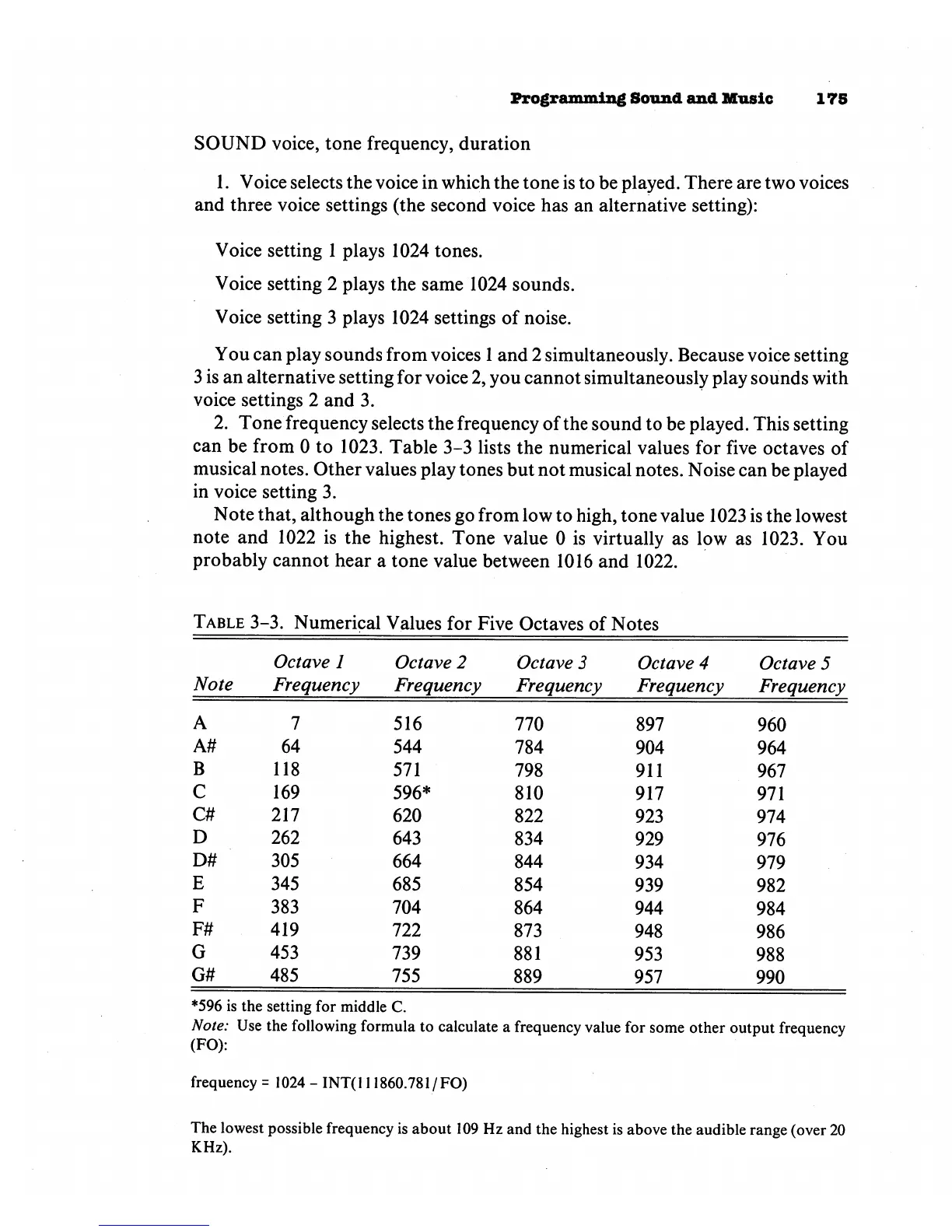
Table
3-3
lists
the
numerical
values
for
five
octaves
of
musical
notes.
Other
values
play
tones
but not
musical
notes.
Noise
can
be
played
in
voice
setting
3.
Note
that,
although
the
tones
go
from
low
to
high,
tone
value
1023
is
the
lowest
note
and
1022
is
the
highest.
Tone
value 0
is
virtually
as
low
as
1023.
You
probably
cannot
hear
a
tone
value
between
1016
and
1022.
Table
3-3.
Numerical
Values
for
Five
Octaves
of
Notes
Note
A
A#
B
C
C#
D
D#
E
F
F#
G
G#
Octave
1
Frequency
7
64
118
169
217
262
305
345
383
419
453
485
Octave
2
Frequency
516
544
571
596*
620
643
664
685
704
722
739
755
Octave
3
Frequency
770
784
798
810
822
834
844
854
864
873
881
889
Octave
4
Frequency
897
904
911
917
923
929
934
939
944
948
953
957
Octave 5
Frequency
960
964
967
971
974
976
979
982
984
986
988
990
*596
is
the
setting
for
middle
C.
Note:
Use
the
following
formula
to
calculate
a
frequency
value
for
some
other
output
frequency
(FO):
frequency
=
1024
-
INT(
111860.781
/
FO)
The
lowest
possible
frequency
is
about
109
Hz
and
the
highest
is
above
the
audible
range
(over
20
KHz).

Other manuals for Commodore Plus 4

Related product manuals