EasyManua.ls Logo

Commodore Plus 4 - Page 206

Commodore Plus 4
464 pages
Print Icon
To Next Page IconTo Next Page
To Previous Page IconTo Previous Page
Loading...
194
Programming
Graphics
have
changed
the
foreground
color
since
drawing
in
that
cell,
the
foreground
colored
pixels
will
change
color,
even
though
you
are
drawing
in
background
color.
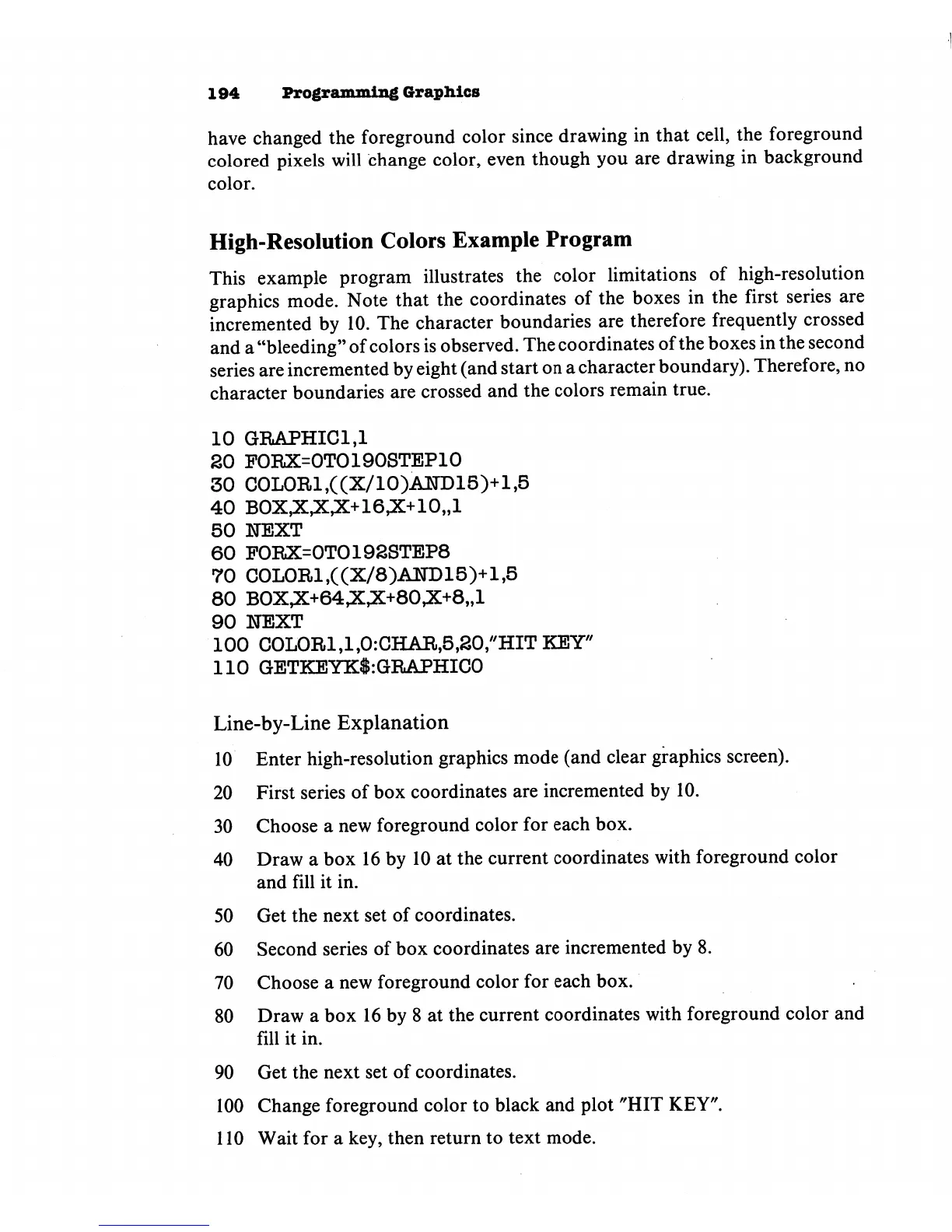
High-Resolution
Colors
Example Program
This
example
program
illustrates
the
color
limitations
of
high-resolution
graphics
mode.
Note
that
the
coordinates
of
the
boxes
in
the
first
series
are
incremented
by
10.
The
character
boundaries
are
therefore
frequently
crossed
and
a
"bleeding"
of
colors
is
observed.
The
coordinates
of
the
boxes
in
the
second
series
are
incremented
by
eight
(and
start
on
a
character
boundary).
Therefore,
no
character
boundaries
are
crossed
and
the
colors
remain
true.
10
GRAPHIC1,1
SO
FORX=0TO190STEP10
30
COLOR1,((X/1O)AND15)+1,5
40
B0X,X,X,X+16,X+10,,l
50
NEXT
60
F0RX=0T0192STEP8
70
COLOR1,((X/8)AND15)+1,5
80
B0X,X+64,X,X+80,X+8,,l
90
NEXT
100
COLOR1AACHAR,5,20/'HITKEY''
110
GETKEYK$:GRAPHIC0
Line-by-Line
Explanation
10
Enter
high-resolution
graphics
mode
(and
clear
graphics
screen).
20
First
series
of
box
coordinates
are
incremented
by
10.
30
Choose
a
new
foreground
color
for
each
box.
40
Draw
a
box
16
by
10
at
the
current
coordinates
with
foreground
color
and
fill it
in.
50
Get
the
next
set
of
coordinates.
60
Second
series
of
box
coordinates
are
incremented
by
8.
70
Choose
a
new
foreground
color
for
each
box.
80
Draw
a
box
16
by
8
at
the
current
coordinates
with
foreground
color
and
fill
it
in.
90
Get
the
next
set
of
coordinates.
100
Change
foreground
color
to
black
and
plot
"HIT
KEY".
110
Wait
for
a
key,
then
return
to
text
mode.

Other manuals for Commodore Plus 4

Related product manuals