EasyManua.ls Logo

Commodore Plus 4 - Page 27

Commodore Plus 4
464 pages
Print Icon
To Next Page IconTo Next Page
To Previous Page IconTo Previous Page
Loading...
BASIC
Version
S.S
Commands,
Functions,
and
System
Variables
1S
Parameter:
any
numeric
expression
Examples:
PRI3STT
ATN(
1)
.785398163
Displays
the
arctangent of
1
in
radians.
PKTKTT
ATM*(-S)*180/7r
Displays
the
arctangent
of
-2
in
degrees.
-63.4349488
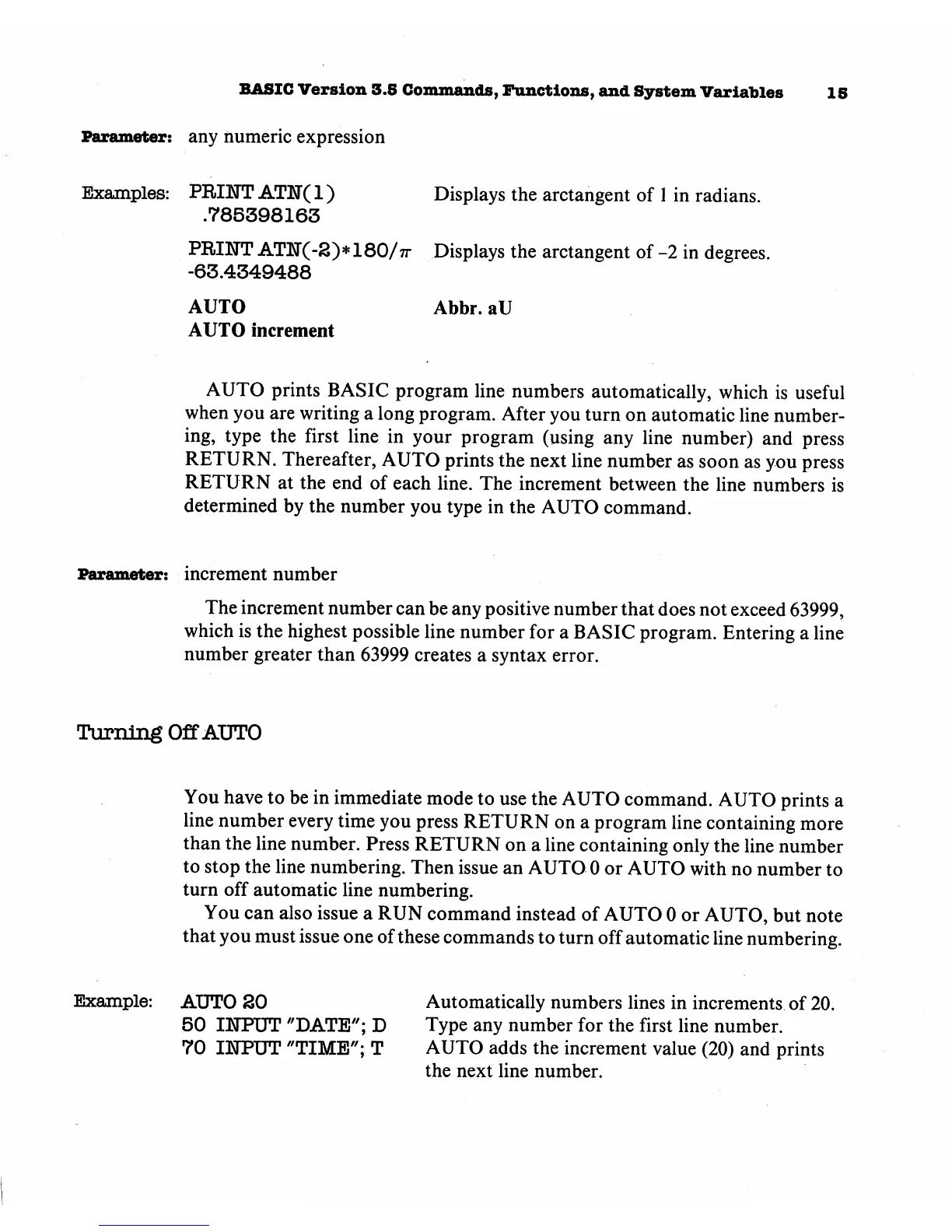
AUTO
AUTO
increment
Abbr.
aU
AUTO
prints
BASIC
program
line
numbers
automatically,
which
is
useful
when
you
are
writing
a
long
program.
After
you
turn
on
automatic
line
number
ing,
type
the
first
line
in
your
program
(using
any
line
number)
and
press
RETURN.
Thereafter,
AUTO
prints
the
next
line
number
as
soon
as
you
press
RETURN
at
the
end
of
each
line.
The
increment
between
the
line
numbers
is
determined
by
the
number
you
type
in
the
AUTO
command.
Parameter:
increment
number
The
increment
number
can
be
any
positive
number
that
does
not
exceed
63999,
which
is
the
highest
possible
line
number
for
a
BASIC
program.
Entering
a
line
number
greater
than
63999
creates
a
syntax
error.
Turning
Off
AUTO
You
have
to
be
in
immediate
mode
to
use
the
AUTO
command.
AUTO
prints
a
line
number
every
time
you
press
RETURN
on
a
program
line
containing
more
than
the
line
number.
Press
RETURN
on
a
line
containing
only
the
line
number
to
stop
the
line
numbering.
Then
issue
an
AUTO
0 or
AUTO
with
no
number
to
turn
off
automatic
line
numbering.
You
can
also
issue
a
RUN
command
instead
of
AUTO
0 or
AUTO,
but
note
that
you
must
issue
one
of
these
commands
to
turn
off
automatic
line
numbering.
Example:
AUTO
SO
50
INPUT
"DATE";
D
70
IITPUT
"TIME";
T
Automatically
numbers
lines
in
increments
of
20.
Type
any
number
for
the
first
line
number.
AUTO
adds
the
increment
value
(20)
and
prints
the
next
line
number.

Other manuals for Commodore Plus 4

Related product manuals